if you are only doing this a few times
try creating 2 events
one for virtual and one for physical
in the related events section of the edit page- relate to each version
Replies for tickets on suppota
if you are only doing this a few times
try creating 2 events
one for virtual and one for physical
in the related events section of the edit page- relate to each version
aaah sorry about that
that is controled per event – and is set when you edit the event- you open the tickets pop up and in that pop up is Ticket Section Subtitle
thank you,
Sorry i just need to change the text content. Where is that in the backend?
add this to your appearance>>>>customize..>>>additional css
.eventon_list_event .event_description p, .evcal_list_a .event_description li, .evo_pop_body .evcal_evdata_row .evcal_evdata_cell p {
font-size: 18px;
}
play around with that 18 to get the desired size
Hi Kelsey,
If you do not see the new style changes, Go to “EventON Settings > Styles & Scripting > Turn off write styles to header” Click save changes – to write the styles css code direct into page header. You can turn this off once the cache is cleared. You can also clear cache on your website via wordpress and/or from server to make sure new style changes are populated into page.
Please let us know if the issue persists
If I add $dt->setTimeZone( new DateTimezone(‘Europe/Zurich’) ); for DTSTART and DTEND everything works fine. There most be something wrong with your variables $timezone_method and $WPtimezone.
Hi sorry for the delayed reply.
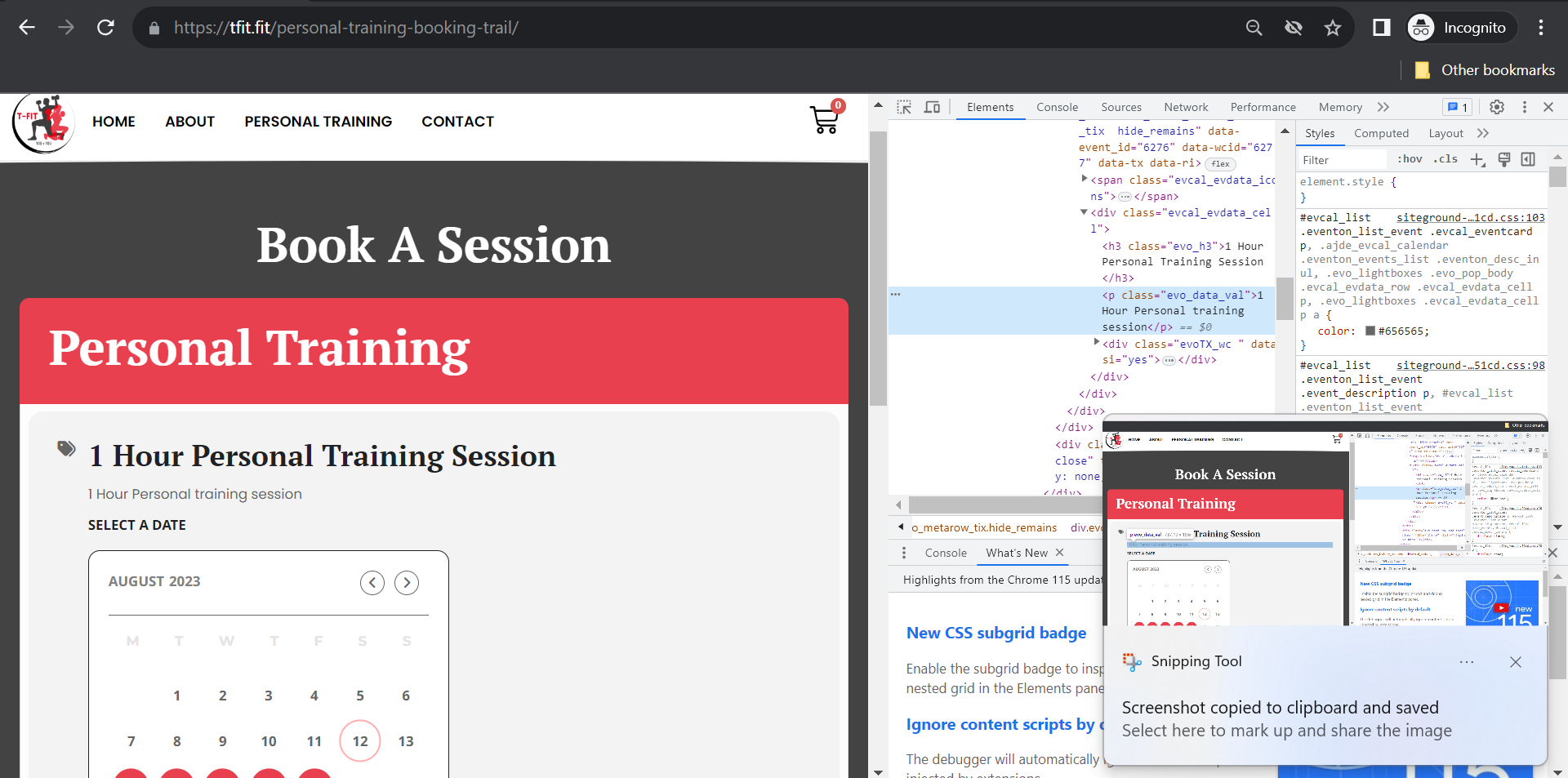
1..I tried to change the date to september 3 … 2023. but sill august month is showing. will I not be able to show the september month, for the users to register?
2.. How to add images in the calander.. I added a sample image in the Event string image. But its not showing in the event page.
Need help in configuring the same
If you have any further questions or concerns please create a new ticket.
Hello,
Thank you for your great suggestion, at the moment it is not supported. However please create a new ticket and select Feature Request as category so others can vote on your idea and get it moved into development faster.