We are glad your issue is resolved, if you have any further questions or concerns please create a new ticket.
Archives: Replies
Replies for tickets on suppota
Reply to: tickets(402652)
So you’ve managed to update them as well? Please let me know.
Reply to: tickets(402415)
This is the website we have login info to:
https://ludwig-mueller.at/
And yours is different, I believe. Could you check and let me know?
Reply to: tickets(401519)
You can apply it using the plugin editor. I can also apply it if I can access wp-admin.
The current login info doesn’t work, I am afraid.
Regarding the search function. I have had this shortcode in place. But when I click the button type (in the attached example: Online Courses and Exams) nothing happens.
I cannot find EventON calendar on your website. Could you send us a link?
In the previous version, I was able to display all of these buttons at the top of the calendar. Is this still available?
Please go to EventON > Sorting and Filtering > make sure ”Event filtering options to show on the calendar” and ”Event sorting options to show on Calendar (Note: Event Date is default sorting method.)” are enabled.
Reply to: tickets(402801)
Hello,
I believe that this is how WordPress works. The same list of dates on our side:
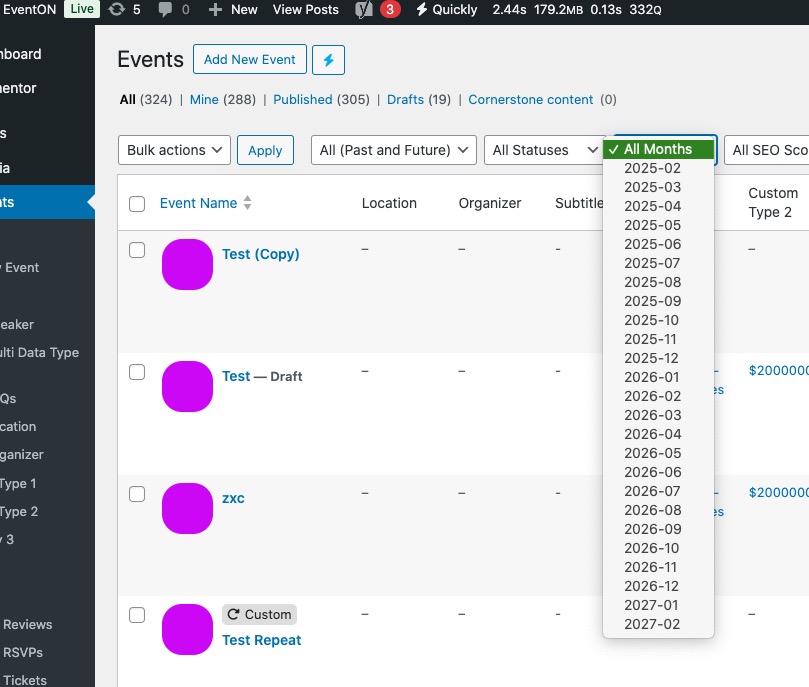
Does it affect performance?
Reply to: tickets(402809)
Hello,
Could you tell us more about your project? Maybe we can help.
Please send us order ids you are trying to refund.
Also make sure to cancel your subscriptions:
https://docs.myeventon.com/documentations/how-to-cancel-addon-subscription-before-auto-renew/
Reply to: tickets(402415)
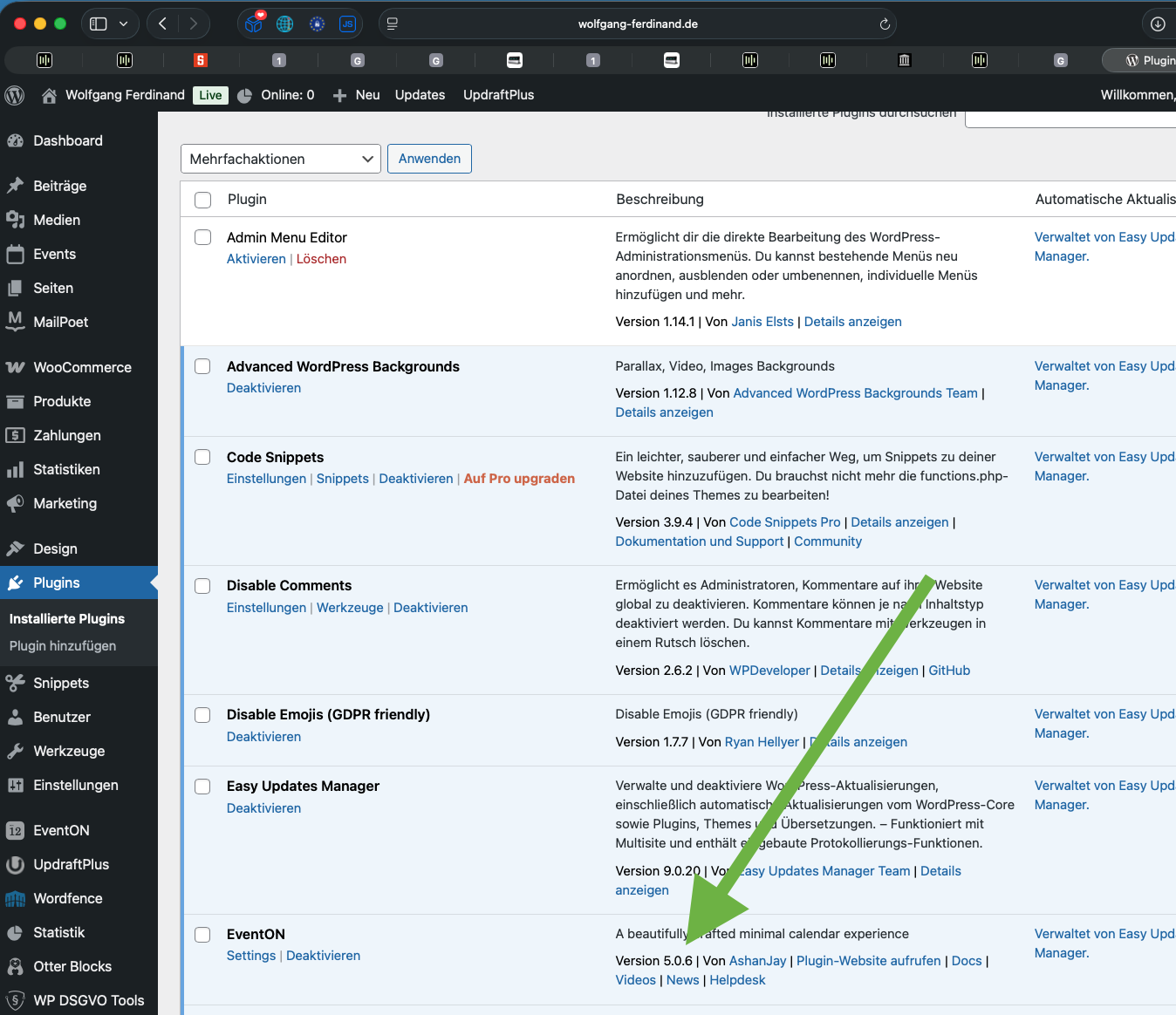
5.0.6 is already installed – you can see it in plugins
Reply to: tickets(401519)
Hello, Where do get access this to this code? Can I get to it via the plugin editor?
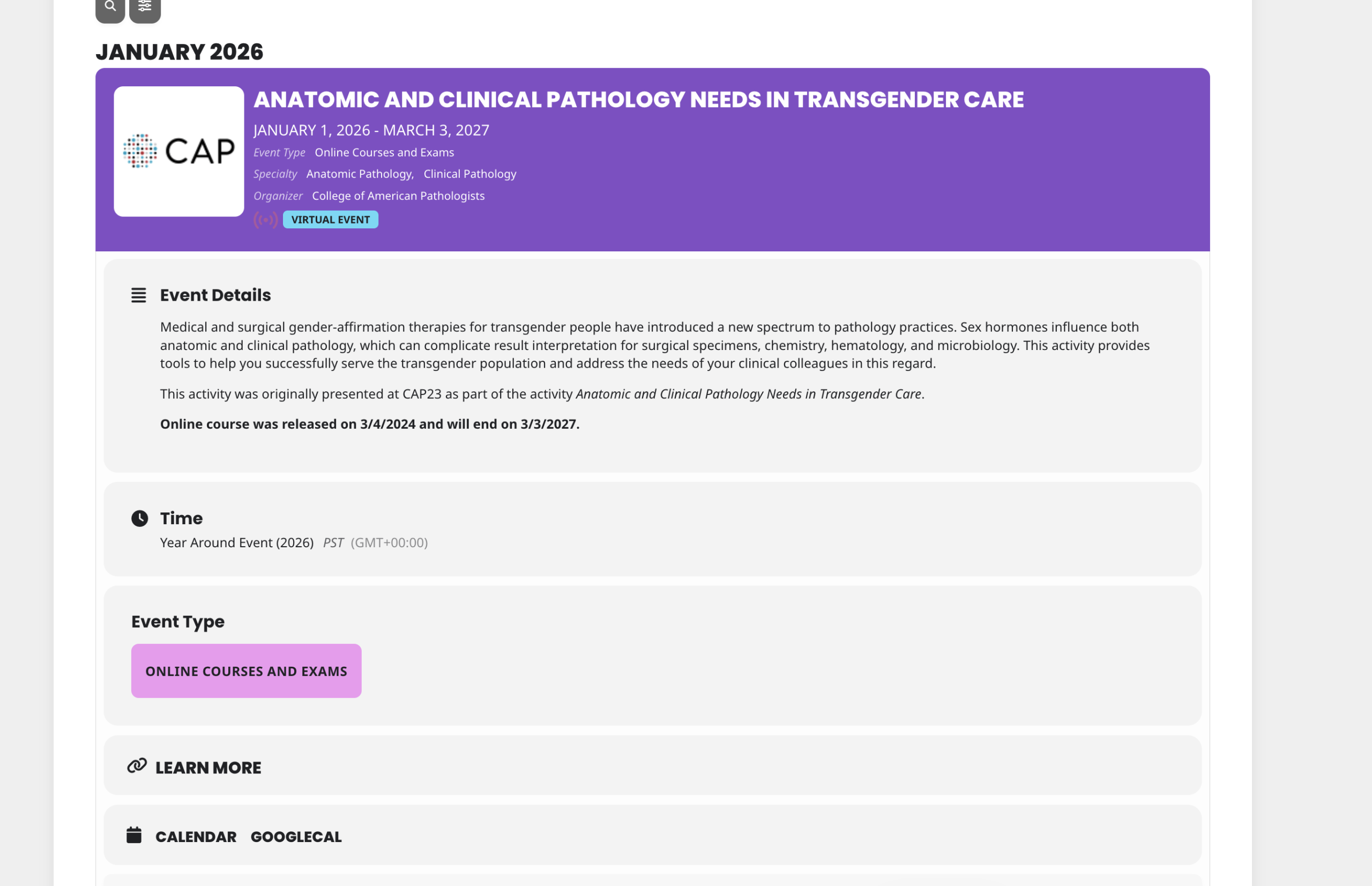
Regarding the search function. I have had this shortcode in place. But when I click the button type (in the attached example: Online Courses and Exams) nothing happens.
In the previous version, I was able to display all of these buttons at the top of the calendar. Is this still available?
Thanks! Mary
Reply to: tickets(402652)
Bonjour,
nous avons fais des recherches et le client ne nous avait pas fournit les identifiant a Myeventon
effectivement nous avions bien acheter les add ons
Merci
Reply to: tickets(402801)