That worked – thank you! I could be dreaming but I thought there was a bit of darkened overlay on the event images before – so you could read the event title better. Is that a setting somewhere or could it be achieved with CSS?
Archives: Replies
Replies for tickets on suppota
Reply to: tickets(322095)
Works well. Thank you for your great service.
Brett
Reply to: tickets(322410)
Thank you!
Reply to: tickets(322228)
Hi again
Thanks for your message
I have made a copy on the staging environment, better to use that to debug.
the login page is https://dynamictap2stg.wpengine.com/login
the username is: eventon
password is: DrHH^18bx1b$h2g3nHZ&w*O$
Zuza
Reply to: tickets(322385)
Thats great, thankyou. I’ve checked and we’re currently doing all of the above so maybe theres something wrong with our system?
Logins are:
https://dreamcoatstars.com/wp-admin/
myeventon@redentertainment.co.uk
dofbig-1kyjbo-qyhwiS
Reply to: tickets(319793)
I disabled the plugin and waited for some time, but no errors. Can we disable it and wait for 24 hours?
Reply to: tickets(322448)
Hello,
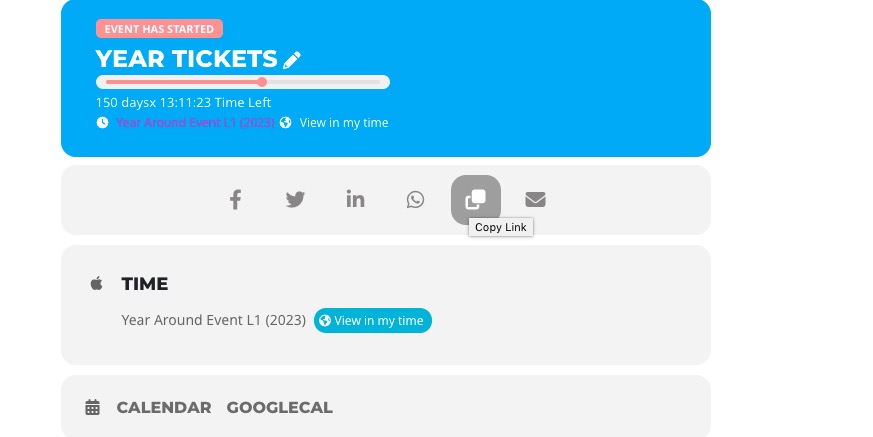
You can either add ux_val=”4″ to the shortcode and redirect users to Single Event Page or users can click on this button inside of Event Card:
Reply to: tickets(322397)
Please add this CSS code to EventON > Styles (If you don’t see any change, EventON > Scripts & Styling > turn off Write dynamic styles to header > save settings > turn on Write dynamic styles to header):
.ajde_evcal_calendar.boxy.boxstyle0 #evcal_list .eventon_list_event .desc_trig, .ajde_evcal_calendar.boxy.boxstyle0 #evcal_list p.desc_trig_outter {background-position: center;}
Reply to: tickets(322385)
Please create a new Event Type with the color you want. Now add etc_override=”yes” to the shortcode.
Go to Edit Event > assign previously created event type to the event.
Reply to: tickets(321145)
It’s downgraded, and working fine now.
I’ll be awaiting to fix this issue in the new version.
Thanks,,,