Hello I checked many things. I think, that EventOn breaks my system regularly.
If I deactivated every Plugin I have no problem. Then I activate the necessary plugins, and open a Event sometimes it works for the first one or two time. After a while, the system is very slow, my health check tells me the server is slow and the cache didn’t work. When I open Eventon again I can’t setup an event. After pressing refresh for three or four time, I can setup the event.
I go back to EventOn Lite to check out if this works like before.
I’ll keep you updated
Could you please retry now?
no 2FA until 12/08
Hi there,
the login page is dynamictape.com/login
the username is: eventon
password is: DrHH^18bx1b$h2g3nHZ&w*O$
Then the link to where the microsite where the plugin is enabled is here https://dynamictape.com/wp-admin/plugins.php
Thanks!
Zuza
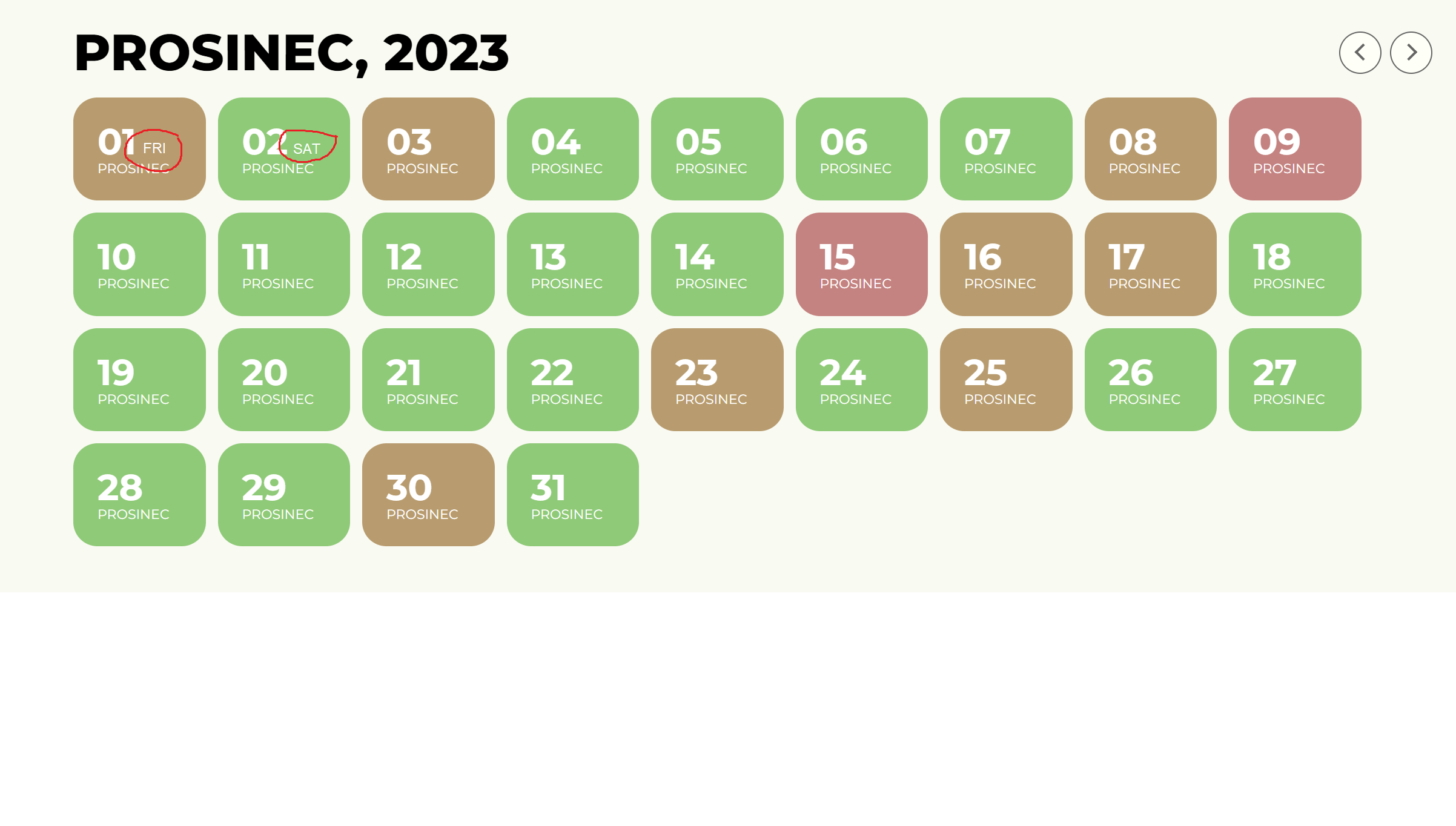
Here I am sending a visualization of what I have in mind.
“Hello,
You also need to manually add it by following this guide:
https://docs.myeventon.com/documentations/how-to-add-additional-fields-to-download-attendees-csv-file/”
In answer: I have an additional field like this.
add_filter(‘evotx_additional_ticket_info_fields’, ‘evotx_1’, 10,1);
function evotx_1($fields){
// additonal field code block
$fields[‘tckimlik’] = array(
‘type’=>’text’,
‘label’=> evo_lang(‘TC Kimlik Numarası’),
‘required’=> true,
);
// you can use same code block for more fields
return $fields;
}
How can I get it to be added to the CSV as “TC ID”. Please help, it’s an important topic for me and I don’t have code knowledge.
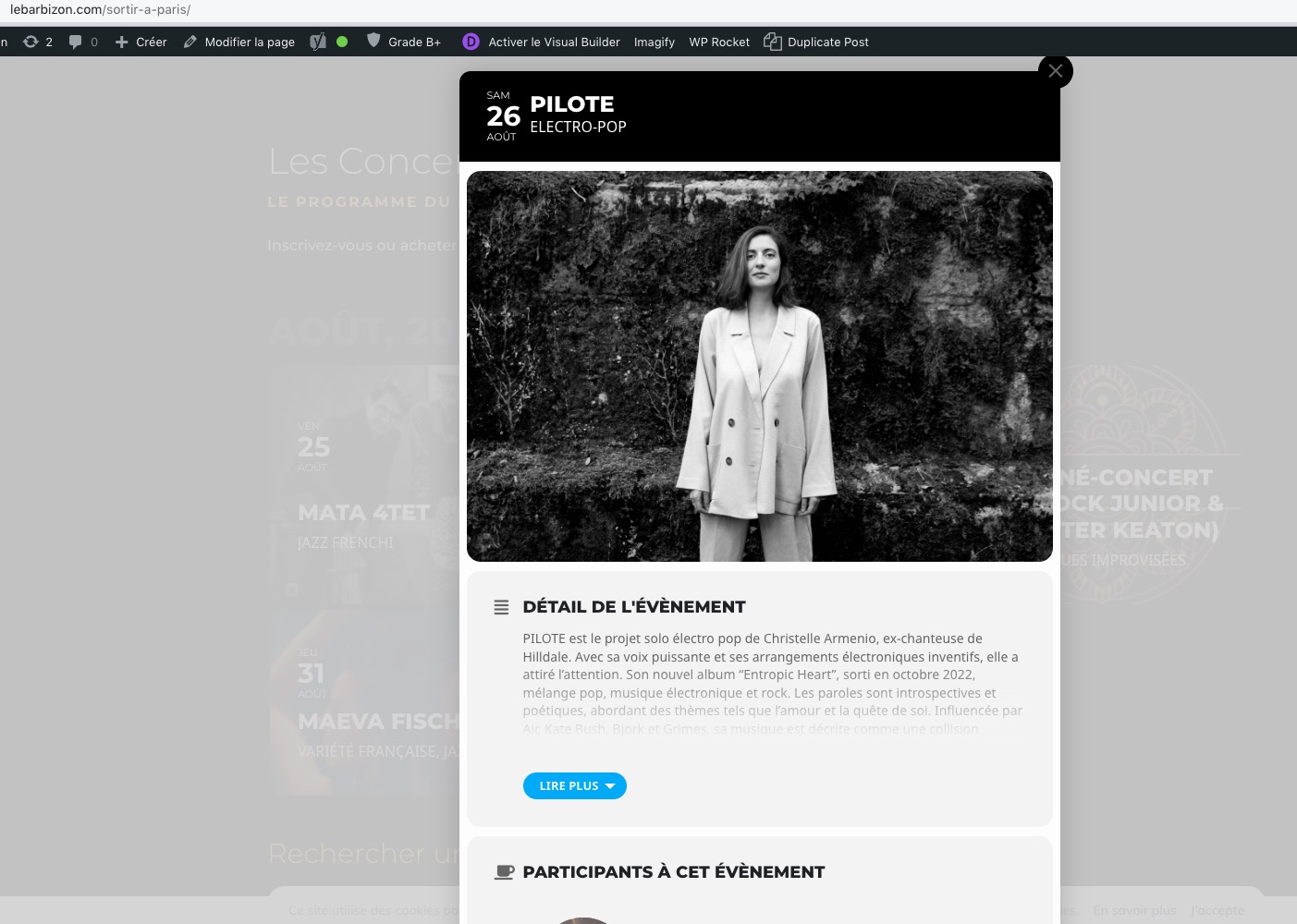
Could you send us a screenshot in Incognito mode:
And, the “fonts” of the Event Title in the Calendar (of the “https://www.lebarbizon.com/sortir-a-paris/”) page are not the good… (not the same as Safari Explorer or Firefox Explorer)…
Could you send us a screenshot comparing them?
For this you need to customize the source code, I am afraid. Unfortunately, we unable to help with such customizations, since it’s against CodeCanyon’s Support Policy.
We are sorry for the delay. The theme affects EventON’s search functionality somehow.
Could you upload a zip with the theme somewhere and send us a link, so we can install it on our server for a test?
Hi Artem,
Unfortunately, it doesn’t work.
And now, I have problem with the “https://www.lebarbizon.com/sortir-a-paris/” webpage…
The eventcards are still in “Fullscreen” (with GoogleChrome).
And, the “fonts” of the Event Title in the Calendar (of the “https://www.lebarbizon.com/sortir-a-paris/”) page are not the good… (not the same as Safari Explorer or Firefox Explorer)…
But I have customers who said to me that they have the problem with Firefox…
It is weard.
I cleared the cash with WP Rocket with no result.
Have you a solution to fix this ?
Thanks a lot for your help.
Jean
Hello,
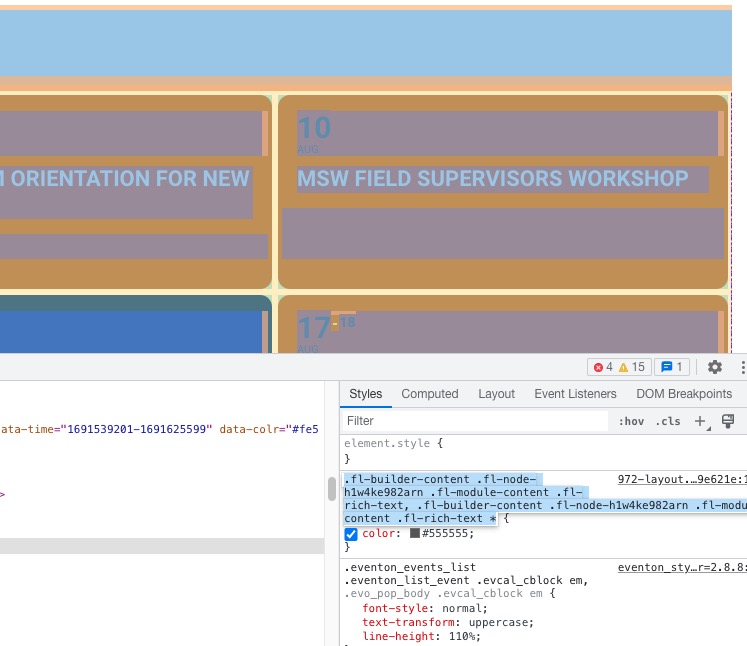
There is this code that affects EventON:
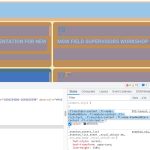
Please remove it.
Or try this code:
.ajde_evcal_calendar.boxy.boxstyle0 #evcal_list .eventon_list_event .evcal_cblock em { color: white !important; }