It still says:
LOGIN GEBLOKKEERD: 2FA is vereist om actief te zijn op je account. Neem contact op met de sitebeheerder.
Could you check?
Replies for tickets on suppota
It still says:
LOGIN GEBLOKKEERD: 2FA is vereist om actief te zijn op je account. Neem contact op met de sitebeheerder.
Could you check?
It seems that since you disabled “Rank Math SEO“, now Yoast adds the second title.
Is it possible to ask them for similar code that Rank Math gave you?
I did check it again while being logged-in, but still no issues on my side: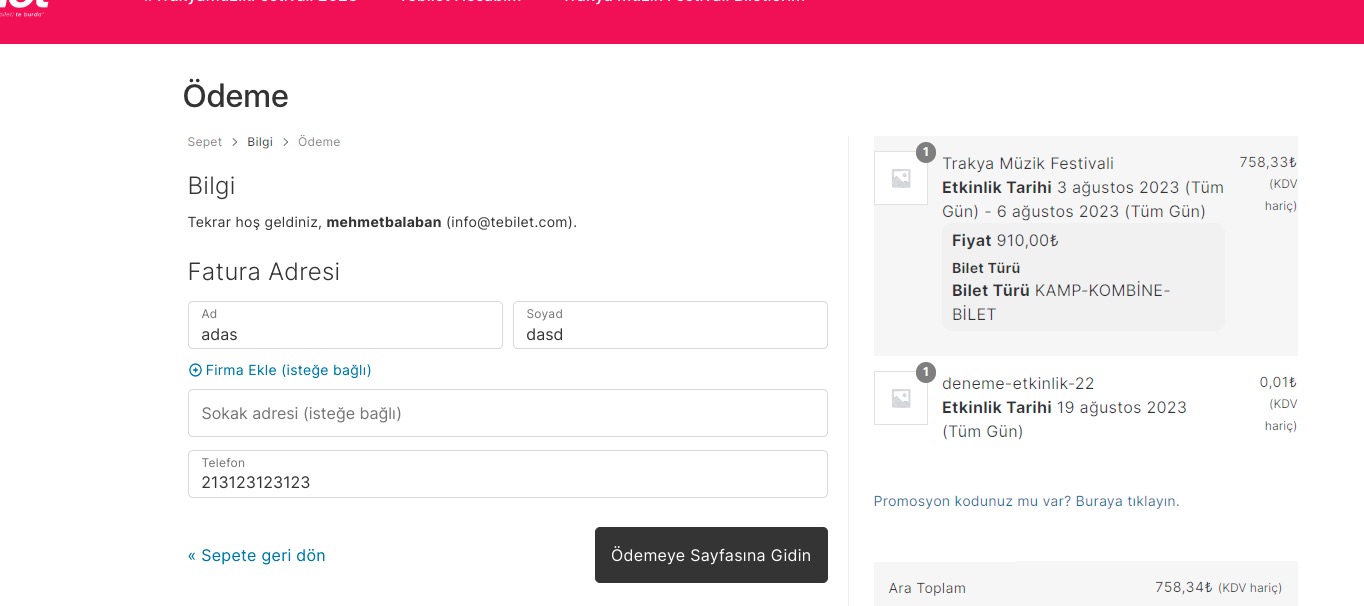
Is it possible to make a video?
In order to request a refund, please create a new ticket under Billing & Accounts and be sure to include the order ID for which you need a refund for and the reason for requesting a refund.
For the main plugin, please contact CodeCanyon.
Hello,
I cannot access wp-admin:
403 Forbidden. Due to security constraints, WordPress Admin Login Page and PhpMyadmin Page are Forbidden to your system / network. Please contact Web Hosting support team to access the WordPress Admin Login Page from your system / network
Could you check?
Hello,
Please update EventON to 4.4.3.
To update eventon to latest version: If you are unable to do autoupdate, you can go to codecanyon your account > download and get the latest eventon version as zip file. Then you can go to your website > make sure “Delete eventon settings & data when EventON is uninstalled” is Deslected from eventon settings, delete old eventon, install new one and activate. This link will further explain the process it. Also you can follow us on twitter to get real-time announcements on updates!
Hello,
Please schedule them by following this guide:
https://kinsta.com/blog/wordpress-scheduled-posts/
Please update Event Lists: Ext to 0.23 manually by following
To update eventon addons: You can download latest eventon addons from myeventon > my account. Then you can go to your website, deactivate old addon and install new one and activate then delete the old addon. This link will further explain the process. Also you can follow us on twitter to get real-time announcements on updates!
Also could you tell us more about issues? Here’s the shortcode from your original message:
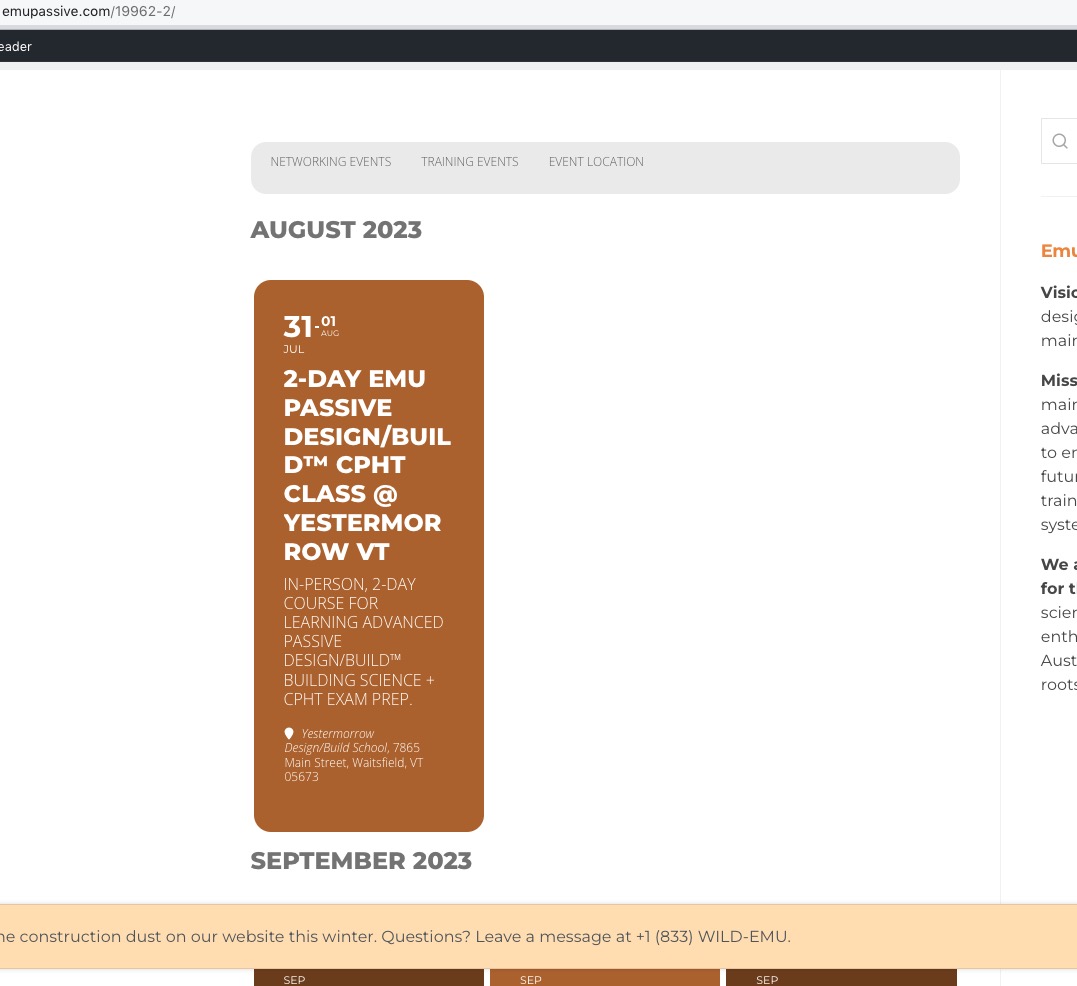
https://emupassive.com/19962-2/
Seems to be working:
Ok, can you try this:
https://emu.systems/wp-admin/
emuadmin
jhj*xtf@tfa0cpz*RFK
were you able to check? a little urgent