Hello,
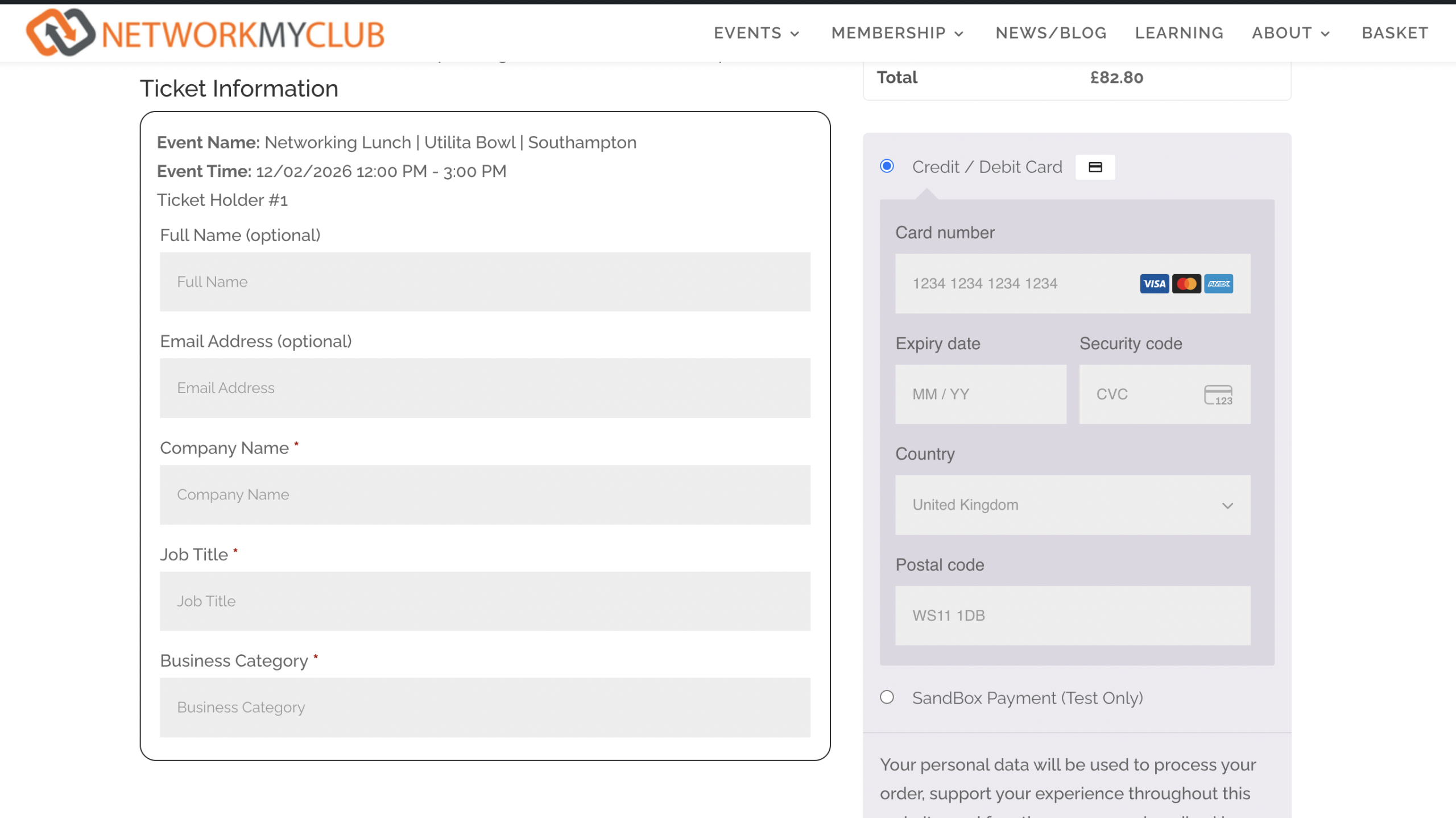
You can add checkout fields by following this guide:
https://docs.myeventon.com/documentations/how-to-add-additional-fields-at-checkout/
Checkout page is fully handled by WooCommerce, so please check this guide on how to edit the fields:
https://woocommerce.com/posts/customize-checkout-fields-woocommerce/
Also try using this or similar plugin to edit the fields:
https://wordpress.org/plugins/woo-checkout-field-editor-pro/
I’ve updated EventOn to 5.0.6 and verified all add-ons are up-to-date. We are still not receiving notifications. I tested by changing the ”To” field to my sladestyle@gmail.com address, turned on/off the smtp.
Bonjour,
j’ai acheter une licence sur code canyon en 2017, je souhaitais mettre a jours le plugin event ON donc j’ai racheté le support pour mettre à jours le plugin event ON.
sur code canyon j’ai téléchargé la dernière version du plugin, je l’ai installée.
event On est donc à jours mais les add on non et je n’arrive pas à les mettre a jours
Dans l’attente de vous lire
Merci
ok but can i change the Organiser field otherwise I am asking for ‘Your Name’ twice
I have changed the ticket setting you suggested and saw this: ”Update WC ticket product name upon event update from now on”
I know the owner updates the title often – would this setting help syncing issues?
Here is what I see: https://www.loom.com/share/2ca0fb04964a425eb5f17f61b2dd94c9
Thanks, I’ll check with the owner about the pending or processing…
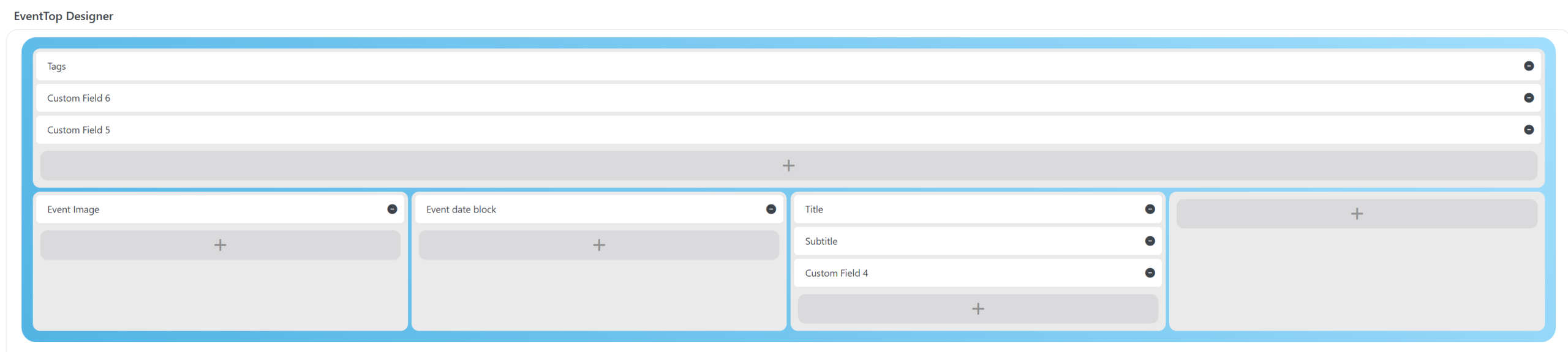
Yes. OUr current design does have that layout:
Could you update EventON and activate it? Also make sure to activate all add-ons.
The only difference with our website is outdated version of EventON. Please try updating, maybe the issue is caused by your version of EventON.