The login link isn’t working anymore. Please send another one so we can check this.
Archives: Replies
Replies for tickets on suppota
Reply to: tickets(322223)
Hello,
Seems to be working correctly on our test server:
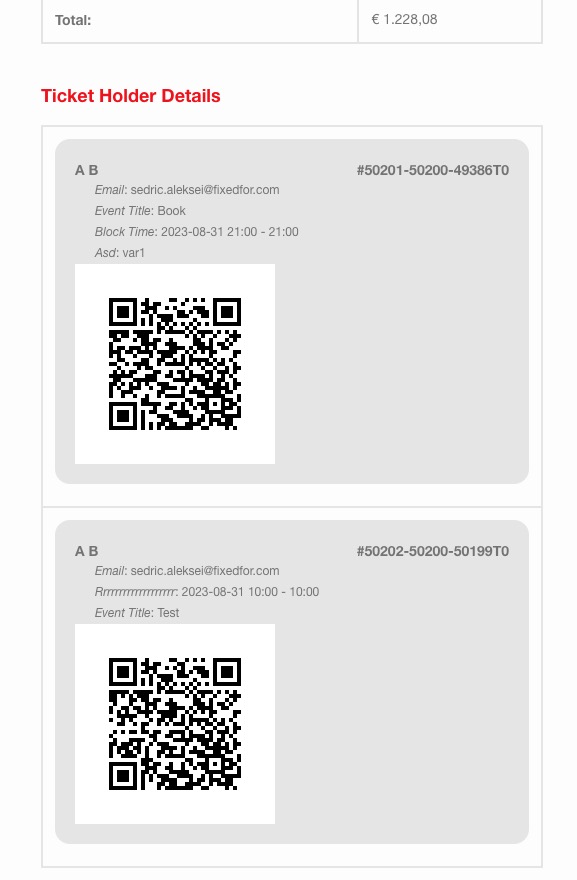 Please send us wp-admin access to your site as a private message for us to further assist your situation.
Reply to: tickets(322224)
Hello,
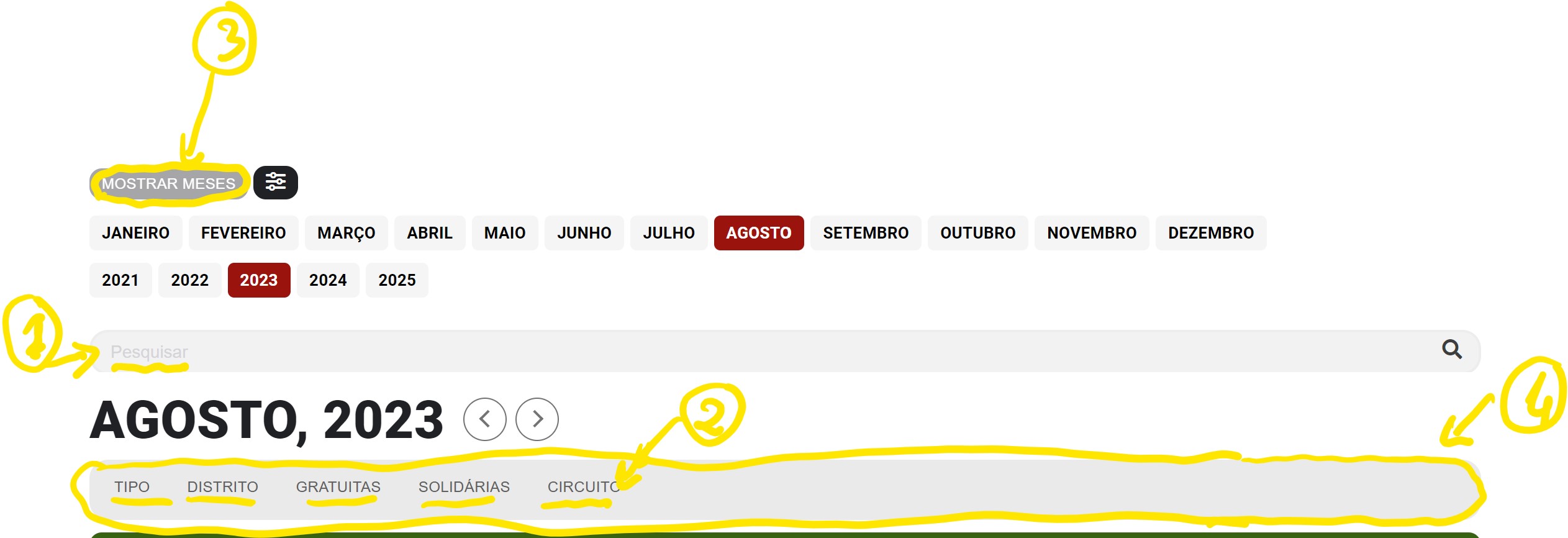
Please go to EventON > Appearance > Calendar Header > Sort Options, Jump Months. If you don’t see any change, EventON > Scripts & Styling > turn off Write dynamic styles to header > save settings > turn on Write dynamic styles to header.
Search placeholder color text. Please add this CSS code to EventON > Styles (If you don’t see any change, EventON > Scripts & Styling > turn off Write dynamic styles to header > save settings > turn on Write dynamic styles to header):
.evosr_search_box input::-webkit-input-placeholder {color: #b5b4b4; font-style: italic;} .evosr_search_box input::-moz-placeholder {color: #b5b4b4; font-style: italic;} .evosr_search_box input:-ms-input-placeholder {color: #b5b4b4; font-style: italic;} .evosr_search_box input:-moz-placeholder {color: #b5b4b4; font-style: italic;}
Reply to: tickets(322124)
https://www.tebilet.com/etkinlik/trakya-muzik-festivali/ it redirects to cart and cart shows empty. It happened with the new update. i need urgent help.
Reply to: tickets(322224)
Here is the image.
Reply to: tickets(320211)
Hello again!
I did that and is not working. Two tag titles.
I change to another SEO, to Yoast, and the same behavior. You can see it here:
https://www.portugalrunning.com/eventos/sintra-trail-monte-da-lua-2023/
I don’t know if in the previous version of Eventon we have this behavior.
Thanks
nuno
Reply to: tickets(322050)
Events is now AF Events (Elementor) for a reason outside of this ticket. Would that alone solve the issue?
Reply to: tickets(322050)
Hi, please take note that the previous issue I brought up is no longer a problem. I still need to get help but on something else. I had to move from permalinks with “post names” to “plain” otherwise it creates an issue with my events page. I’d like my Events page (built with Elementor) to have a URL friendly link /events. Here is an article to better understand what I did to resolve a previous bug between Elementor and your plugin and what they recommended me to do. Now, it works now but it doesn’t seem that I’m able to go back to permalinks with post name because when I do, it messes up with my edit capabilities on pages built with Elementor and I need to be able to edit using Elementor while also using your plugin for events and having friendly URLs (post name permalinks). Can you assist? Thanks
Article: https://elementor.com/help/how-to-fix-the-preview-could-not-be-loaded-error/?utm_source=editor-panel&utm_medium=wp-dash&utm_campaign=learn
Credentials: ali_8z@hotmail.com
lHsyH86p^2nVIihN
Thanks
Reply to: tickets(322124)
so how can i show only completed tickets in csv file? (I don’t want to see canceled, pending tickets)
Reply to: tickets(321755)
please check now I have re-uploaded the new version.