yes! That works
thank you Artem!
Replies for tickets on suppota
yes! That works
thank you Artem!
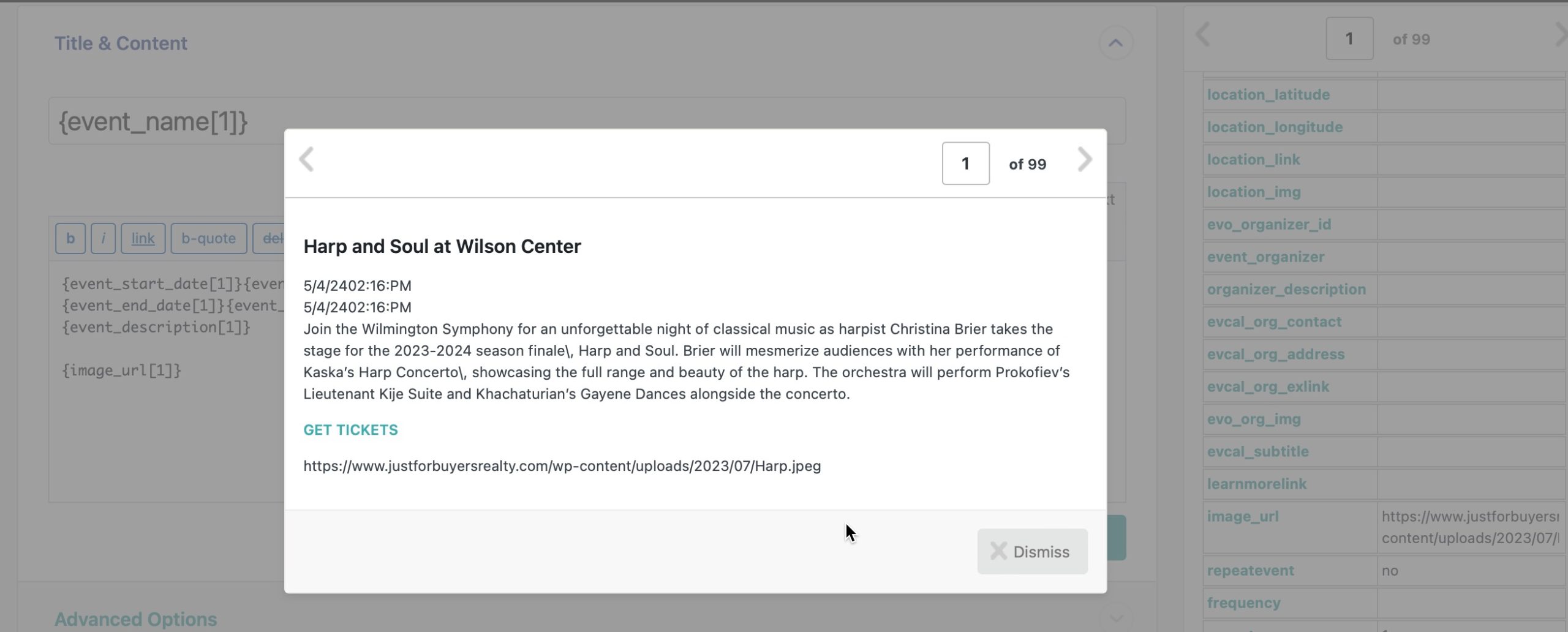
Ok, I’ve downloaded that plugin, but it is asking me to customize the fields to import, and when I take my best guess, it looks like garbage. Plus, image fields (which is the main reason I bought the CSV import add-on) are a premium upgrade in this tool.
Personally, I don’t think it’s fair to ask a paying customer to purchase a premium version of another tool because the one that they bought isn’t behaving properly. The whole reason why I bought into EventOn was because of the styling, and while this may have the opportunity to do so, it needs to be a lot of work to get there.
What options do we have to get this solution to do the job correctly? Can you go in and customize the alternate import so it works like the CSV importer tool without having to upgrade it? I’m willing to work with you guys to get this figured out, since I’ve gone all-in on your toolset with multiple licenses and add-ons, but the client is obviously running low on patience.
Thank you.
Adding to this – when I import events using the CSV export/import process that EventOn has, not all events are being imported even after a successful import. I’m currently importing about 400+ events in batches of 100 and even after a successful import of the first 300 events, only 157 are showing up in the destination site.
Same site and credentials. Let me know what else you need from me to generate a fix for this issue.
It comes from :
https://canardsbastogne.be/stg_a7a5f/wp-admin/admin.php?page=edit-snippet&id=11
and
https://canardsbastogne.be/stg_a7a5f/wp-admin/admin.php?page=edit-snippet&id=17
But I confess to you that i’m a little bit lost.
Hi! I would really appreciate an update on this issue…
As you can guess, each failed order produces a wrong ticket stocks… it’s really problematic and urgent to solve.
Thanks for your help…
The plugin you are are mentioning is for whole database not just events.
and the issue with importer is , it is not importing events with the special settings such as reoccurring.
Yes wp-debug is enabled but you can try in your fresh site as well.
The main thing I need is how can I export and import all events directly through databasetables if there is no other way ?
Artem:
I made the change in your screenshot and that fixed the issue. Thank you!
The address is: https://emu.systems/wp-admin/
However, it requires that I know your email address to set up a User account, unless there is another way?
Hello,
RSVP and Tickets aren’t compatible with each other.
If you are planning on offering free events, then you need to use RSVP, paid – Tickets.
Try them both on https://dev.myeventon.com/wp-admin/