Hello. No worries!
That did work. I added a user, changed asd123 to NO, and my added user was offered waitlist space. For all of these tests, I am changing RSVP on the single event page, as a user would.
However, if a registered party REDUCES their party size, rather than cancelling completely, no waitlister is offered the space. The steps to see this would be:
Create event with capacity 3
Register a party of 2
Register a party of 1
Waitlist a party of 1
*Change the registered party of 2 (on front end) to a party of 1*
You would expect the system to offer space to the waitlisted party of 1, but it does not. It opens 1 space back up instead. This seems to be an error.
Also, if parties cancel one at a time, it does not trigger the waitlist. This also seems to be an error. Steps to see this:
Create event with capacity 3
Register 3 parties of 1
Waitlist a party of 2
Cancel 1 of the registered parties (one space opens up on the front end)
Cancel another of the registered parties (two spaces are now open on the front end, the waitlisted party of 2 is not offered space)
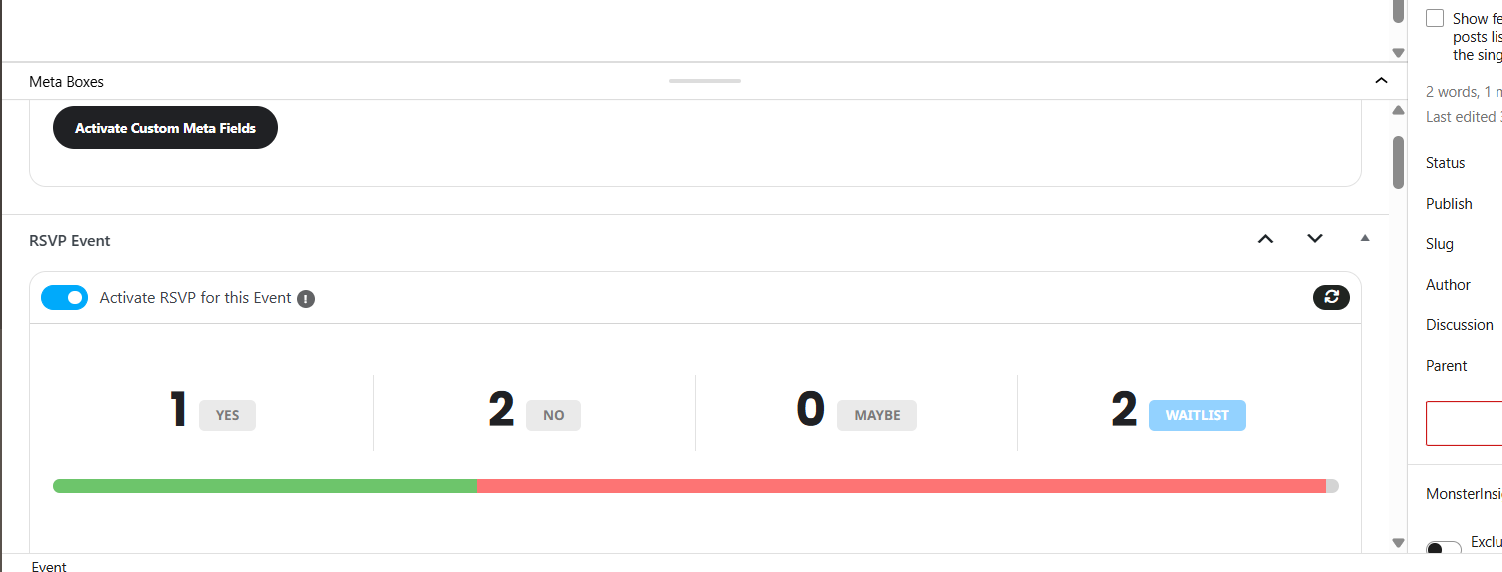
(You can see an example of the second case at defiancelibrary.org/rsvp-test-4 and on the attached screenshot.)
Hi. Where can I find check-in page short code?
Hello, already the new version that leads the event types levels?
Thanks
3. The same on dev2:
https://dev2.myeventon.com/wp-admin/admin.php?path=languages%2Fplugins%2Feventon-qrcode-en_US.po&bundle=eventon-qrcode%2Feventon-qrcode.php&domain=eventon-qrcode&page=loco-plugin&action=file-edit
4. The same on dev2:
https://dev2.myeventon.com/wp-admin/post.php?post=75233&action=edit
Ashan,
Please check
Reply to: 409848
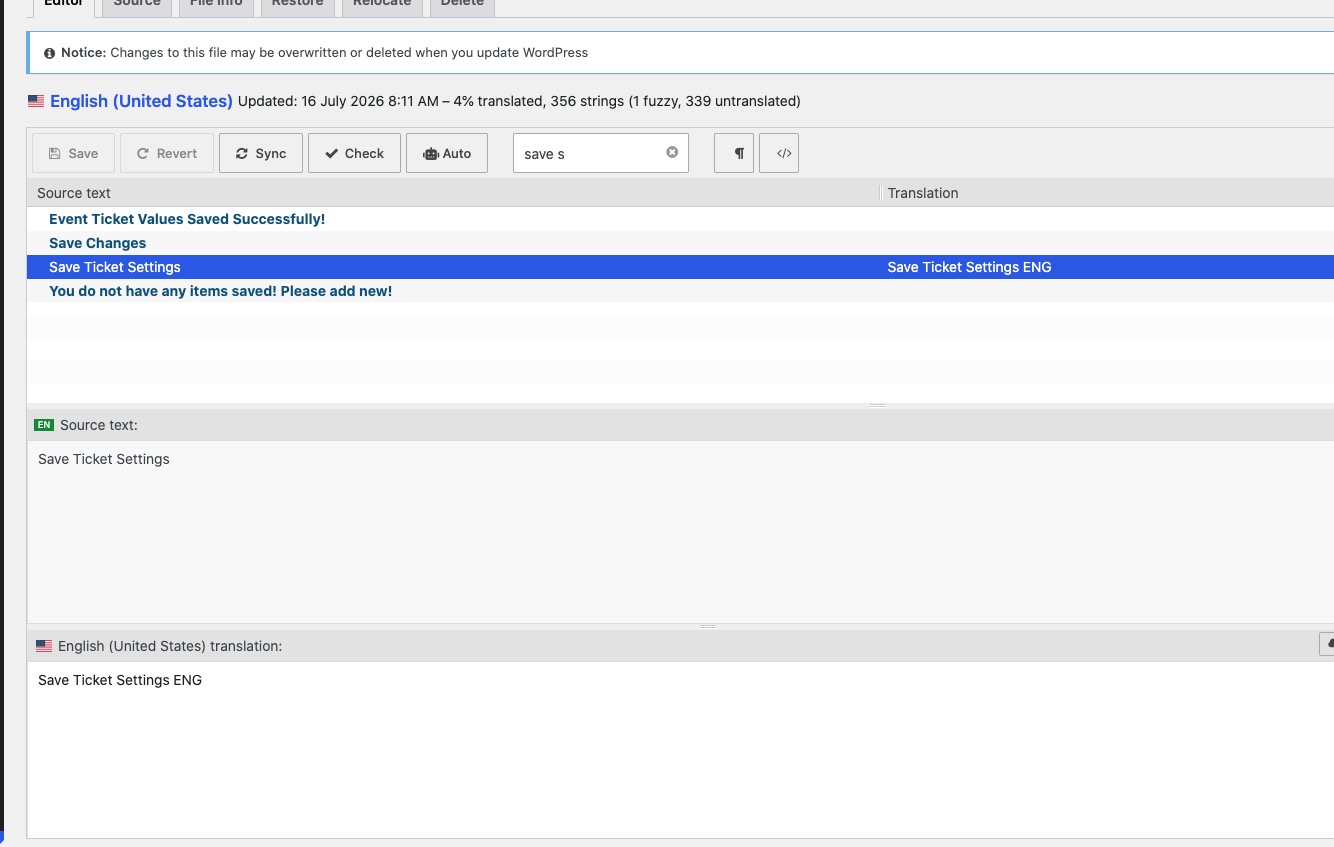
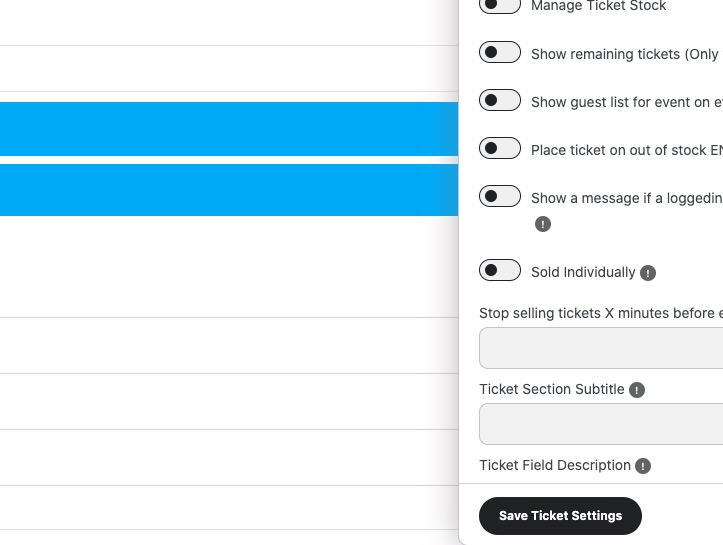
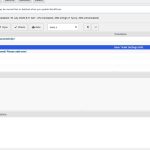
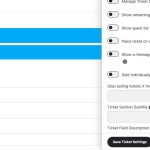
1. The customer translated all strings but they aren’t showing. For example,
https://dev2.myeventon.com/wp-admin/post.php?post=75233&action=edit
https://dev2.myeventon.com/wp-admin/admin.php?path=languages%2Fplugins%2Fevotx-en_US.po&bundle=eventon-tickets%2Feventon-tickets.php&domain=evotx&page=loco-plugin&action=file-edit
2. Please check
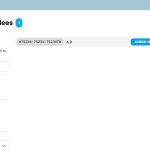
https://dev2.myeventon.com/wp-admin/post.php?post=75233&action=edit

Thank you for your messages!
I am going to escalate this ticket to development to help in here. Please allow us some time to address this, and we truly appreciate your patience. Thank you for being a valued EventON customer!
Additionally, if your site has any IP blocking or security restrictions in place, kindly disable them temporarily to facilitate our support process.
We are sorry for the delay. Account manager will reply ASAP.
I’ve replied in your other ticket. Please check.
1. All fields are required, I believe:
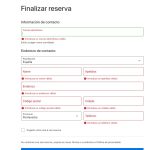
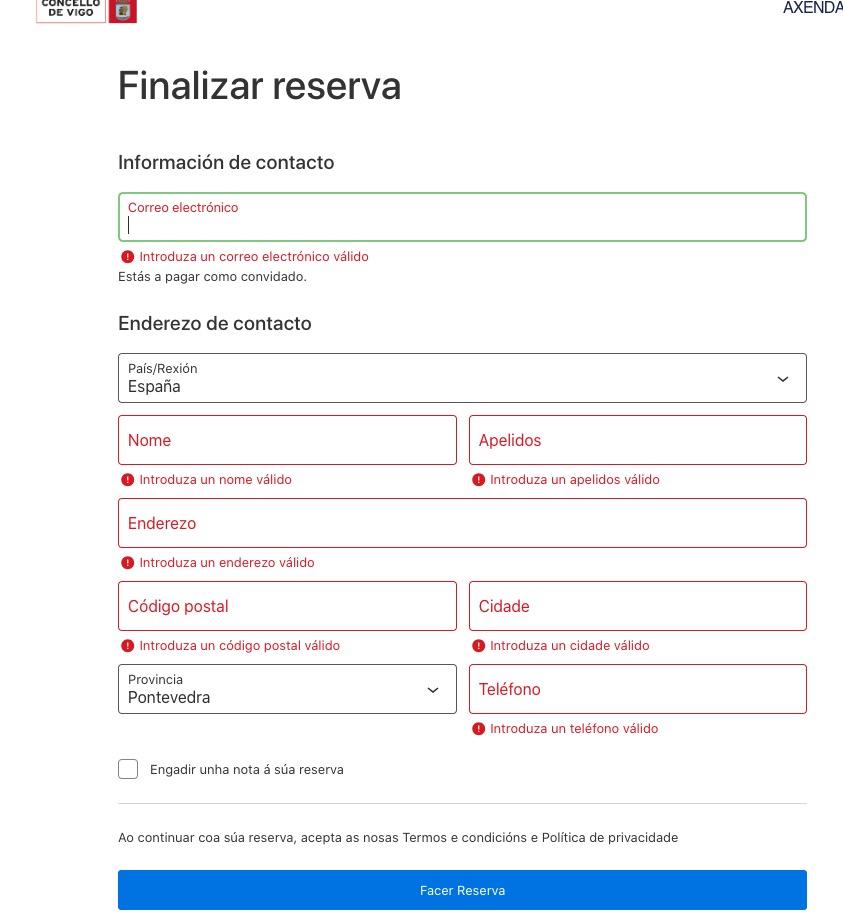
WooCommerce handles the checkout page, so could you take a look at it’s documentation on how to configure this?
2. Could you give us some examples? All strings should be available by going to EventON > Language > ADDON: Event Tickets.