Hello,
Could you try updating EventON?
To update eventon to latest version: If you are unable to do autoupdate, you can go to codecanyon your account > download and get the latest eventon version as zip file. Then you can go to your website > make sure ”Delete eventon settings & data when EventON is uninstalled” is Deslected from eventon settings, delete old eventon, install new one and activate. This link will further explain the process it. Also you can follow us on twitter to get real-time announcements on updates!
After the update, please go to EventON > ICS Import > change Fetch & Import Type to Fetch all, Import past & current events. Then try importing it again to see if new events appear.
Could you try adding the css code to wp-admin > Appearance > Customize > Additional CSS?
Ashan,
The same on dev2:
https://dev2.myeventon.com/wp-admin/post.php?post=74402&action=edit
Thank you for your messages!
I am going to escalate this ticket to development to help in here. Please allow us some time to address this, and we truly appreciate your patience. Thank you for being a valued EventON customer!
Hello,
Could you tell us more about your issues? Maybe we can help somehow.
Please also send us Order IDs of your purchases you want to refund.
Thank you for your messages!
I am going to escalate this ticket to development to help in here. Please allow us some time to address this, and we truly appreciate your patience. Thank you for being a valued EventON customer!
Ashan,
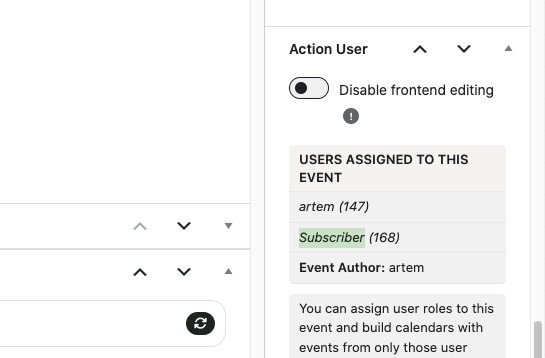
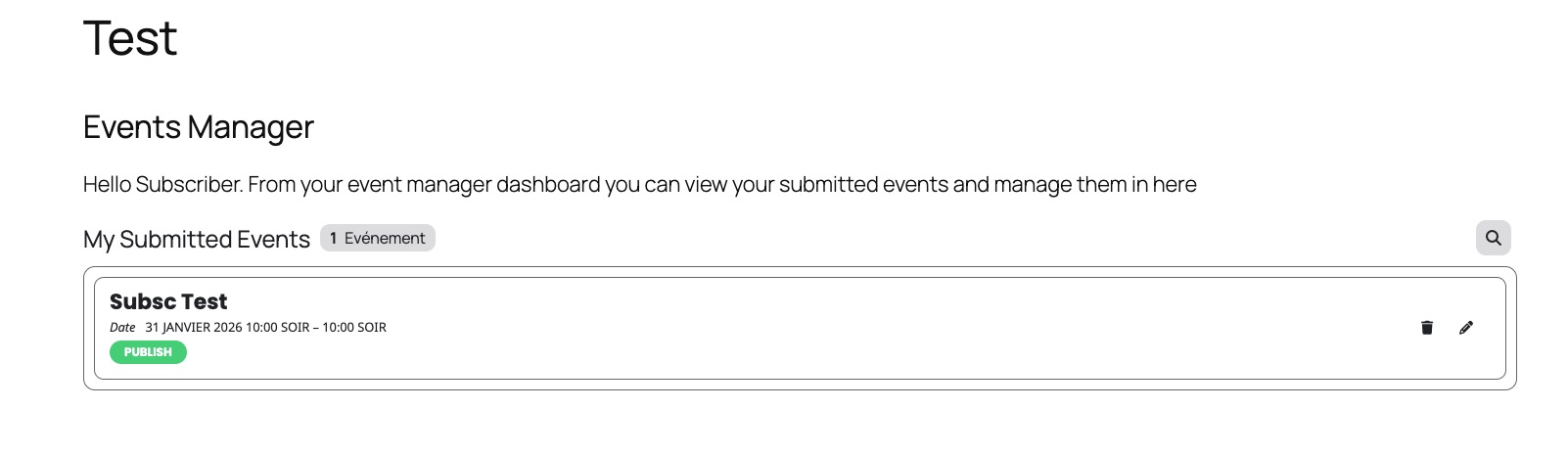
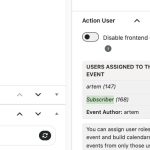
The same on dev2. I assigned Subscriber to this event:
https://dev2.myeventon.com/wp-admin/post.php?post=74419&action=edit
But it’s not visible:
https://dev2.myeventon.com/test-152/
Please use this login:
Subscriber
lfn5EME9Vk11frZENRMR3rXN
I cannot find orders 204981 and 204043 associated with your email. Could you check and let me know?
Hello,
Did you purchase the plugin from CodeCanyon or our website?
Could you try following this instruction:
To update eventon to latest version: If you are unable to do autoupdate, you can go to codecanyon your account > download and get the latest eventon version as zip file. Then you can go to your website > make sure ”Delete eventon settings & data when EventON is uninstalled” is Deslected from eventon settings, delete old eventon, install new one and activate. This link will further explain the process it. Also you can follow us on twitter to get real-time announcements on updates!
It appears one has been cancelle and the other is pending:
See:
204982
and
https://www.myeventon.com/my-account/view-subscription/204044/