yes close the tickets, thanks for your help
Archives: Replies
Replies for tickets on suppota
Reply to: tickets(320550)
https://minnesotabreweries.com/wp-admin
Login: helpdesk
Password: 5!vw1WqtFEDsGw7!b3G(e87^
Reply to: tickets(319781)
Thank you for the update. I have updated the plugins. It seems to be working now. I appreciate your help on this :).
I do have one question. See the sample page again: https://giveyoung.tpphost.com/events/summer-soiree-sip-smoke/
Right now the ticket price is set to $0, and someone can do “optional ticket additions” for different donation amounts. Works great! But if I change the number of tickets, it will multiple the additions amount (i.e. ticket x 2, $25 donation x 1 it shows $50). Is there a way for me within the settings to make it so no matter how many tickets they have, the ticket quantity won’t effect it?
Reply to: tickets(320559)
Hello,
I cannot open the website:
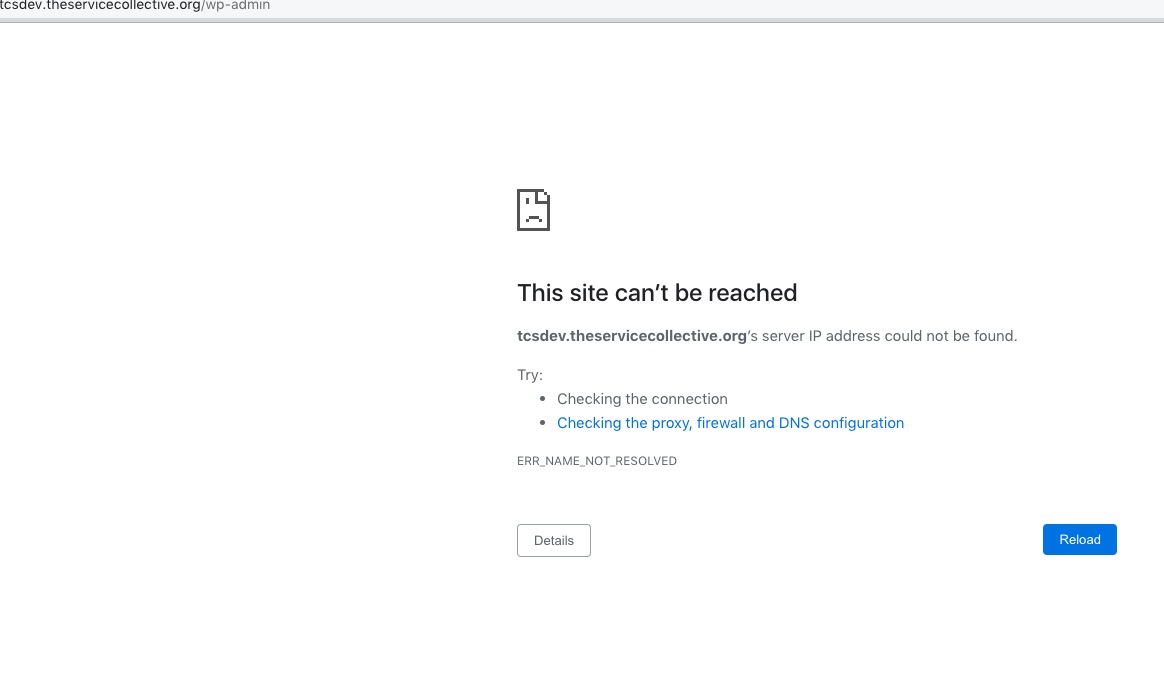
Could you check?
Reply to: tickets(320566)
Hello,
I cannot find any webp images on your website. For example:
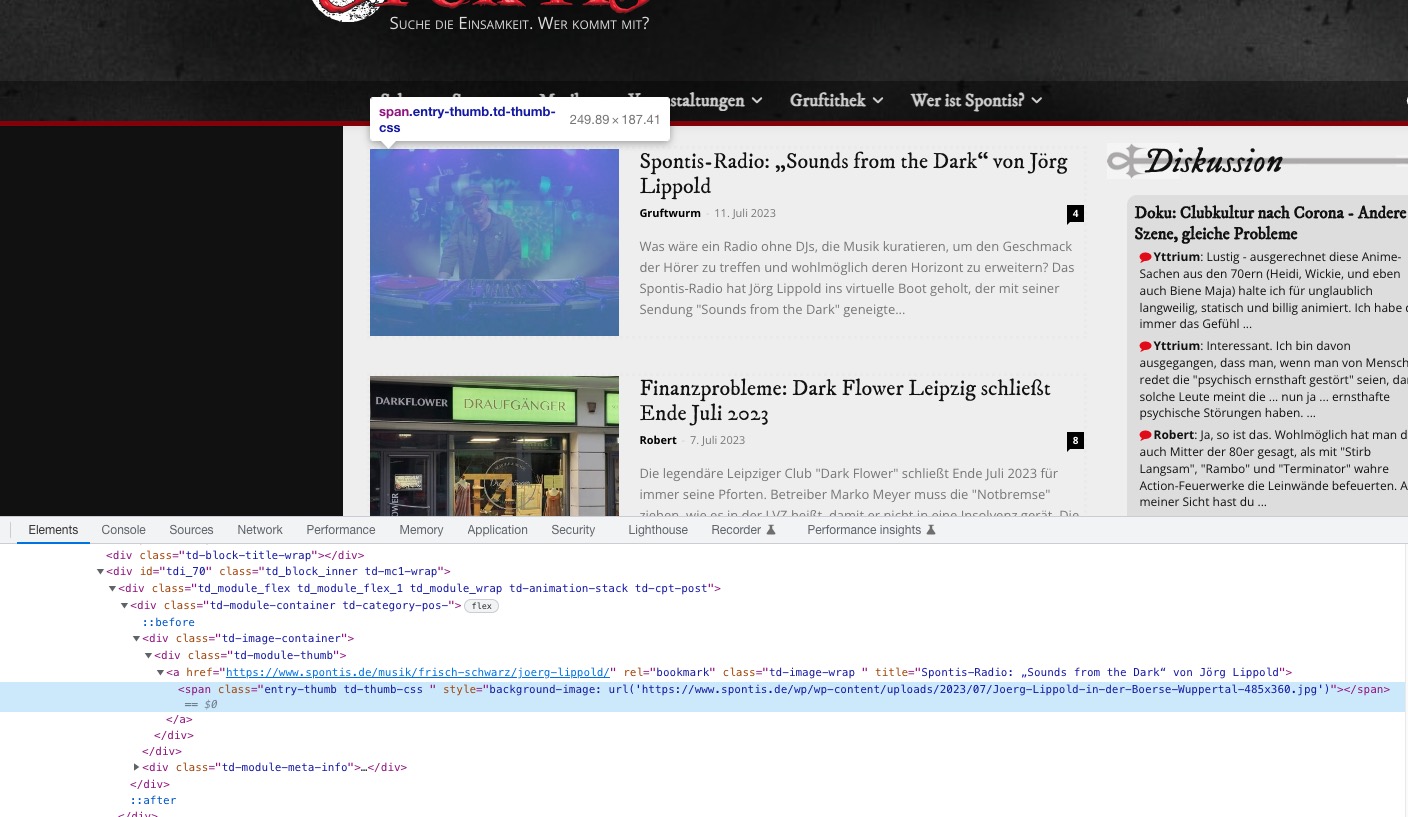
Could you send us a link to a page where we can take a look at one?
Reply to: tickets(320532)
Hello,
Could you send us a screenshot of the error, it usually contacts a link to the event with the issue. I want to check the event itself.
Please also send us wp-admin access to your site as a private message for us to further assist your situation.
Reply to: tickets(320358)
There is folder named “es” inside of the server, among other WordPress’ folders. Can I change it’s name or delete it for a test?
Reply to: tickets(320551)
Please use Event Lists shortcode:
[add_eventon_list number_of_months=”12″ hide_empty_months=”yes”]
Reply to: tickets(320551)
Hello,
Please go to EventON > EventCard Design > remove one of Add to calendar.
Reply to: tickets(320386)
Font can be changed by going to EventON > Appearance > Primary/Secondary Calendar Font family. If you don’t see any change, EventON > Scripts & Styling > turn off Write dynamic styles to header > save settings > turn on Write dynamic styles to header.