Thanks for the reply and help. It’s seems like it’s the Asset cleanup plugin that conflict with yours. if you find why, let us know! We deactivated the other plugin to keep yours but it’s slowing our website a lot. We’ll try to ask the other plugin to check on their side as well.
Archives: Replies
Replies for tickets on suppota
Reply to: tickets(319256)
Artem;s styles are working now!
We will implement the necessary style changes in the next version update.
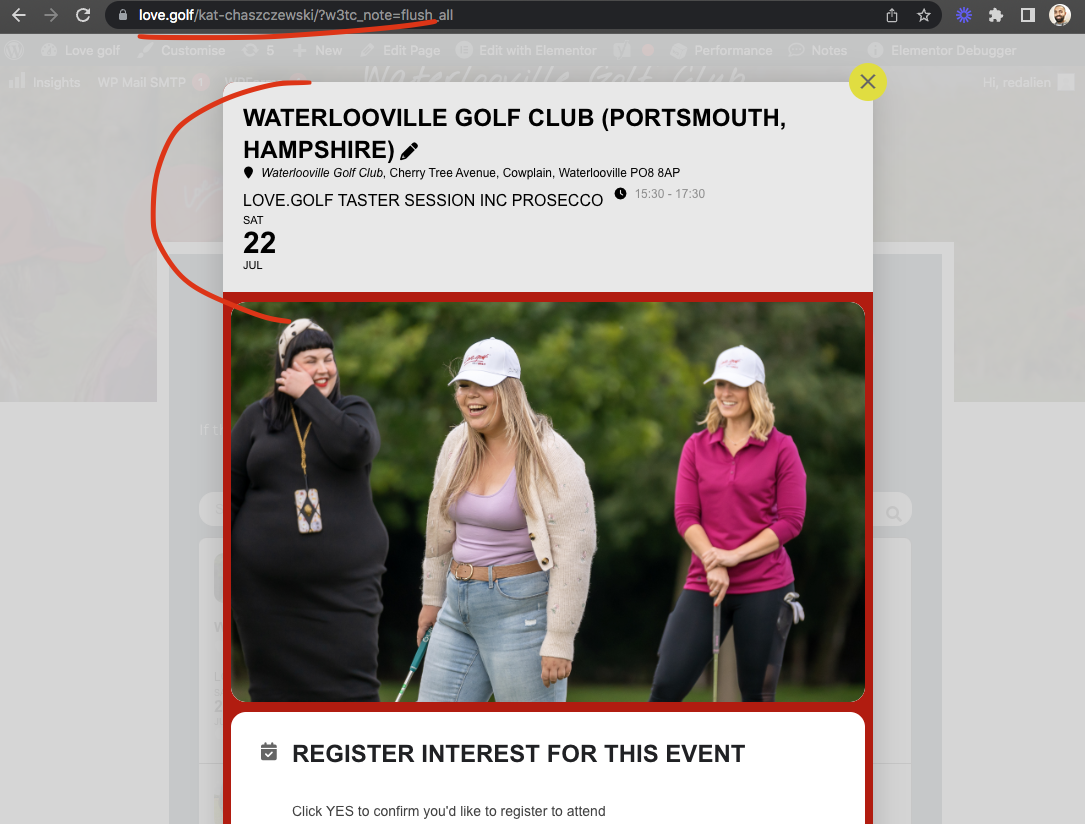
Reply to: tickets(319632)
Try this CSS code and you can add this to eventON settings > styles
.eventon_events_list .eventon_list_event .evoet_cx.evoet_c2, .evo_pop_body .evoet_cx.evoet_c2{flex:1}
make sure to clear cache afterwards.
Reply to: tickets(319478)
I have gone ahead and refunded you for the order 169315
If you have more questions, kindly send us a new ticket and we would be more than happy to help you resolve your issues!
Reply to: tickets(319461)
Ok I have completed the transfer all the orders should now be Under Leann’s account. I have gone ahead and refunded order 169271
Let me know if tehre is anything else we need to do for you 🙂
Reply to: tickets(319704)
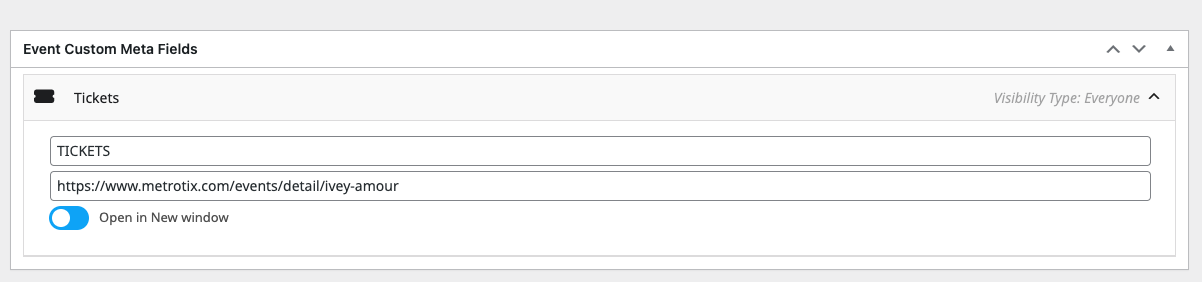
For a little more info, pic 1 is where I entered the link.
Reply to: tickets(319483)
Your subscription was renewed on April 25th for $65 for bookings addon Nothing else should be charged.
Can you please provide more information about the 189 charge?
Reply to: tickets(318941)
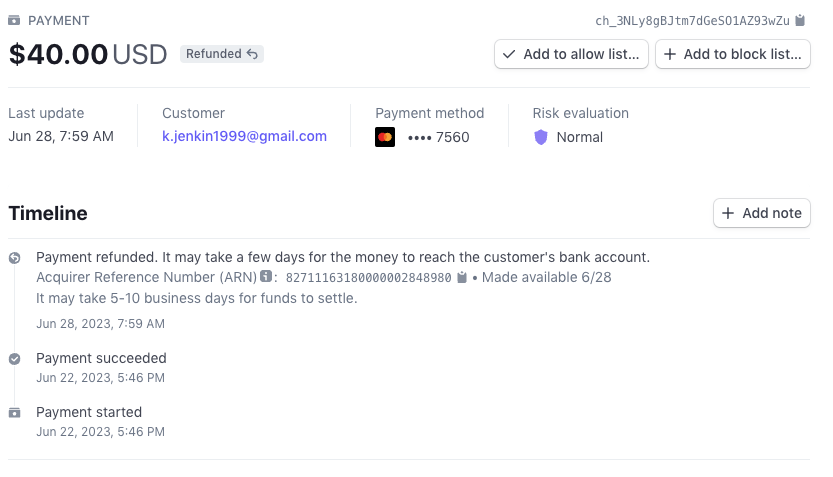
it has been refunded. Here are the notes from stripe.com our payment processor.
Reply to: tickets(318495)
WeeklyView v 2.0.1 should resolve this issue that happen with eventON 4.4.
Reply to: tickets(319397)
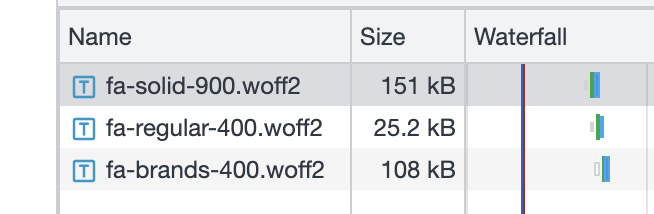
My other pages seem to be loading no fonts. Which is what I want for speed on mobile networks.
There are 285 kb of fonts loaded from the eventon font folder. These seem to be fontawseome files. Im using <10 icons.
Is there a reasonably easy way to prune these files down to only include the icons Im using?
I presume I can move them to the trash in cpanel to prevent them from loading. But Id like to keep them visible if there is a reasonable way to do this