Perfect! Please try and let us know.
Archives: Replies
Replies for tickets on suppota
Reply to: tickets(320320)
Hello,
Thank you for your messages, I am going to assign this ticket to Ashan and he will be able to take it from here and find you a solution. Please allow some time for him to get back to you, we greatly appreciate your patience and thank you for being a eventon customer!
Reply to: tickets(320325)
Hello,
Please follow
To update eventon to latest version: Please go to codecanyon your account > download and get the latest eventon version as zip file. Then you can go to your website > make sure “Delete eventon settings & data when EventON is uninstalled” is Deslected from eventon settings, delete old eventon, install new one and activate. This link will further explain the process it. Also you can follow us on twitter to get real-time announcements on updates!
Reply to: tickets(320330)
Hello,
Please update your custom template:
https://www.hpelearningfoundation.com/wp-admin/theme-editor.php?file=eventon%2Fsingle-ajde_events.php&theme=hpelf
New version can be found here:
https://www.hpelearningfoundation.com/wp-admin/plugin-editor.php?file=eventON%2Ftemplates%2Fsingle-ajde_events.php&plugin=eventON%2Feventon.php
Reply to: tickets(317634)
Please update them both manually by following these instructions:
To update eventon to latest version: If you are unable to do autoupdate, you can go to codecanyon your account > download and get the latest eventon version as zip file. Then you can go to your website > make sure “Delete eventon settings & data when EventON is uninstalled” is Deslected from eventon settings, delete old eventon, install new one and activate. This link will further explain the process it. Also you can follow us on twitter to get real-time announcements on updates!
To update eventon addons: You can download latest eventon addons from myeventon > my account. Then you can go to your website, deactivate old addon and install new one and activate then delete the old addon. This link will further explain the process. Also you can follow us on twitter to get real-time announcements on updates!
Reply to: tickets(319427)
Seems to be working in Troubleshooting Mode:
https://aytoconsuegra.es/wp-admin/site-health.php?tab=troubleshoot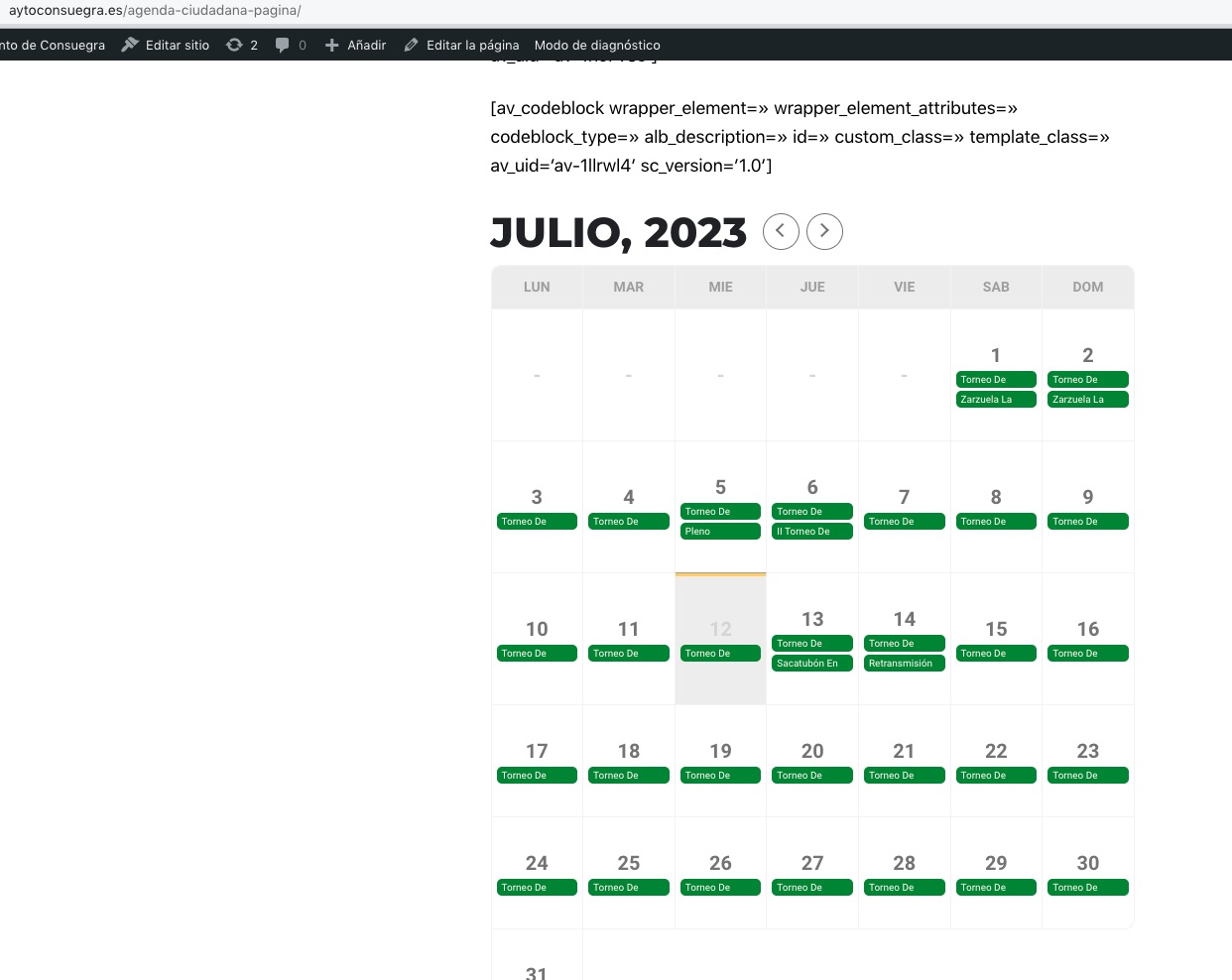
Could you please try the instructions mentioned in this documentation?
Reply to: tickets(320032)
We are glad your issue is resolved, if you have any further questions or concerns please create a new ticket.
Reply to: tickets(320351)
Hello,
Please take a look at RSVP add-on:
https://www.myeventon.com/addons/rsvp-events/
Use Drop Down options to manually create a list of times available for your customers to select:
https://docs.myeventon.com/documentations/set-additional-fields-rsvp/
Try on
https://dev.myeventon.com/wp-admin/
However, not sure about the blocking functionality. You can disable their ability to change RSVP from the front-end and then change it to No from the back-end.
Reply to: tickets(320247)
The error:
[12-Jul-2023 10:01:57 UTC] PHP Fatal error: Uncaught Error: Call to undefined function PHPMailerPHPMailermail() in /home/tebiletc/public_html/wp-includes/PHPMailer/PHPMailer.php:874
Stack trace:
#0 /home/tebiletc/public_html/wp-includes/PHPMailer/PHPMailer.php(1961): PHPMailerPHPMailerPHPMailer->mailPassthru(‘tyrell.dimitrio…’, ‘[#7881] Tebilet…’, ‘<table class=’e…’, ‘Date: Wed, 12 J…’, NULL)
#1 /home/tebiletc/public_html/wp-includes/PHPMailer/PHPMailer.php(1682): PHPMailerPHPMailerPHPMailer->mailSend(‘Date: Wed, 12 J…’, ‘<table class=’e…’)
#2 /home/tebiletc/public_html/wp-includes/PHPMailer/PHPMailer.php(1518): PHPMailerPHPMailerPHPMailer->postSend()
#3 /home/tebiletc/public_html/wp-includes/pluggable.php(544): PHPMailerPHPMailerPHPMailer->send()
#4 /home/tebiletc/public_html/wp-content/plugins/eventON/includes/class-evo-helper.php(259): wp_mail(Array, ‘[#7881] Tebilet…’, ‘<table class=’e…’, Array, Array)
#5 /home/tebiletc/public_html/wp-content/plugins/eventon-tickets/includes/class-email.php(133): evo_helper->send_email(Array)
#6 /home/tebiletc/public_html/wp-content/plugins/eventon-tickets/includes/admin/class-admin-ajax.php(393): evotx_email->send_ticket_email(‘7881’, false, false, ‘tyrell.dimitrio…’)
#7 /home/tebiletc/public_html/wp-includes/class-wp-hook.php(308): evotx_admin_ajax->admin_resend_confirmation(”)
#8 /home/tebiletc/public_html/wp-includes/class-wp-hook.php(332): WP_Hook->apply_filters(”, Array)
#9 /home/tebiletc/public_html/wp-includes/plugin.php(517): WP_Hook->do_action(Array)
#10 /home/tebiletc/public_html/wp-admin/admin-ajax.php(188): do_action(‘wp_ajax_the_aja…’)
#11 {main}
thrown in /home/tebiletc/public_html/wp-includes/PHPMailer/PHPMailer.php on line 874
The same error discussed here:
https://forums.cpanel.net/threads/wordpress-toolkit-php-mailer-error.696645/
Reply to: tickets(320354)
Hello,
I went to https://lautopica.org/wp-admin/admin.php?page=eventon#evcal_001 > enabled Remove JSON-LD data for events. Seems to be working now. Please check and let me know.