Hello,
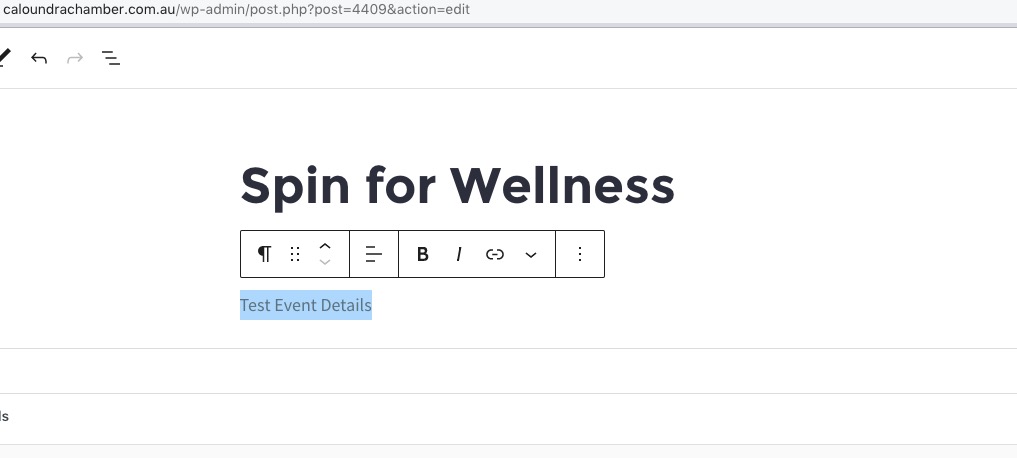
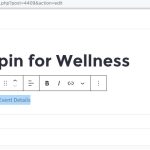
1. Event Details are always under the title:
2. Could you send us a screenshot of the bar?
Here’s Countdown add-on:
https://www.myeventon.com/addons/event-countdown/
On the other hand Event Progress Bar (included in the plugin by default) is enabled when an event is in progress.
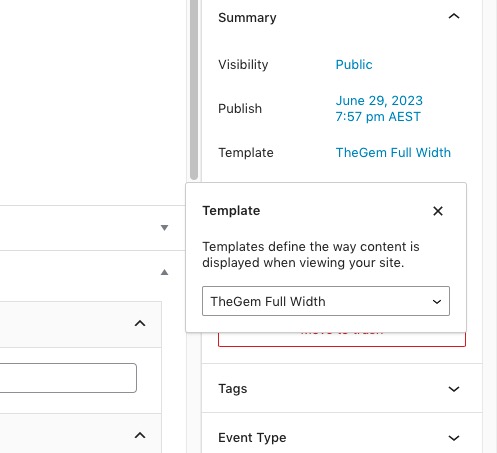
There is also a strange thing with Single Event Page:
https://caloundrachamber.com.au/events/progress/
It doesn’t show any content because of this, I think:
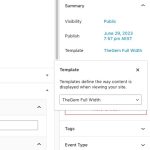
Could you please try the instructions mentioned in this documentation?
Ashan,
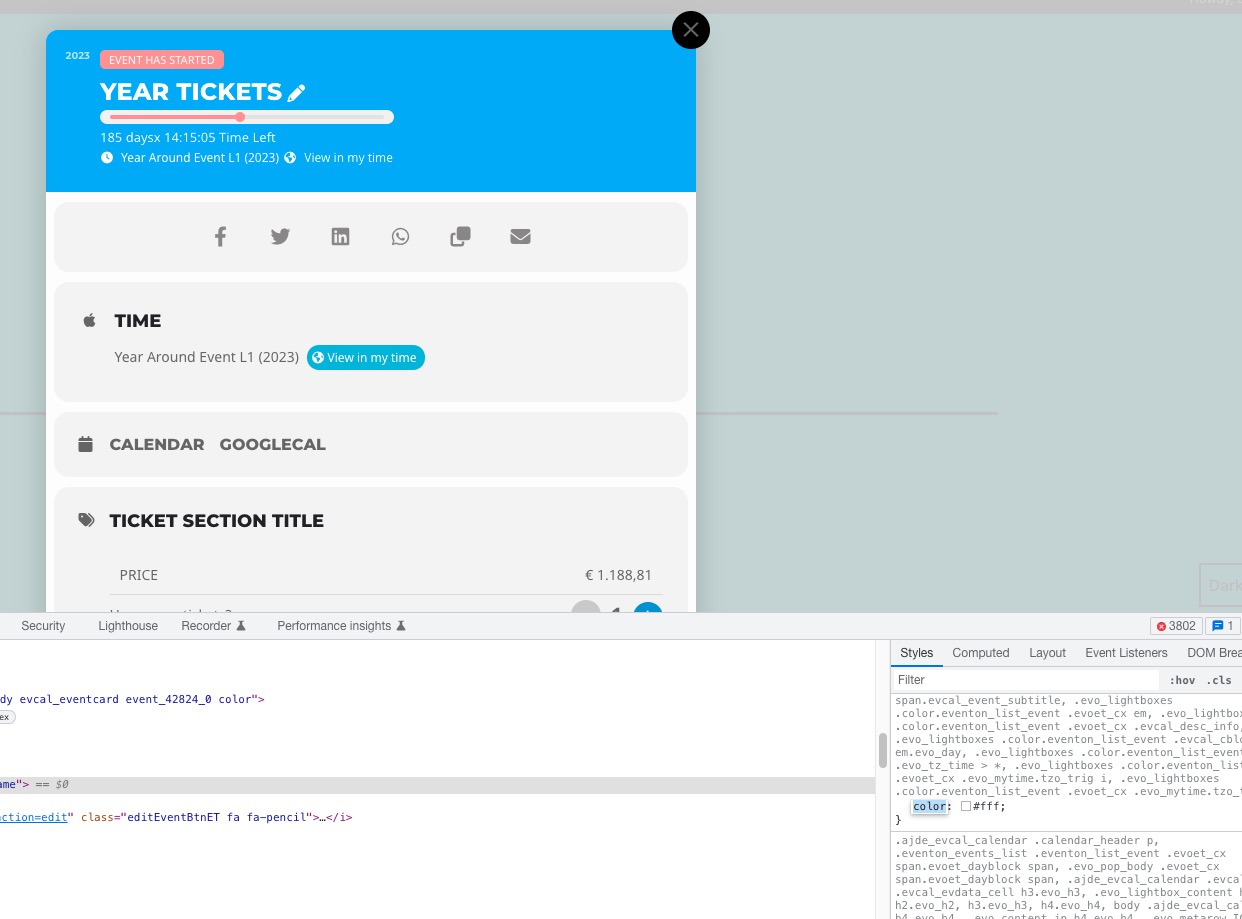
I don’t think that https://dev2.myeventon.com/wp-admin/admin.php?page=eventon#evcal_002 > Event Top > Colorful EventTop General Text Color works:
https://dev2.myeventon.com/45314-2/
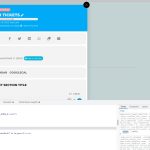
As a temporary solution, please add this CSS code to EventON > Styles (If you don’t see any change, EventON > Scripts & Styling > turn off Write dynamic styles to header > save settings > turn on Write dynamic styles to header):
.evo_lightboxes .color.eventon_list_event .evoet_cx span, .evo_lightboxes .color.eventon_list_event .evoet_cx span.evcal_event_title, .evo_lightboxes .color.eventon_list_event .evoet_cx span.evcal_event_subtitle, .evo_lightboxes .color.eventon_list_event .evoet_cx em, .evo_lightboxes .color.eventon_list_event .evoet_cx .evcal_desc_info, .evo_lightboxes .color.eventon_list_event .evcal_cblock em.evo_day, .evo_lightboxes .color.eventon_list_event .evoet_cx .evo_tz_time > *, .evo_lightboxes .color.eventon_list_event .evoet_cx .evo_mytime.tzo_trig i, .evo_lightboxes .color.eventon_list_event .evoet_cx .evo_mytime.tzo_trig b { color: black; }
I am also going to assign this ticket to Ashan and he can take a look at this. Please allow some time for him to get back to you, we greatly appreciate your patience and thank you for being a eventon customer! Also please disable any IP blocking on your site if there are any.
I Have upgraded Eventon.
Also there should be full admin access with password provided.
Thanks
Hello,
It says:
Your account has not been approved yet.
Could you check?
Please also update EventON to 4.4.
To update eventon to latest version: If you are unable to do autoupdate, you can go to codecanyon your account > download and get the latest eventon version as zip file. Then you can go to your website > make sure “Delete eventon settings & data when EventON is uninstalled” is Deslected from eventon settings, delete old eventon, install new one and activate. This link will further explain the process it. Also you can follow us on twitter to get real-time announcements on updates!
Thank you for your messages, I am going to assign this ticket to Ashan and he will be able to take it from here and find you a solution. Please allow some time for him to get back to you, we greatly appreciate your patience and thank you for being a eventon customer! Also please disable any IP blocking on your site if there are any.
Ashan,
Here’s the error:
[28-Jun-2023 21:18:28 UTC] PHP Fatal error: Uncaught TypeError: trim(): Argument #1 ($string) must be of type string, array given in /nas/content/live/kranzfoundati1/wp-includes/taxonomy.php:1554
Stack trace:
#0 /nas/content/live/kranzfoundati1/wp-includes/taxonomy.php(1554): trim(Array)
#1 /nas/content/live/kranzfoundati1/wp-content/plugins/eventon-csv-importer/includes/class-admin-init.php(216): term_exists(Array, ‘event_type’)
#2 /nas/content/live/kranzfoundati1/wp-content/plugins/eventon-csv-importer/includes/class-admin-init.php(138): evocsv_admin->save_event_post_data(29342, Array)
#3 /nas/content/live/kranzfoundati1/wp-content/plugins/eventon-csv-importer/includes/class-ajax.php(37): evocsv_admin->import_event(Array)
#4 /nas/content/live/kranzfoundati1/wp-includes/class-wp-hook.php(308): evocsv_ajax->evocsv_001(”)
#5 /nas/content/live/kranzfoundati1/wp-includes/class-wp-hook.php(332): WP_Hook->apply_filters(”, Array)
#6 /nas/content/live/kranzfoundati1/wp-includes/plugin.php(517): WP_Hook->do_action(Array)
#7 /nas/content/live/kranzfoundati1/wp-admin/admin-ajax.php(188): do_action(‘wp_ajax_evocsv_…’)
#8 {main}
thrown in /nas/content/live/kranzfoundati1/wp-includes/taxonomy.php on line 1554
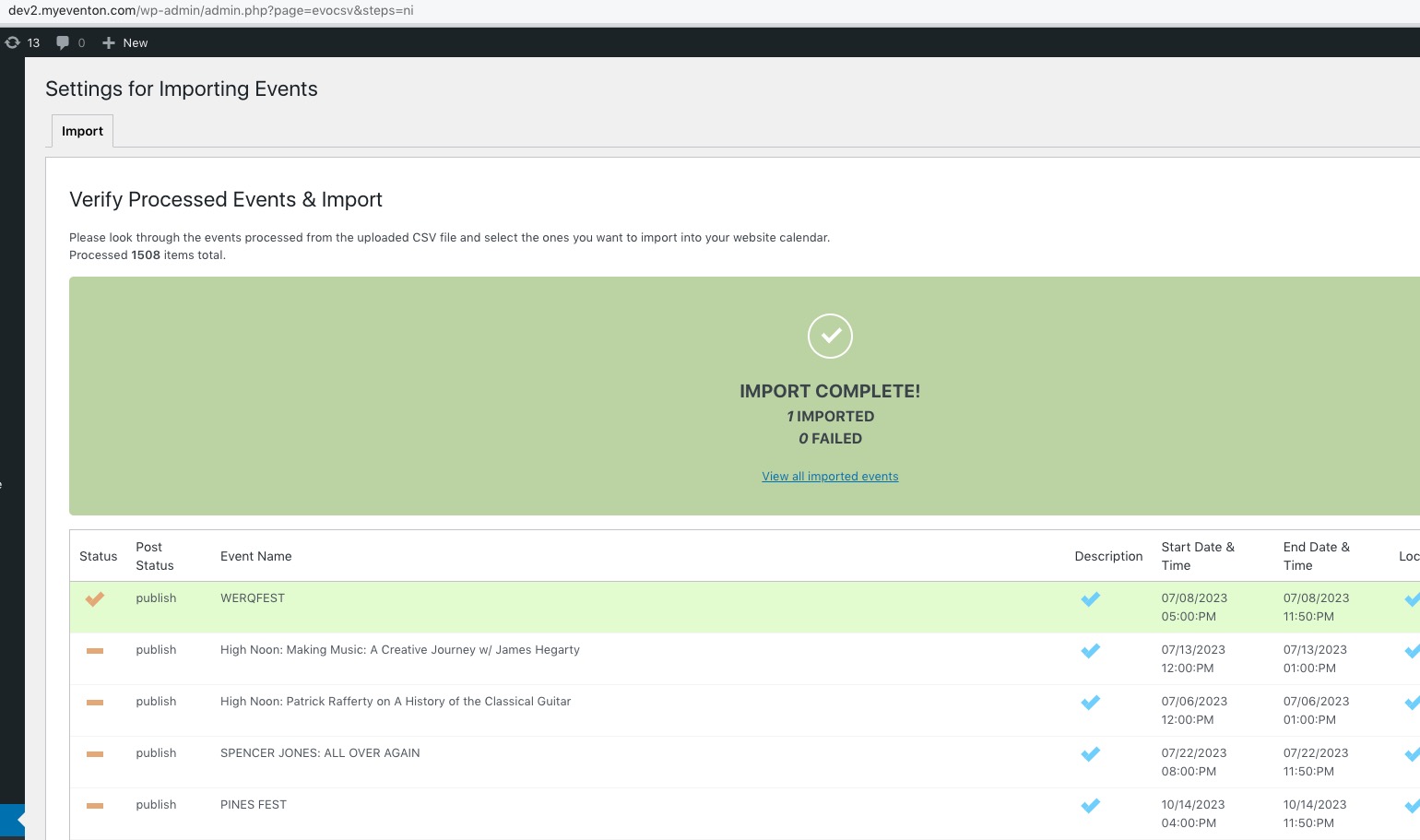
I’ve tried to change event_type’s file data, but it just breaks. The thing is that it imports completely fine on dev2:
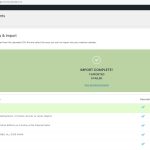
The file:
https://kranzbergartsfoundation.org/wp-content/uploads/2023/06/Eventon_events_23-06-23.csv
Login first if you want to download it.
Hello,
Please add this CSS code to EventON > Styles (If you don’t see any change, EventON > Scripts & Styling > turn off Write dynamic styles to header > save settings > turn on Write dynamic styles to header):
.ajde_evcal_calendar .calendar_header p { display: none !important; }
Hello,
Please follow this guide to increase memory limit:
https://docs.myeventon.com/documentations/increasing-wordpress-memory-limit/
We are glad your issue is resolved, if you have any further questions or concerns please create a new ticket.
If you have a moment, we would greatly appreciate if you could kindly leave us a review at codecanyon! from your account > downloads. Cheers!