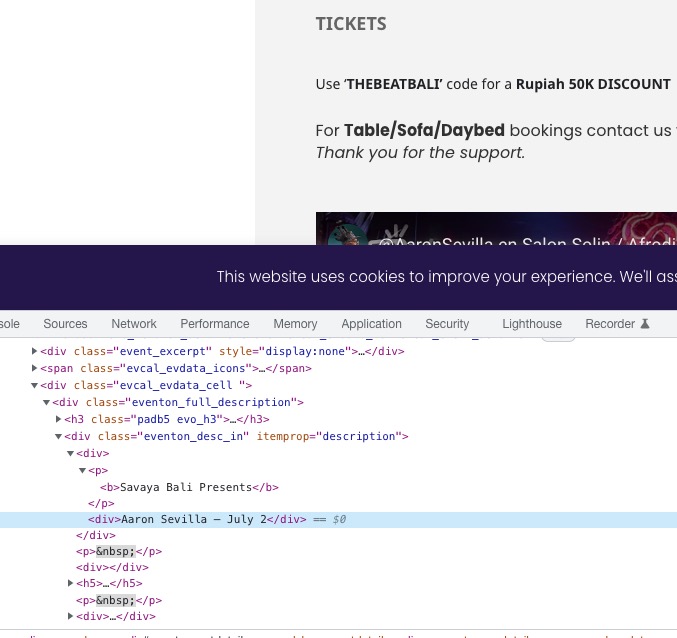
Your reply made me run more test. It turns out that it was a conflict between 2 plugin but 3…
It seems like the Popup maker plugin is causing an issue as well. so I can run only 2 at a time not all 3 with the last update. Any 2 works together but EventOn behavior changes when all 3 are active.
So I’ve deactivated popup maker because Asset clean up is way more essential for us.
Thanks again for your time and insights!
Hello,
Thank you for your great suggestion, at the moment it is not supported. However please create a new ticket and select Feature Request as category so others can vote on your idea and get it moved into development faster.
Unfortunately, we only provide support through this forum.
Could you please try the instructions mentioned in this documentation to make sure your issue is indeed coming from eventon.
This ticket is private. Unfortunately, we only provide support through this forum.
As for the issue. Could you try following this guide:
https://docs.myeventon.com/documentations/why-is-location-google-map-grayed-out-or-not-displayed-on-event-card/
Make sure that Google Maps work correctly.
Here’s the old template file:
https://g2solution.co.uk/wp-admin/network/theme-editor.php?file=eventon%2Ftaxonomy-event_organizer.php&theme=listable-child
Could you update it with the new one:
https://g2solution.co.uk/wp-admin/network/plugin-editor.php?file=eventON%2Ftemplates%2Ftaxonomy-event_organizer.php&plugin=eventON%2Feventon.php
Hello,
Could you try following:
https://docs.myeventon.com/documentations/event-post-meta-variables/
This part:
evcal_srow UNIX event start value
evcal_erow UNIX event end value
If your plugin can extract post variables, you can use the above.
I cannot login with previously submitted login info. Could you send us the working one?
Does our website load font-awesome files with enabled “Disable font awesome fonts”?
https://dev2.myeventon.com/Events-Directory/test-54/
https://helpdeskx.s3.amazonaws.com/wp-content/uploads/2023/07/06141605/Screenshot_20230707_051454_Chrome.jpg
Home directory is wrong. Please change it to the root folder of the WordPress installation. Should have wp-content, wp-admin folders.
When you copy text from websites, you also copy all HTML tags as well:
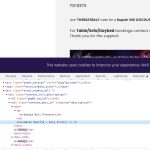
See <div> tags? They shouldn’t be there, since WP usually puts <p> or <span> tags around the text.
More explanation here:
https://divimundo.com/en/blog/paste-text-without-formatting-in-wordpress/
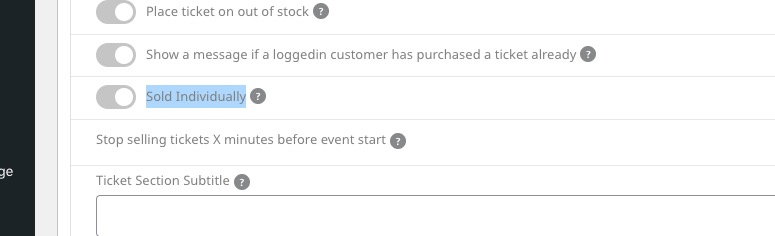
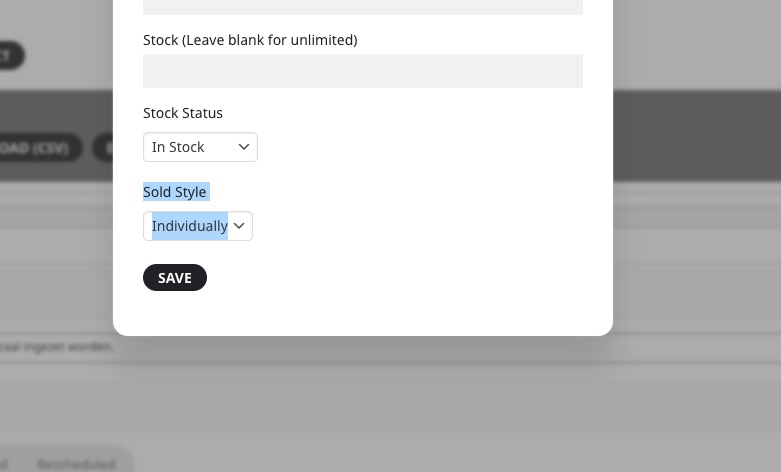
I thought you were referring to Sold Individually: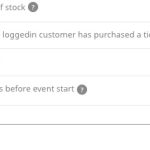
Variations option is different:
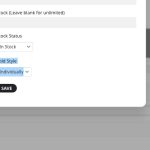
It means that you can add it once for this ticket, but when you purchase the same ticket again, you can add it again.
Please schedule a call with me as we work with 2fa