Ok, I’ve been trying this before, the only thing that when I put add_eventon, NOT add_eventon_list, so it didn’t work for me.
All good. Thank you so much!
Replies for tickets on suppota
Ok, I’ve been trying this before, the only thing that when I put add_eventon, NOT add_eventon_list, so it didn’t work for me.
All good. Thank you so much!
Thank you very much, it has worked perfectly!
Did you add Event Details manually or by copying it from a website?
For example, this event:
https://thebeatbali.com/events/aaron-sevilla-at-savaya-sunday-2-july-2023/
Some details are copied via duplicating another event page on our site and other bits like the name are copied from another website. I also copied the embed url from youtube
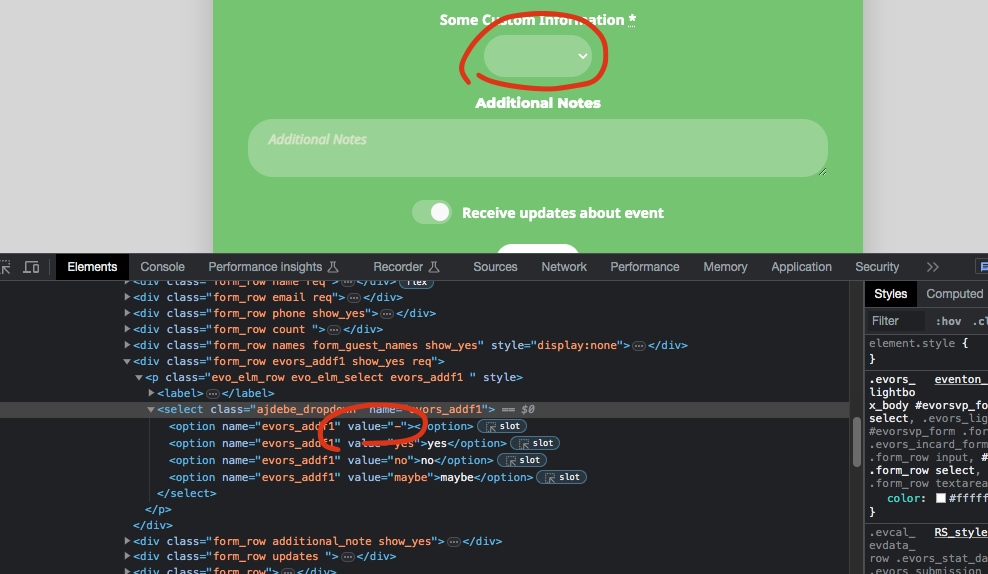
Ok I see whats going on. So 1 field is a dropdown and you have set empty space as first value. So when you leave space as first value in the code its set as – so it is still passing a value.
I would suggest setting a default value as first value. And for checkbox if somebody does not select a checkbox that is considered as NO value and checking = YES value.
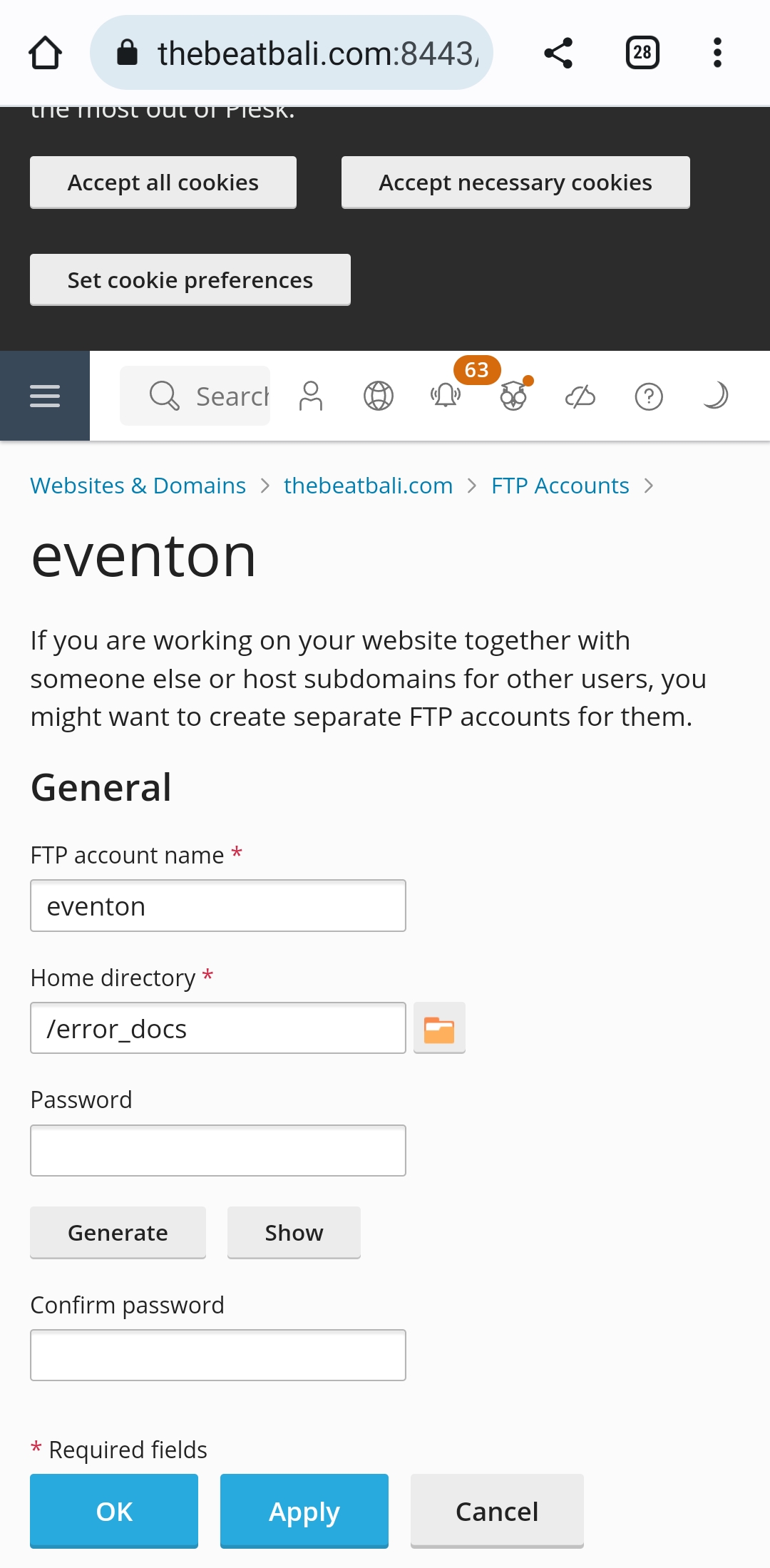
Re FTP. I’m no IT expert. Can you walk me thru the FTP set up you require on plesk? Attached is what I see on plesk.
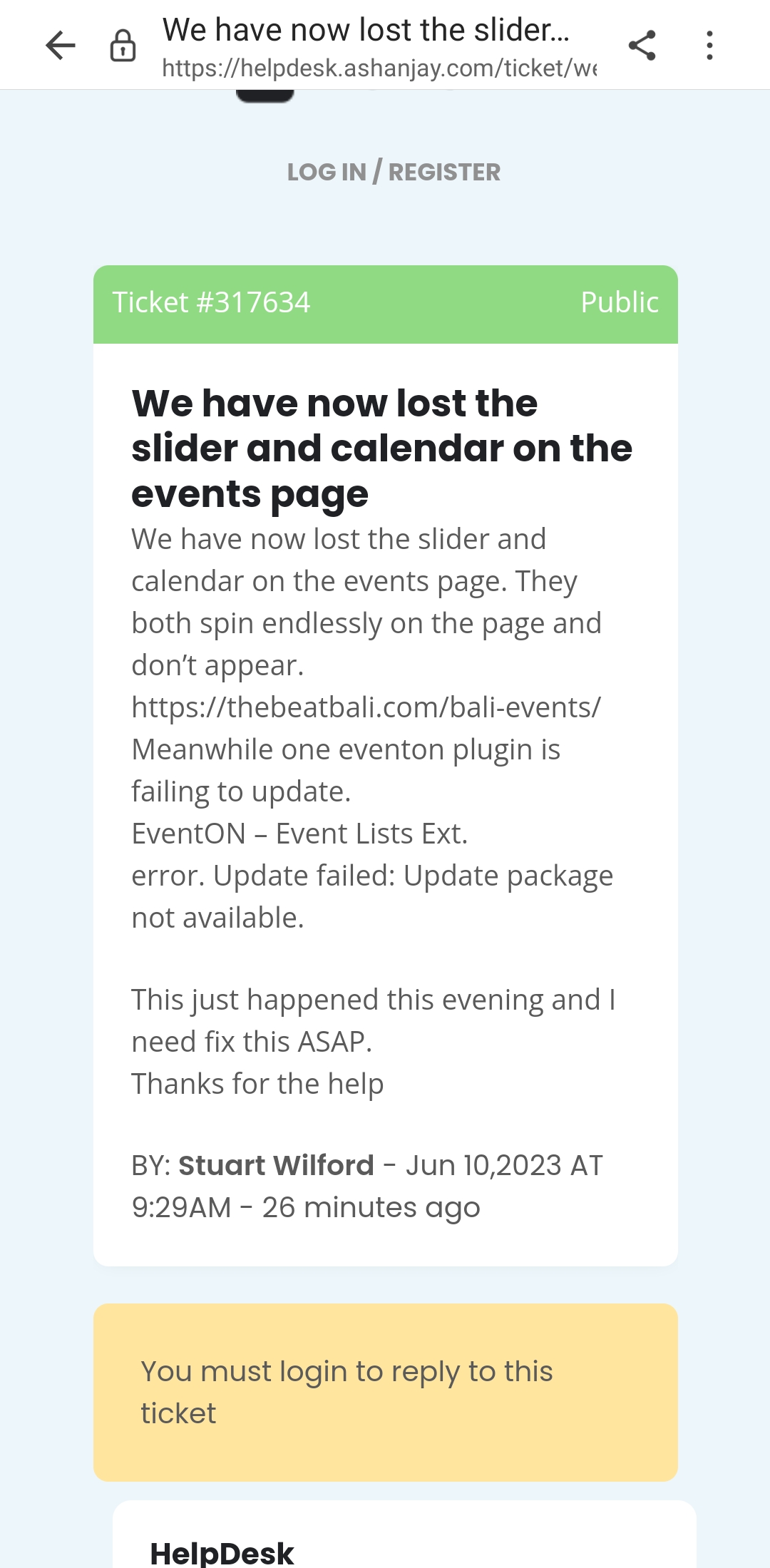
First. I can’t log onto the other thread in this help desk, it keeps asking me to log on. See attached.
Please keep on this thread (hope it works)
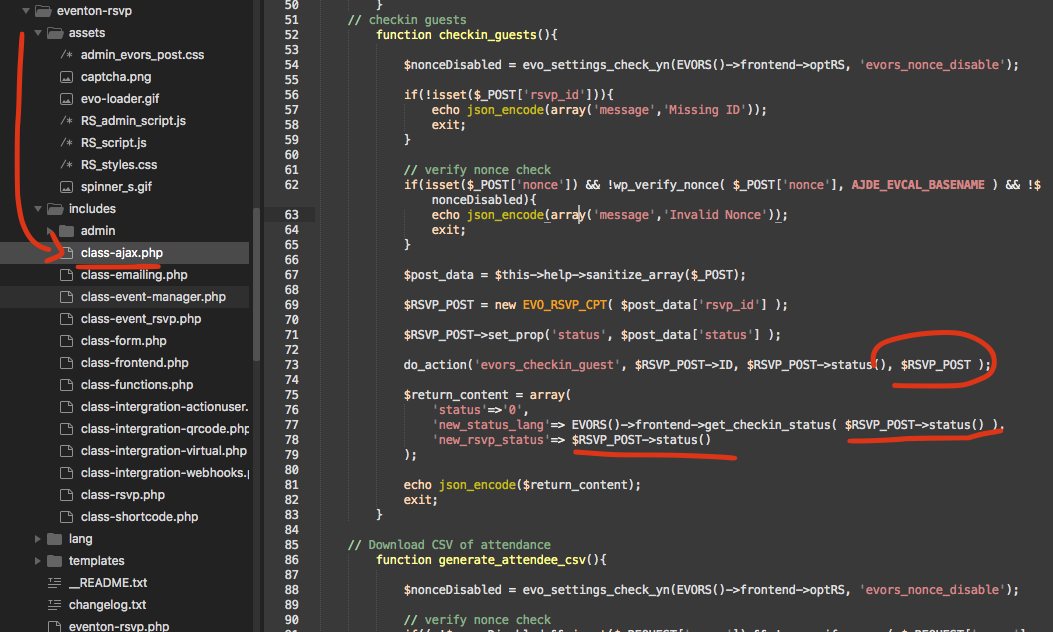
found the issue please apply these patch fix changes in your code and that will fix the not able to check issue 🙂
Can you give me upper permission to your site to test things out?
but you got me on the right direction. thank you so much… if I turn off CSS optimization on wp rocket everything looks correct.
thank you again.
weirdest thing. it looks correct when I am logged in. but when I log out it is back to “broken”