Try adding the code to wp-admin > Appearance > Customize > Additional CSS.
Archives: Replies
Replies for tickets on suppota
Reply to: tickets(316673)
When I enable Troubleshooting Mode, it works:
https://magotarm.se/stockholms-lansforening/wp-admin/site-health.php?tab=troubleshoot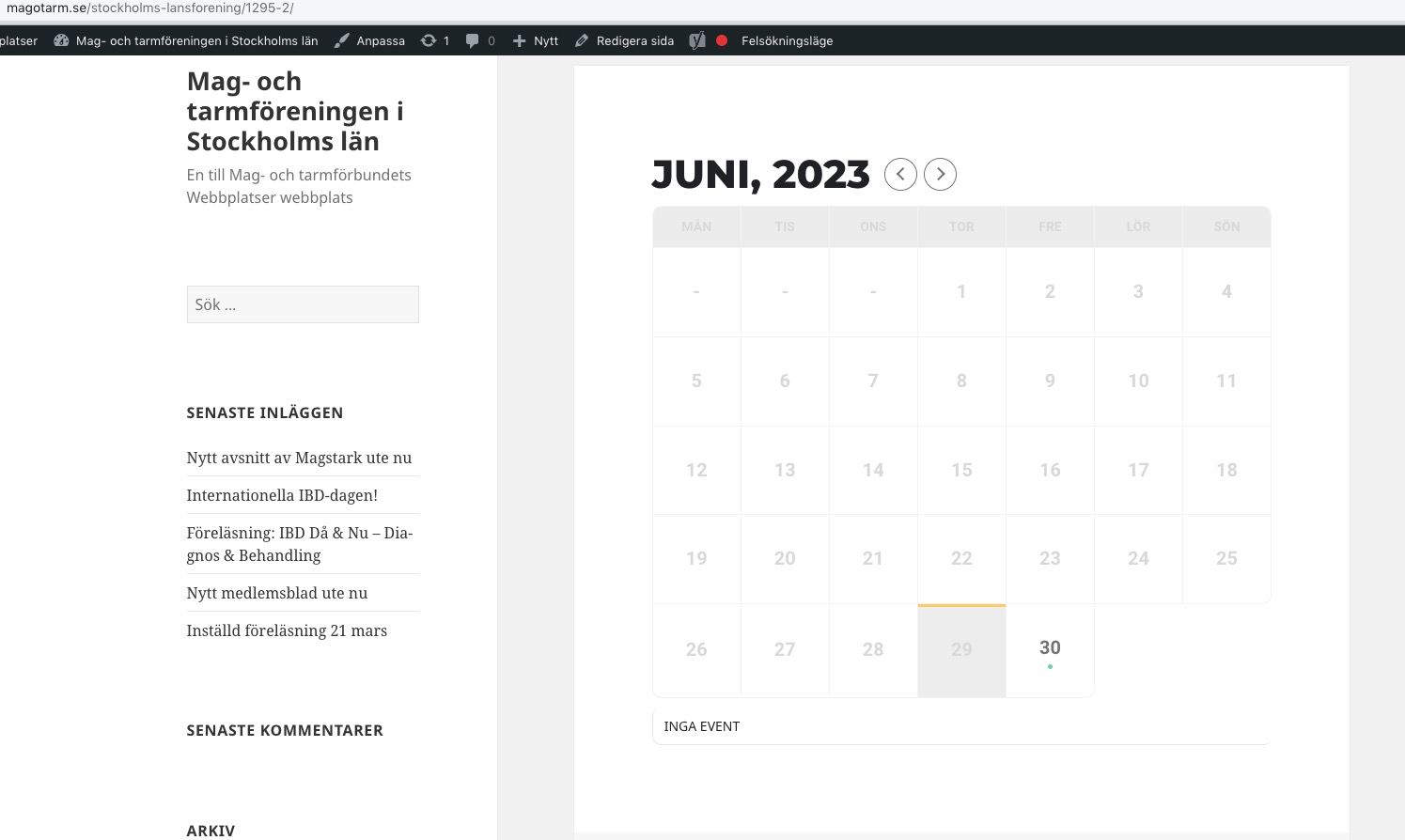
Could you please try the instructions mentioned in this documentation?
Reply to: tickets(319365)
Hello,
It seems that your theme or a third-party plugin are causing this. Please add this CSS code to EventON > Styles (If you don’t see any change, EventON > Scripts & Styling > turn off Write dynamic styles to header > save settings > turn on Write dynamic styles to header):
.evcal_cblock .evo_start em.month, .evcal_cblock .evo_end em.month, .evcal_cblock .evo_start em.day { display: block !important; }
Reply to: tickets(319103)
We are glad your issue is resolved, if you have any further questions or concerns please create a new ticket.
If you have a moment, we would greatly appreciate if you could kindly leave us a review at codecanyon! from your account > downloads. Cheers!
Reply to: tickets(319078)
Hi Ashan, I just retested the login when you go to https://fc.roblens.com/wp-admin/ you should be confronted with the login and using the above mentioned creds you should be able to login.
Could you please paste this function in bin so I can copy it?
Cheers
Omar
Reply to: tickets(319284)
Hi Artem,
Thanks for the tip with the translation. We use WPML for language translation. The 3-digit days of the week were not translated into German. I have entered the days of the week in German with the English 3-digit abbreviation. And also corrected the months. It works now.
Still, I find it strange that two different translations are used.
“Use event start date as RSS pubDate” is true
uses the German date
“Use event start date as RSS pubDate” is false
uses the English date
Best regards
Matthias
Reply to: tickets(316673)
Hi! Please try this password:
wAwA)VugrkIP1^crpHnr%nMa
Reply to: tickets(319256)
Hi
I have added that CSS to the site but it hasnt worked unfortunately.
See events on https://love.golf/kat-chaszczewski/
I will wait to hear from Ashan as soon as he is available.
Thanks
Reply to: tickets(319117)
I increased the memory limit, cleared cache, and still did not work. Please advise.
Reply to: tickets(319103)
thanks a lot Kenneth