Hi–I just wanted to follow up on this ticket to see if there are any updates. Thanks so much!
Archives: Replies
Replies for tickets on suppota
Reply to: tickets(257847)
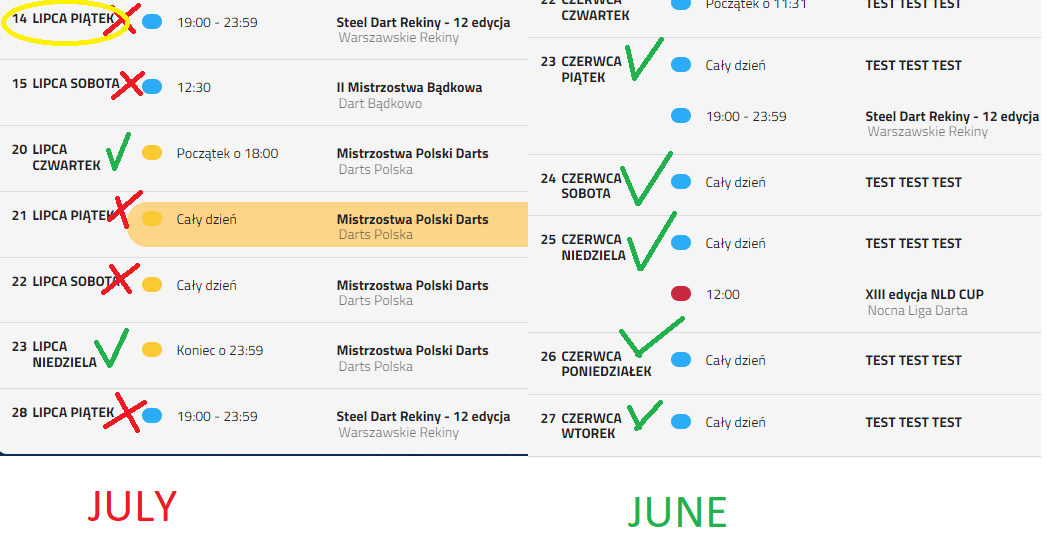
no no no no 🙂 that’s not what I meant at all, in the previous graphic I marked that it just spilled, not that I wanted it 😉
Artem, I mean the date and day and day of the week. In the month of LIPIEC (in English JULY) I have a situation where the day, month and day of the week are in many cases on one line. And I would like it to be two.
Most of the time in all months, it’s two verses. But when the month is short, it has few letters, it all comes down to one line. And I would like it to be in two, i.e. at the top, e.g. 26 June (26 lipiec), and at the bottom FRIDAY (PIĄTEK)
Reply to: tickets(319127)
Sure can!
https://kranzbergartsfoundation.org/wp-content/uploads/2023/06/Eventon_events_23-06-23.csv
Thanks!
Reply to: tickets(319103)
Hi Artem,
thank you for your reply – that worked for me.
Can you also tell me how to resize the subtitle on mobile only, and also, how to resize the event Time on ALL devices
thank you,
Joe
Reply to: tickets(319077)
Hello,
1. Please follow this guide:
https://docs.myeventon.com/documentations/show-additional-custom-data-eventcard/
You can recreate the section the way you like and disable the default one from EventON Settings.
2. By default Event Details populate the schema:
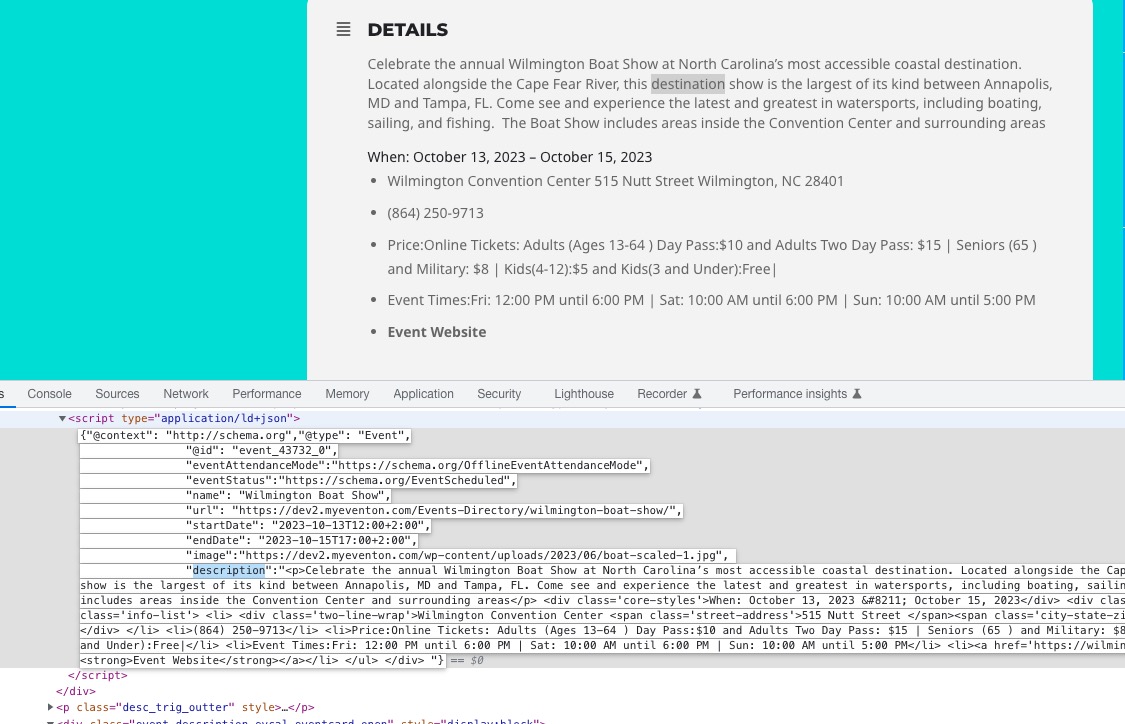 Could you go to EventON > disable Remove schema data from calendar and Remove JSON-LD data for events?
Reply to: tickets(257847)
Added the code to https://laczynasdart.pl/wp-admin/customize.php?return=%2Fwp-admin%2Fadmin.php%3Fpage%3Deventon%26tab%3Devcal_3. Seems to be working now.
Reply to: tickets(319130)
Okay, thanks. We do have all three plugins.
we were hoping that as soon as an event sold all the tickets there would be an option for people to sign up for the waitlist to be notified if someone cancels.
Thanks again!
-Bradley
Reply to: tickets(319155)
Hello,
3 purchases of bundles by 8:
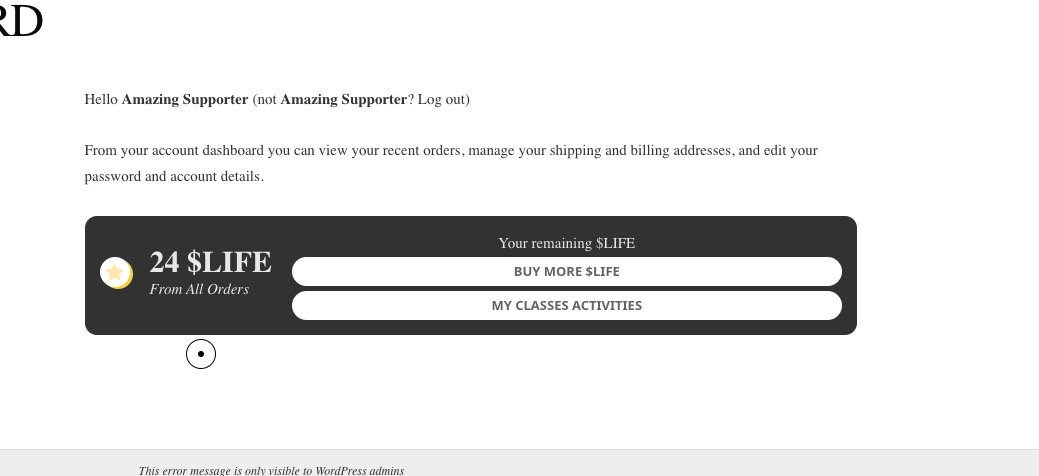
Seems to be working correctly.
Could you elaborate, so we can recreate this?
Reply to: tickets(318166)
Please use this code:
.single-ajde_events .evocard_row { padding-bottom: 10px; display: flex; padding-left: 8px; padding-right: 8px; } .single-ajde_events .ajde_evcal_calendar .eventon_events_list .eventon_list_event { background-color: #fdfdfd; border-radius: 15px; } .single-ajde_events .evo_page_body .evo_sin_page #evcal_list p.desc_trig_outter {border-radius:0 !important} .single-ajde_events .evo_page_body .evo_sin_page .evocard_row {padding-left: 8px !important}
Reply to: tickets(319174)
Hello,
When I try to RSVP, it doesn’t show the confirmation screen, because there is an internal issue on the server.
Could you try removing your custom RSVP email templates (all of them):
https://www.altemarkthalle.ch/wp-admin/theme-editor.php?file=eventon%2Ftemplates%2Femail%2Frsvp%2Fconfirmation_email.php&theme=uncode-child