Hello,
Please try adding month_incre=”+1″ to the shortcode. The option switches to the next month on load.
Replies for tickets on suppota
Hello,
Please try adding month_incre=”+1″ to the shortcode. The option switches to the next month on load.
You must have the main plugin purchased from CodeCanyon:
https://codecanyon.net/item/eventon-wordpress-event-calendar-plugin/1211017/
Please login to your account on CodeCanyon and check for the updated version there.
Hello,
Thank you for your great suggestion, at the moment it is not supported. However please create a new ticket and select Feature Request as category so others can vote on your idea and get it moved into development faster.
Thank you Artem. I need to deliver the project so don’t wonder if Ashan saw the main template edited and I hope that won’t disturbe his troubleshooting.
My pleasure and thanks for building the awesome software.
Regarding blocking we only have Wordfence
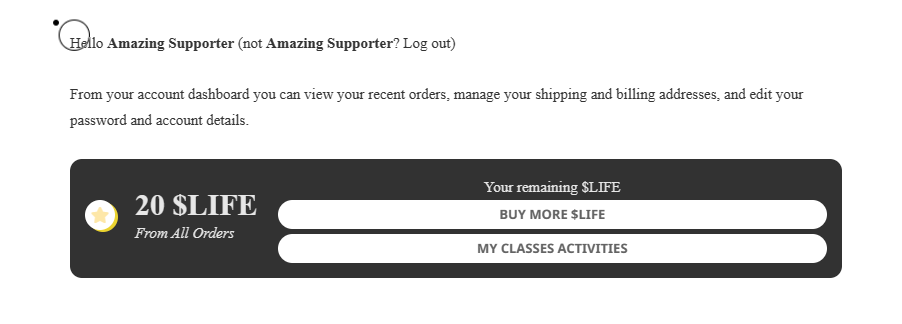
Hi!
I just bought 4 more points (single points not in bundle)
Now from 24 -> 20 points. 😶🌫️
Regards
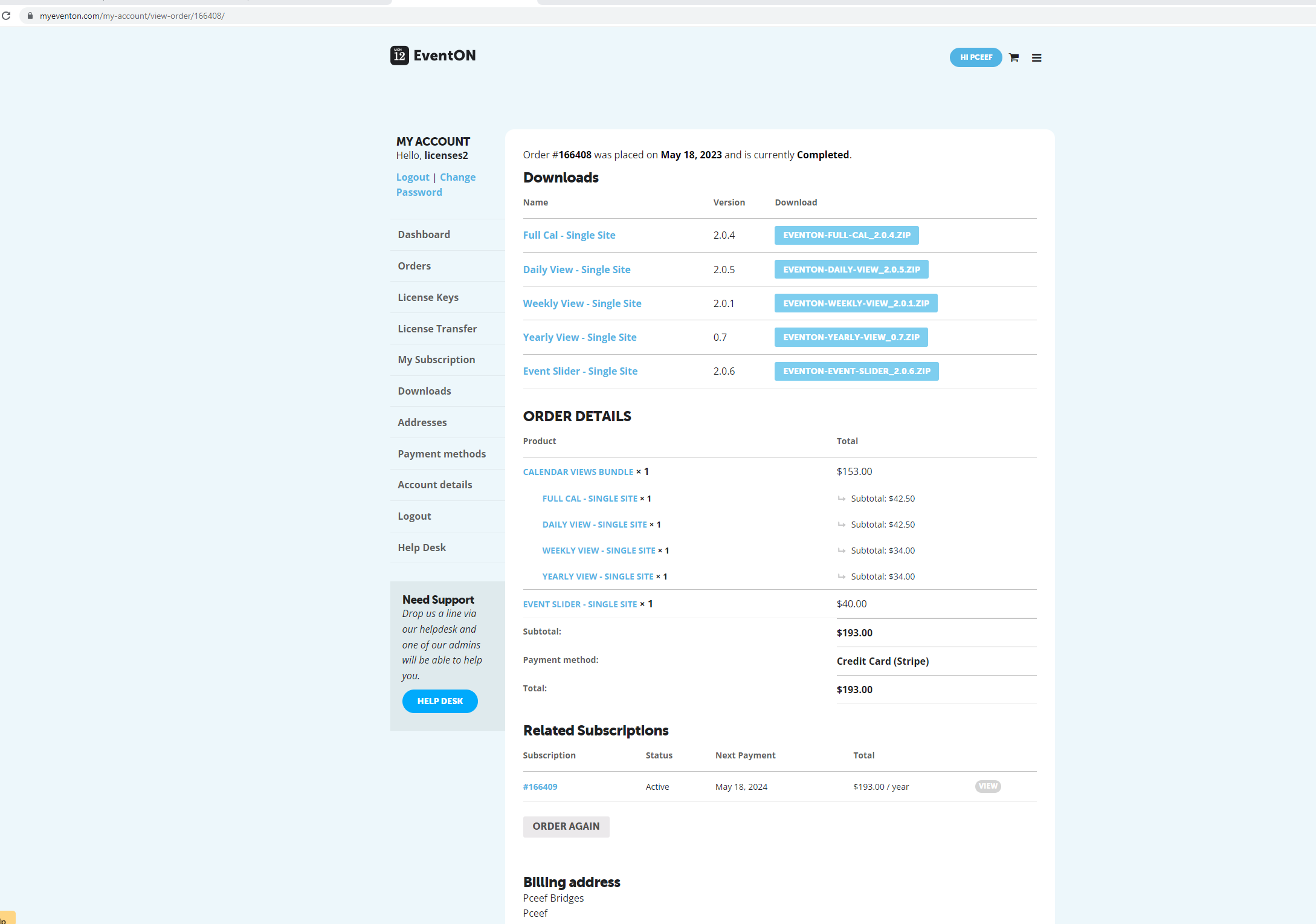
I do not have a codecanyon account it was purchased via the Eventon site and I only have the download option i sent in the previous ticket response from the myeventon site. I attached what I see including my purchase receipt. I havent been able to use it at all. please advise.
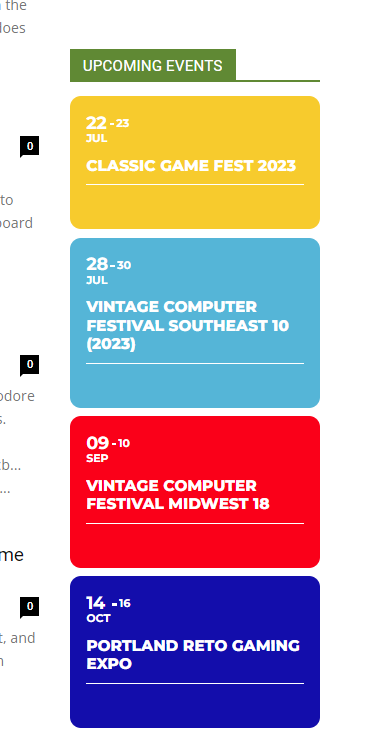
Thanks for the older copy 4.3.5. I just downgraded to it and everything is now displaying again.
Can I please get a refund, as the plugin purchased does not even work. I’ve been trying to troubleshoot the problem for a week now and nothing is letting my posts show on the calendar. Bit disappointed, and I am going to have to look for another product that is functional with my setup. Thanks for the assistance, but the plugin still does not work. My order ID is 168731.
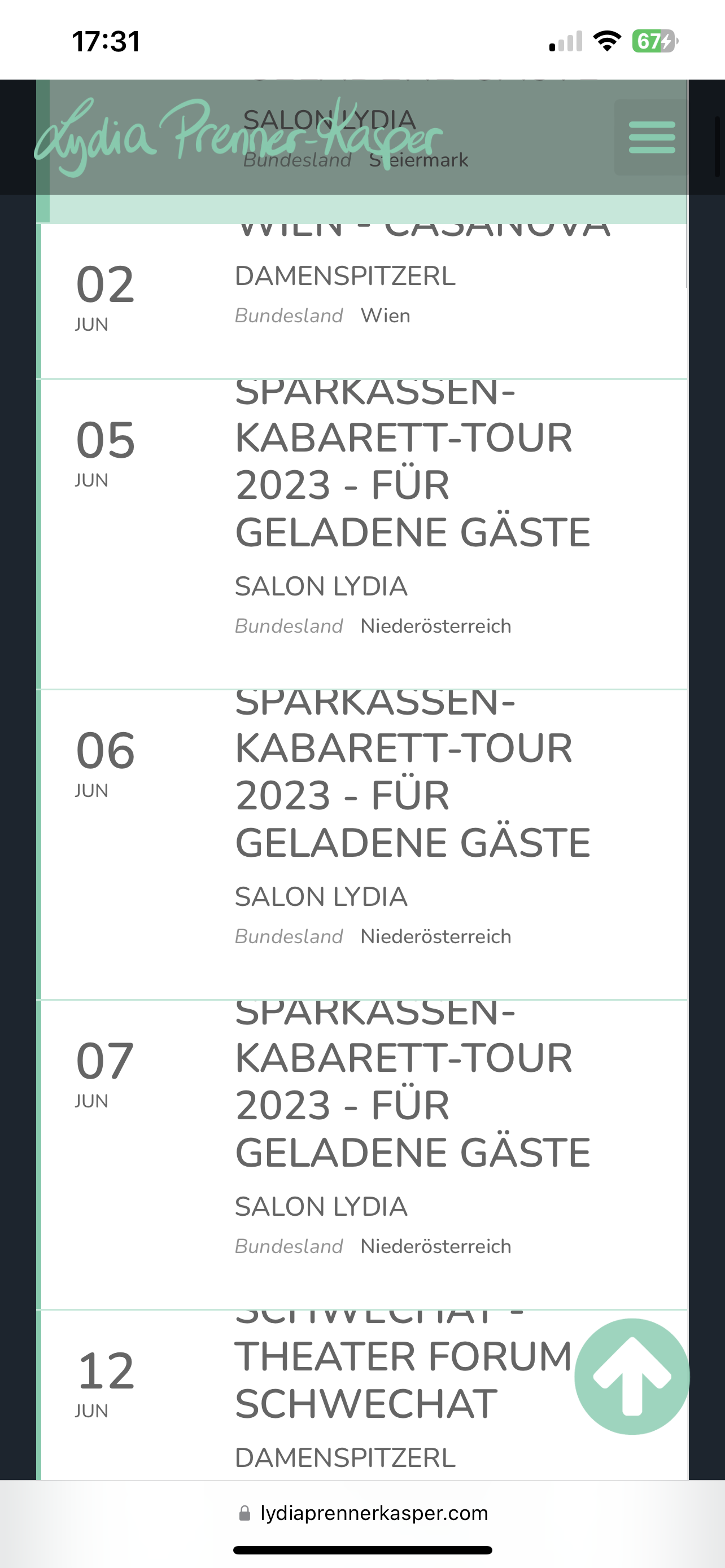
Here is a picture of the above-described problem.
Hi Artem,
I was able to figure out how resize the subtitle on mobile, and also how to use text-transform to remove the capitals by adding to Appearance>Customise>Additional CSS
.ajde_evcal_calendar #evcal_list.eventon_events_list .eventon_list_event p .evoet_cx span.evcal_event_subtitle{ text-transform:none;}
I need to resize the event TIME across all viewports too. I assume it is done the same way as above, via Additional CSS, but can you give me the exact CSS please as I can’t seem to get it right
thanks,
Joe