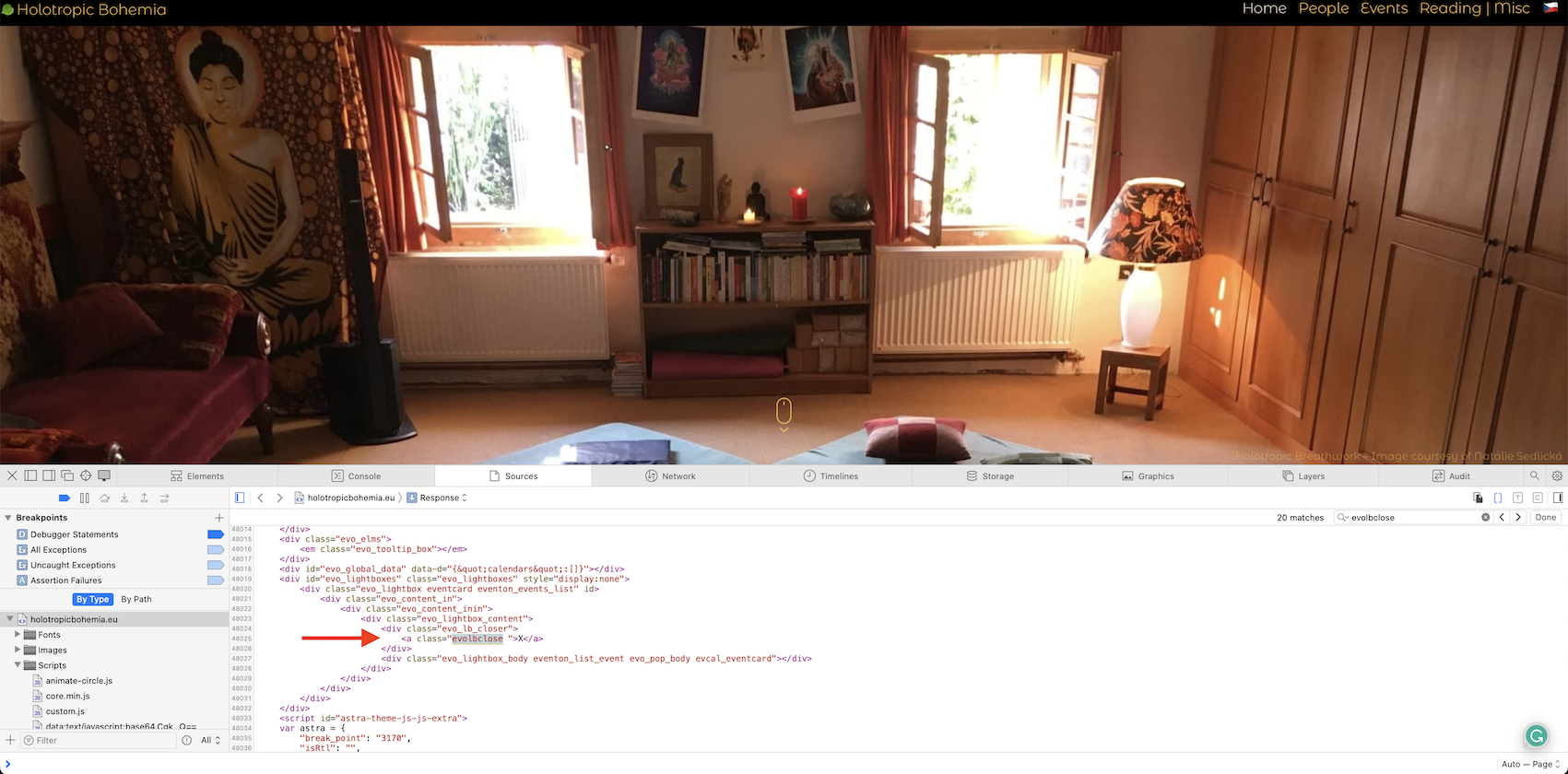
Reply to: tickets(311313)
Replies for tickets on suppota
Hi Artem,
so I waited for some time. I don’t know how many times I cleared cash in the meantime. A lot… 🙂 But I am still seeing the same thing:
Ok. No, we don’t have IP blocking.
Please go to https://puntacanatopconferences.com/wp-admin/admin.php?page=eventon#evcal_002 > Calendar Header > Header Month/Year text color.
If you don’t see any change, EventON > Scripts & Styling > turn off Write dynamic styles to header > save settings > turn on Write dynamic styles to header.
Hello,
Unfortunately, no new updates.
As a temporary solution, please go to EventON > enable Remove schema data from calendar & Remove JSON-LD data for events.
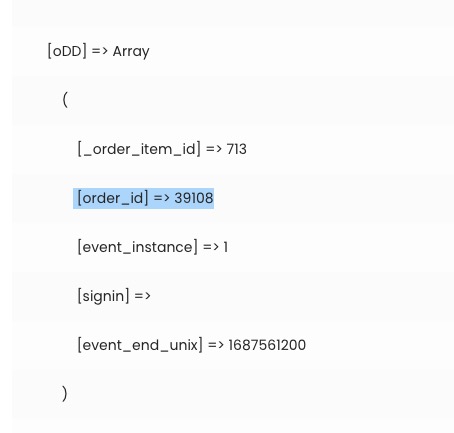
Please use this guide to get $order first with $order_id:
https://www.businessbloomer.com/woocommerce-easily-get-order-info-total-items-etc-from-order-object/
Hello,
It seems that you have only 3 events in the current month. Please try replacing number_of_months=”1″ with number_of_months=”12″.
Unfortunately, the same issue:
Please also note that this ticket is completely private.
Hello,
Please try the following
EventON > Scripts & Styling > turn off Write dynamic styles to header > save settings > turn on Write dynamic styles to header
Hello,
Please add this CSS code to EventON > Styles (If you don’t see any change, EventON > Scripts & Styling > turn off Write dynamic styles to header > save settings > turn on Write dynamic styles to header):
@media (max-width: 480px){ .ajde_evcal_calendar.boxy.box_2 .eventon_list_event, .ajde_evcal_calendar.boxy.box_3 .eventon_list_event, .ajde_evcal_calendar.boxy.box_4 .eventon_list_event, .ajde_evcal_calendar.boxy.box_5 .eventon_list_event, .ajde_evcal_calendar.boxy.box_6 .eventon_list_event, .ajde_evcal_calendar.boxy.box_7 .eventon_list_event, .ajde_evcal_calendar.boxy .eventon_events_list .evoShow_more_events { width: 50%; }}