I have updated, but nothing changed. The ‘????????’ strings are still generated on every new pdf.
Archives: Replies
Replies for tickets on suppota
Reply to: tickets(318714)
you can try modern events calendar however you’ll have to pay for the extra features there as well
our demo is clear on what you get and the paid addons
you do get all these option on the demo page: https://demo.myeventon.com/
you will have to go through codecanyon first to get the refund as they handle the payment especially if its been purchased in the last few days as they still have the money.
Reply to: tickets(318726)
ashan click the link with the tokan to log in and then go to https://institutguylacombe.ca/wp-admin/ to get to the dashboard
cannot reproduce error on demo site- theres some console errors
errors on switching months and some code appearing on other days and also when you click learn more on the organiser of the events that do appear
Reply to: tickets(318726)
Thank you for your messages, I am going to assign this ticket to Ashan and he will be able to take it from here and find you a solution. Please allow some time for him to get back to you, we greatly appreciate your patience and thank you for being a eventon customer! Also please disable any IP blocking on your site if there are any.
Reply to: tickets(318726)
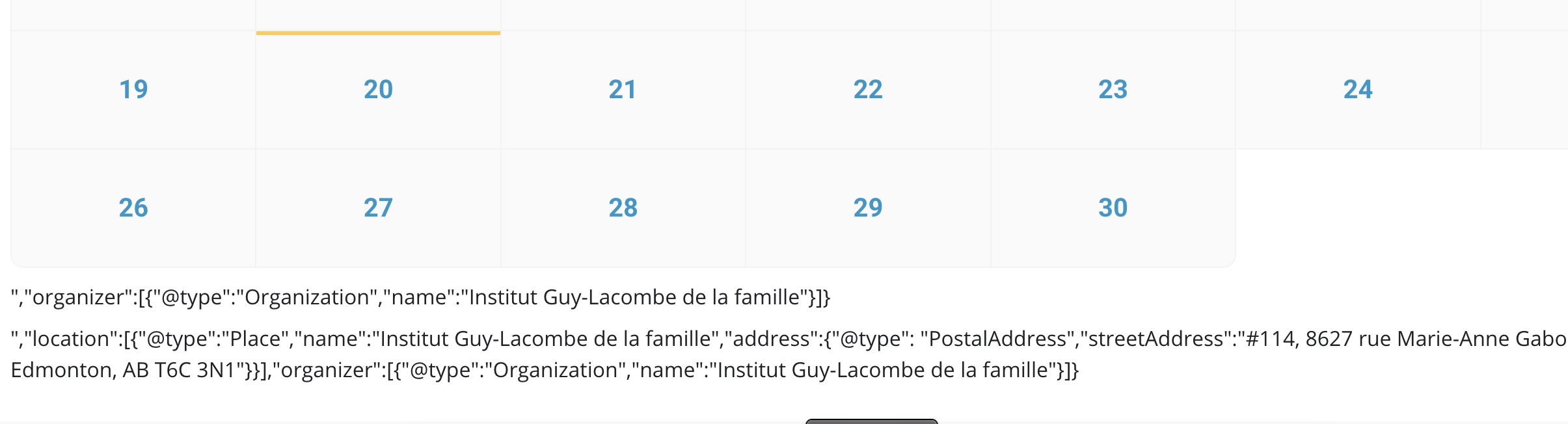
This is an example of the issue that I’m facing.
Reply to: tickets(318584)
Hi there,
Thank you for your support. Much appreciated.
Regards,
Cameron.
Reply to: tickets(318107)
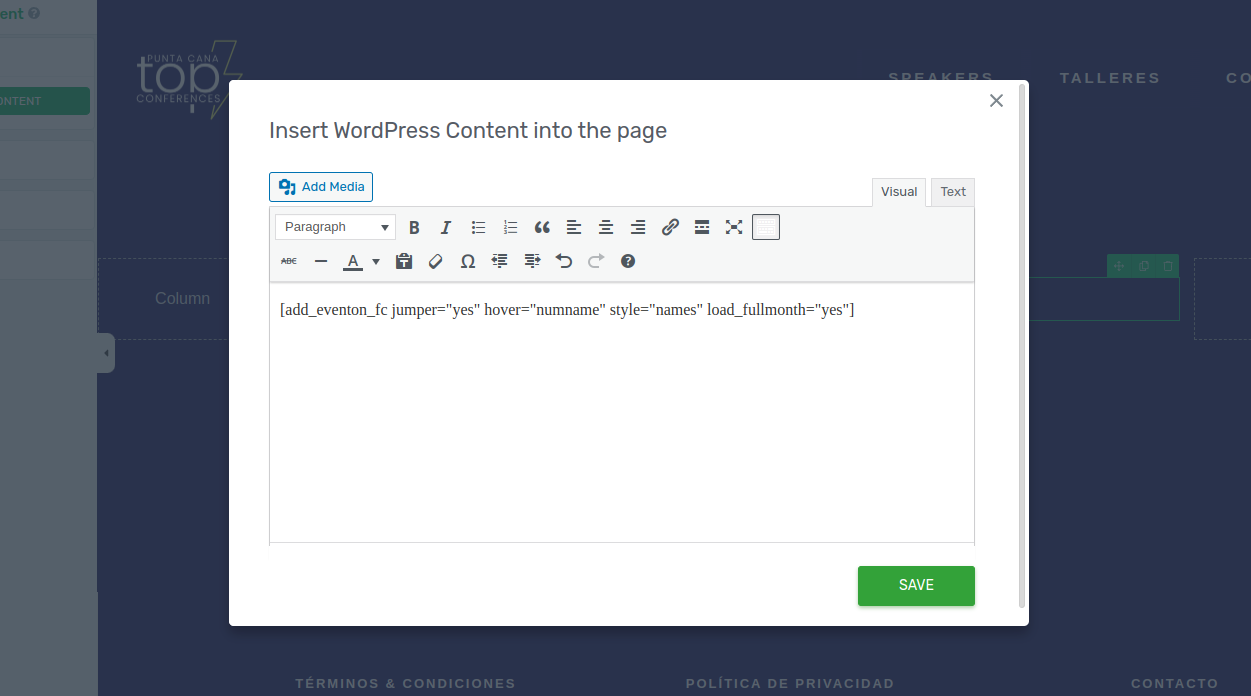
See the screen i dont see any <code>
the page is
https://puntacanatopconferences.com/calendario/
https://puntacanatopconferences.com/event-directory/
Reply to: tickets(318715)
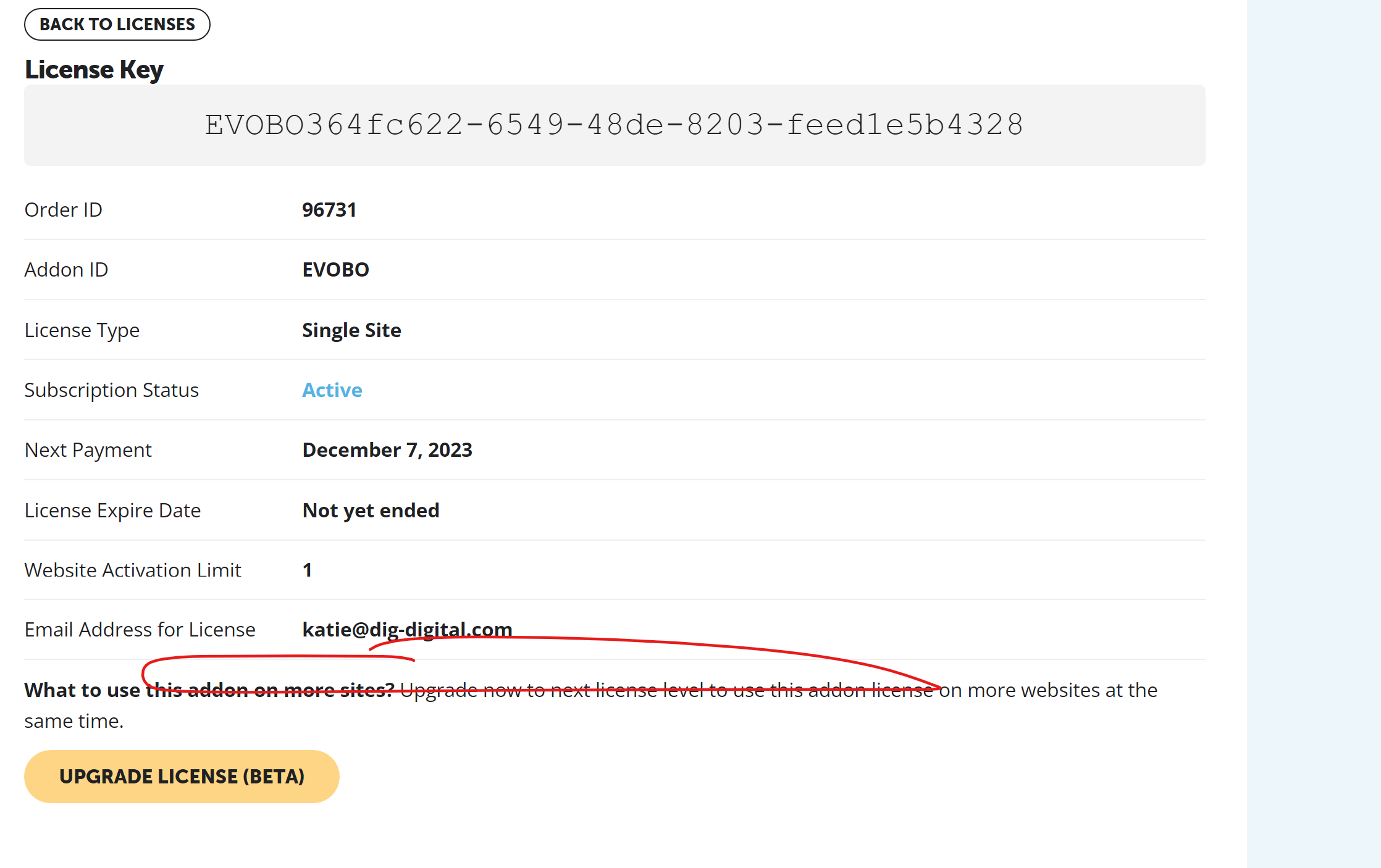
Reply to: tickets(318715)
See attached
Reply to: tickets(317621)
You can delete them by deleting orders. Please go to wp-admin > WooCommerce > Orders > select one or multiple > Bulk Actions: Move to Trash.