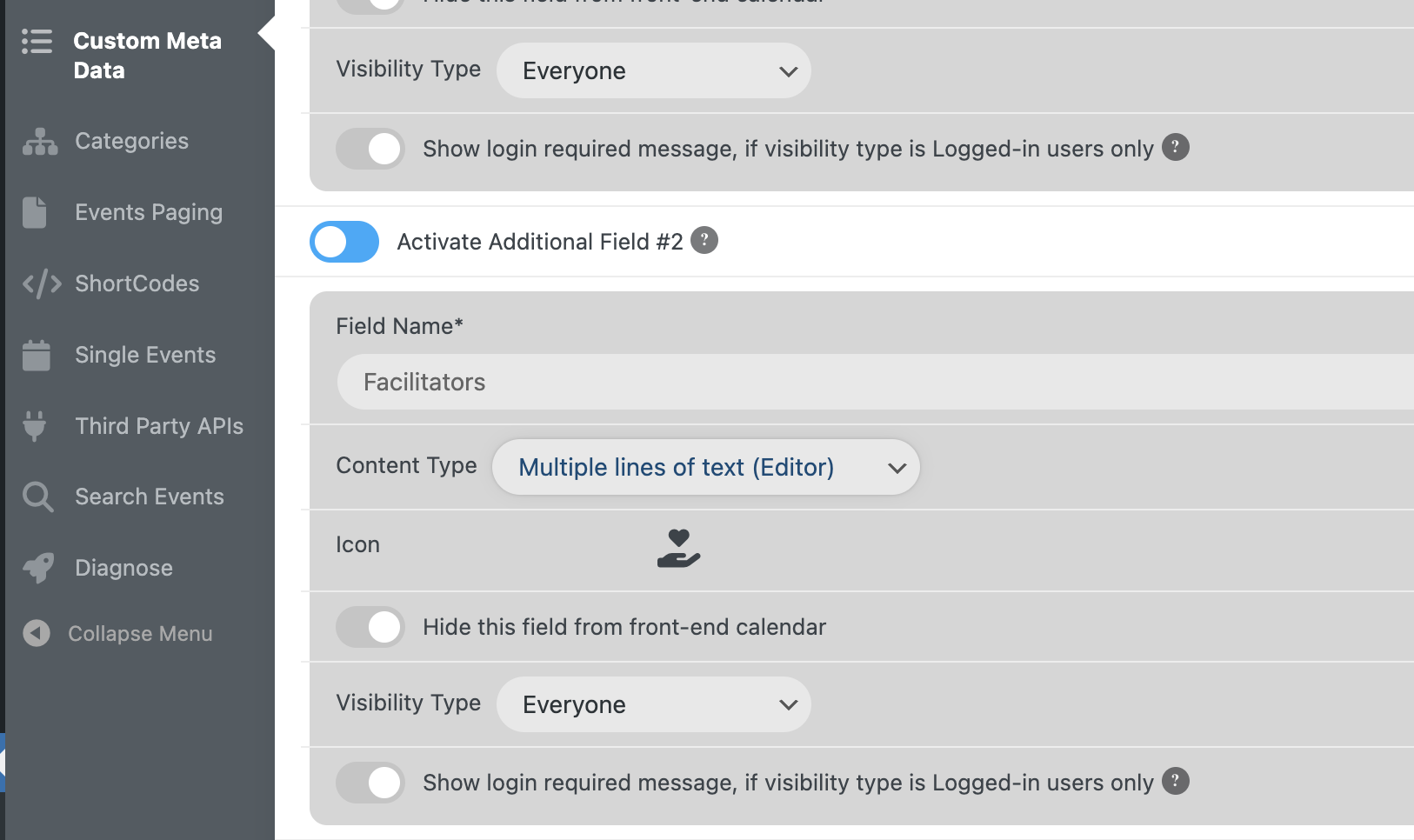
I have installed a fresh copy for testing purposes. Тhe settings are the same. Again the cyrillic here isn’t supported when the pdf is generated.
Please check here:
URL: https://ps.rdld.eu/wp-admin/
User: Develop
Password: !WuyoixsNVJu$N5)lUh4zsS(
Thank you
Good Day,
I wanted to followup with you for the current ticket.
Thank you for your time and have a nice day
Hello,
after 13 days, I wish this was the first answer.
Fernando
https://www.veed.io/view/5bea9bb7-59ea-4f2d-85c2-aa1b9c94b52b?sharingWidget=true&panel=share
- Thank you. Unfortunately, the code doesn’t seem to do the trick. The single event page looks the same with it (tried to switch “write to header” back and forth). It doesn’t seem to me like it’s a padding issue, though. When you look closely at the image I posted above – it’s the white background behind the grey segments that’s missing.
2. Alright, Thank you for this one. I am able now to fix each of the images manually by inserting the proper URL of the original image as text in the text editor. So let’s call this fixed!
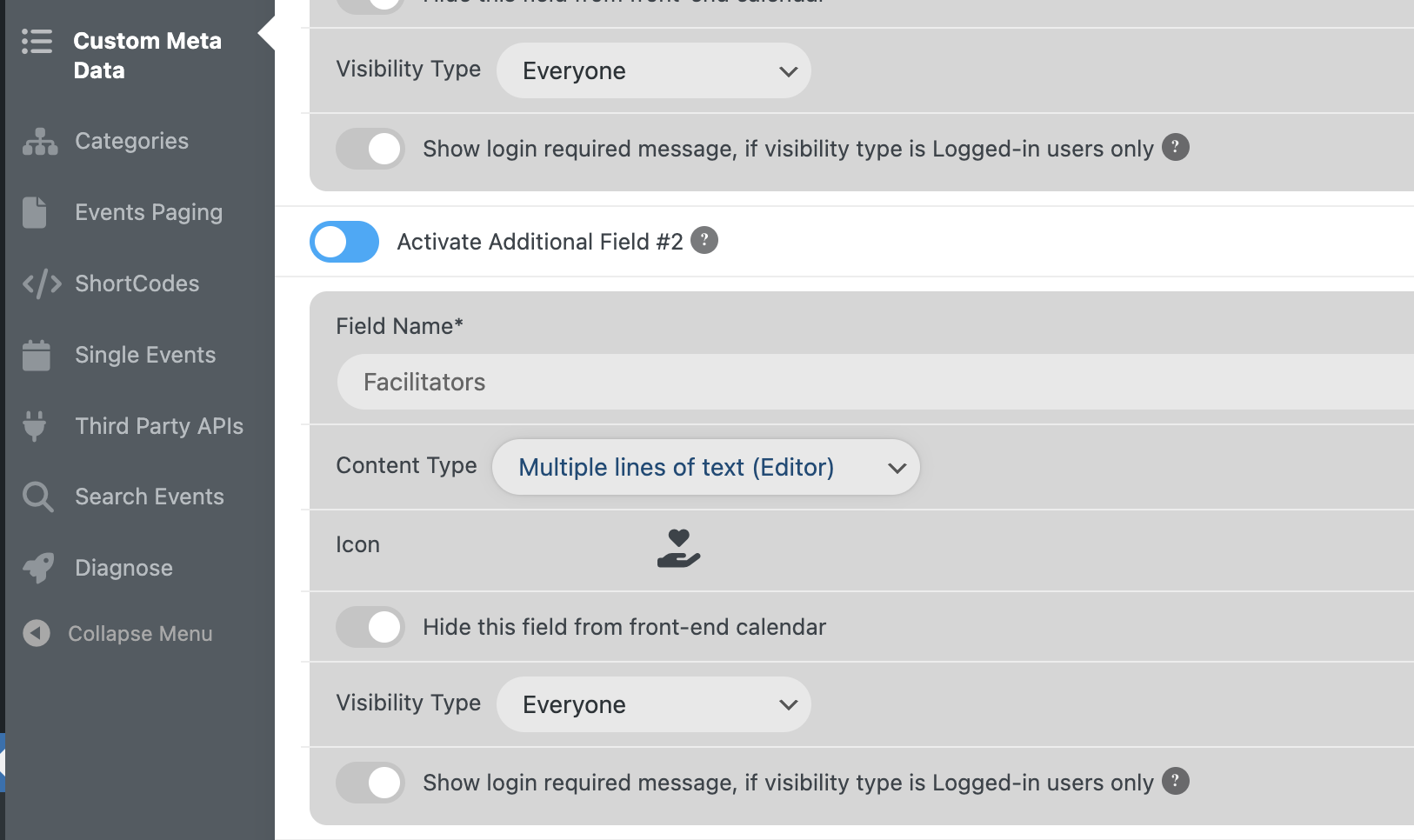
Strangely, the “300×130” is added somehow automatically, when I use the visual editor in the event back end. This is happening in a custom meta field (see img 1.)
When I hit the “Add Media” button, then select the proper image from wp media library, it will load the image in low resolution into the visual editor. When I then switch to the text editor, I can see that the “300×130” text got automatically added to the image URL.
Hello,
Please send us wp-admin access to your site as a private message for us to further assist your situation.
We need to copy the event data to our test server to recreate the issue.
1. Try this code:
@media (max-width: 768px){ .evosv_grid .row .evosv_items { flex-wrap: nowrap; gap: 10px; }}
2. Please use this code:
@media (max-width: 960px){ .evosv_grid .row .evosv_items .evosv_event { font-weight: bold; } .evosv_grid .evosv_items .evosv_event .evosv_subdata { font-weight: normal; }}