For example, in the page https://puntacanatopconferences.com/event-directory/
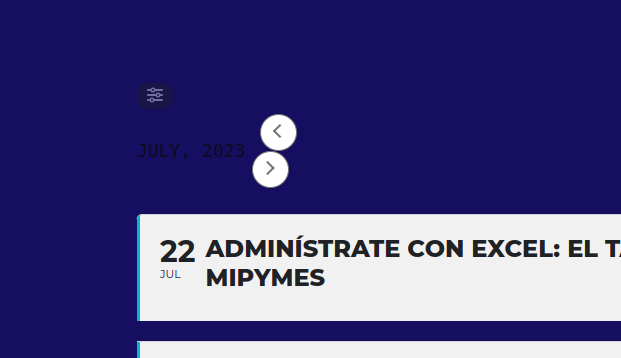
you can see even is the code is the same, they are different in the title of the month
and in the page https://puntacanatopconferences.com/calendario/
It is made with the plugin thrive architect, the title of the month is also different.
Hi Artem,
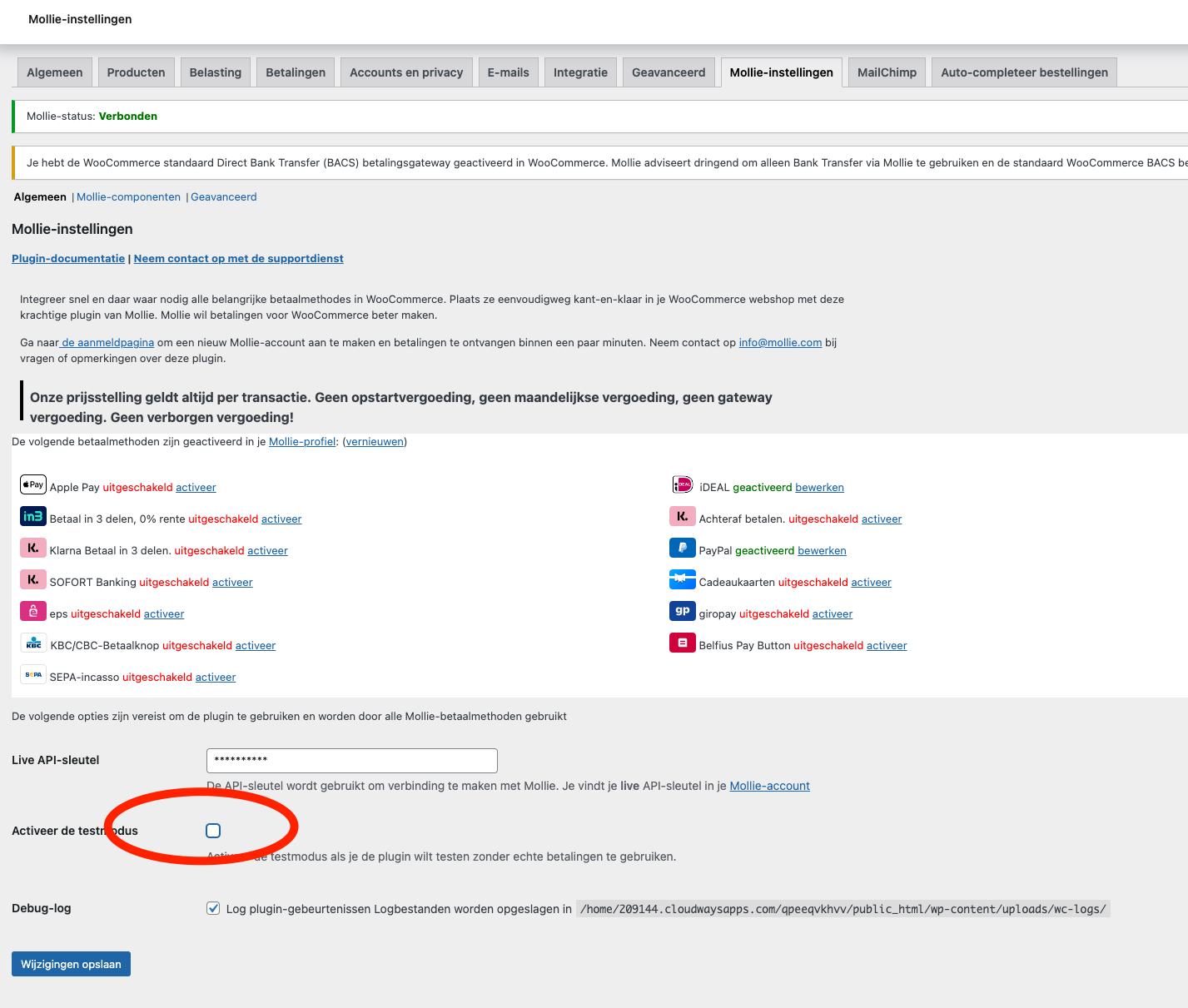
What you could do is set the Mollie payments in test modus, test an order and switch it back to live. (please keep it limited to 10min)
WooCommerce –> settings –> Mollie settings –> activeer test modus.
Cheers,
Jaap
Attached is the CSV file.
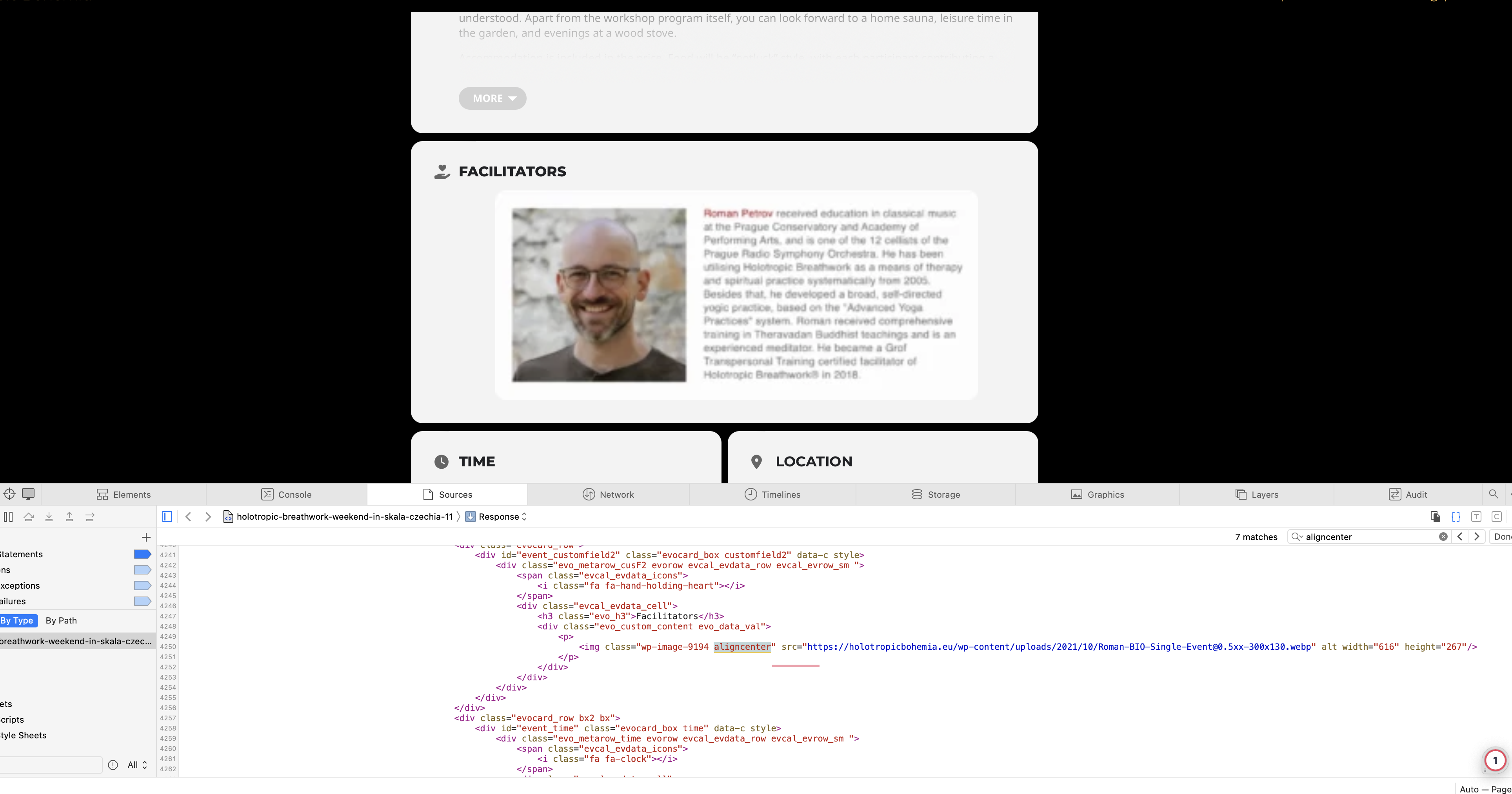
2. the blurred image is still blurred
I am using WP-Rocket for lazyloading images, so I excluded all the concerned images (facilitator bio) from lazyloading there. For me it looks like the lazyload is not there for these images now, yet they are still not displaying correctly. Can you think of another possible cause?
Hi,
I can see that someone on your side logged in to my website, apparently to do some fixes. Thank you for that.
The single event page now looks actually pretty good, and so does the tile view of all the events.
I also notice that the white space occurring between the single event page header and body when scrolling/dragging down is gone. That’s fantastic!
At the moment I see 2 remaining issues:
- Single event page
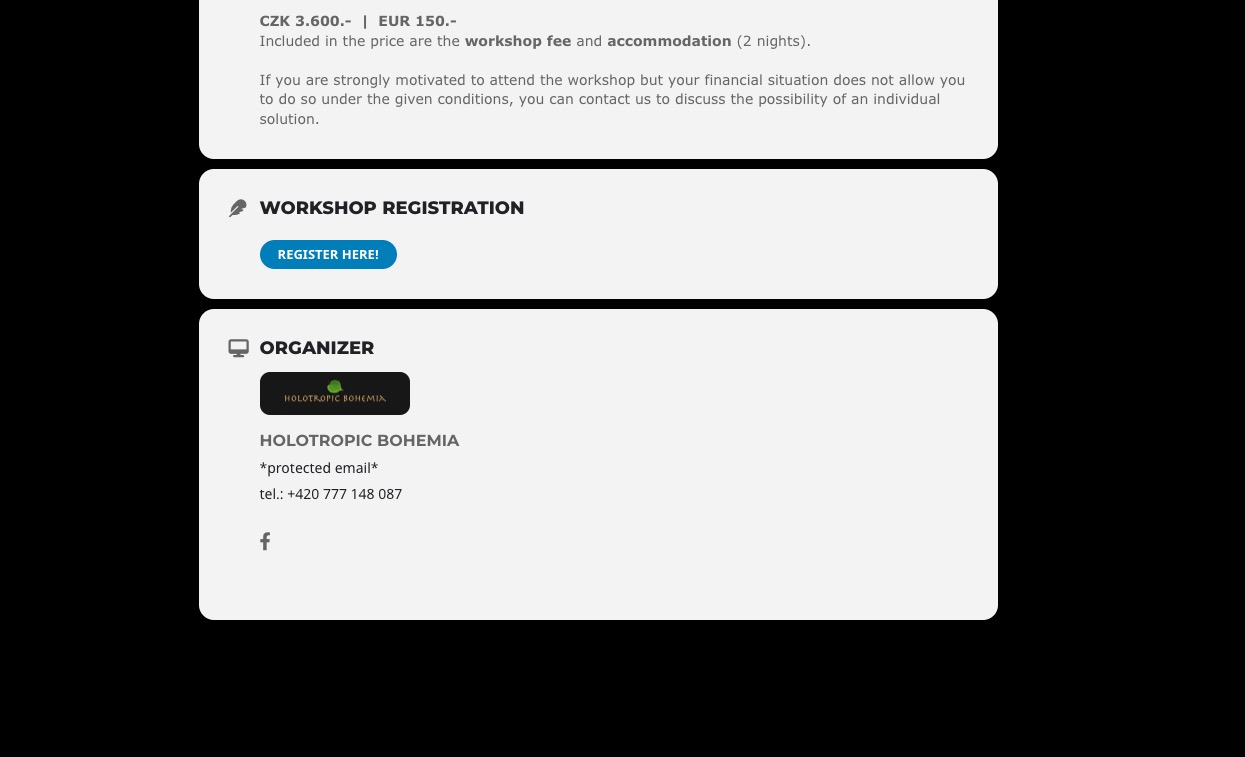
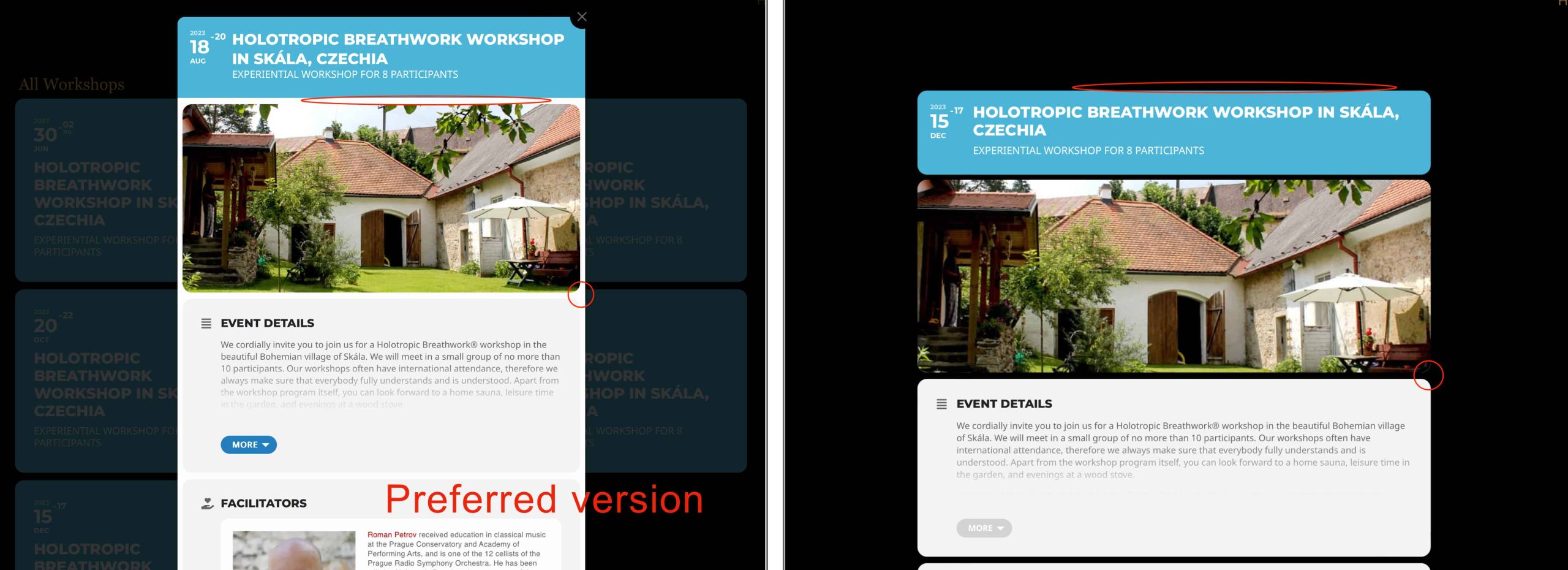
It’s almost perfect, except for one thing. When you compare the event card popup with the single event page, you can see that in the event card, the individual sections (grey) are placed on a white background (please see image below). If we could fix that, so that the single event page design matches the event card, then that would be a perfect result.
Now you need to follow this guide:
https://docs.myeventon.com/documentations/show-additional-custom-data-eventcard/
Use the data from the previously created variable to show them on Event Card.
The button is hidden:
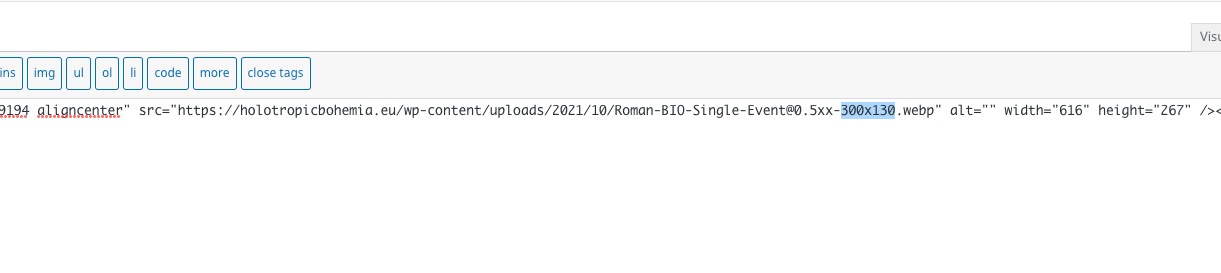
This is the issue with the image:
You used the small resolution. Please add the full image.
Hello,
Try this code:
em.evcal_tz_time.evo_mytime.tzo_trig { display: block; width: 100%; } .eventon_events_list .eventon_list_event .evoet_cx .level_3.evoet_time_expand, .evo_pop_body .evoet_cx .level_3.evoet_time_expand { flex-wrap: wrap; align-items: flex-start; justify-content: normal; } em.evcal_time.evo_tz_time { display: block; width: 100%; }
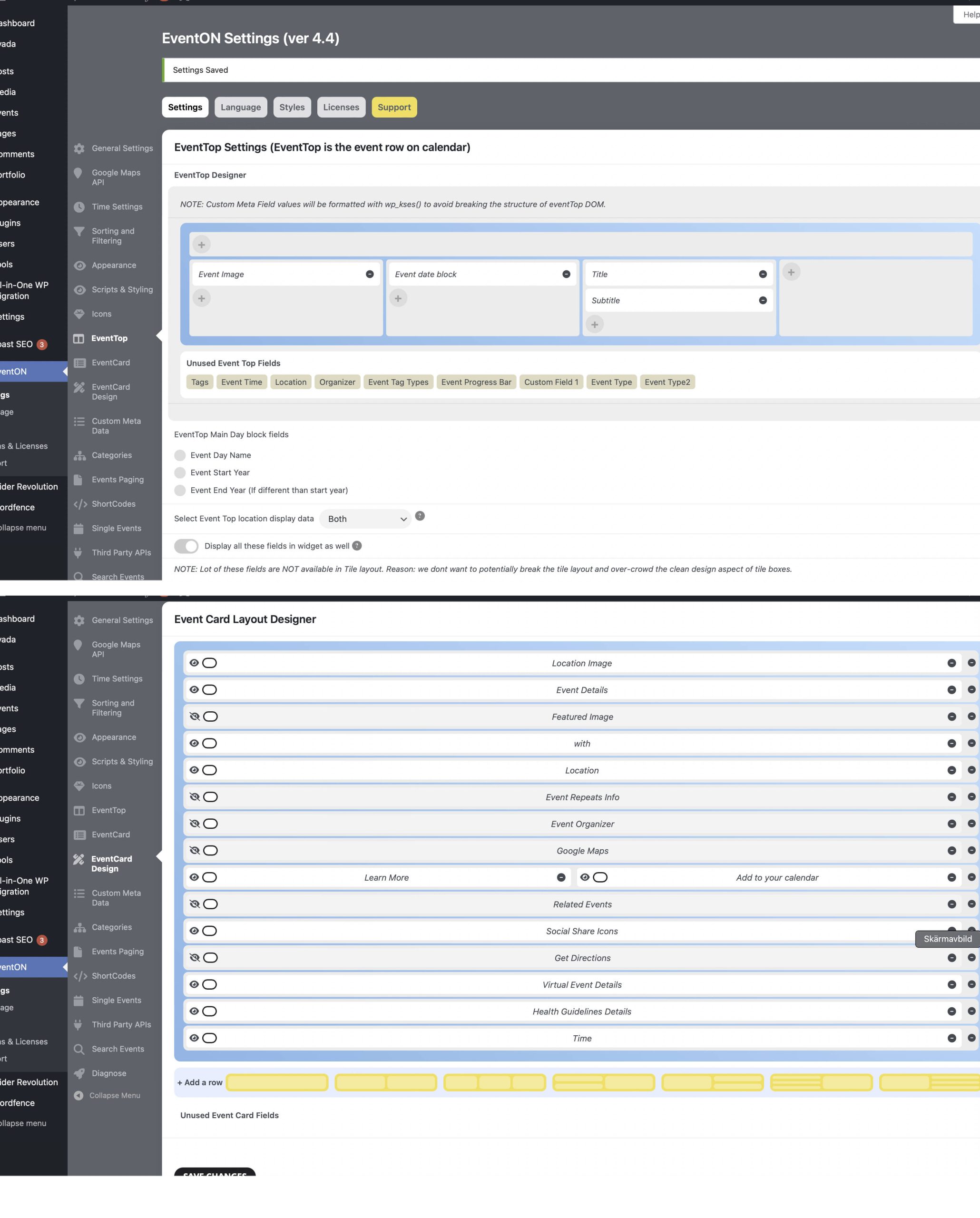
Hi again,
OK, I discovered that the dates are in fact there. However, with this latest update there is (what seems to be) a new CSS:
#evcal_list .eventon_list_event .evoet_cx em, .evo_lightboxes .evoet_cx em {
color: #6b6b6b;
}
I changed the font colour and now the dates show.
//David
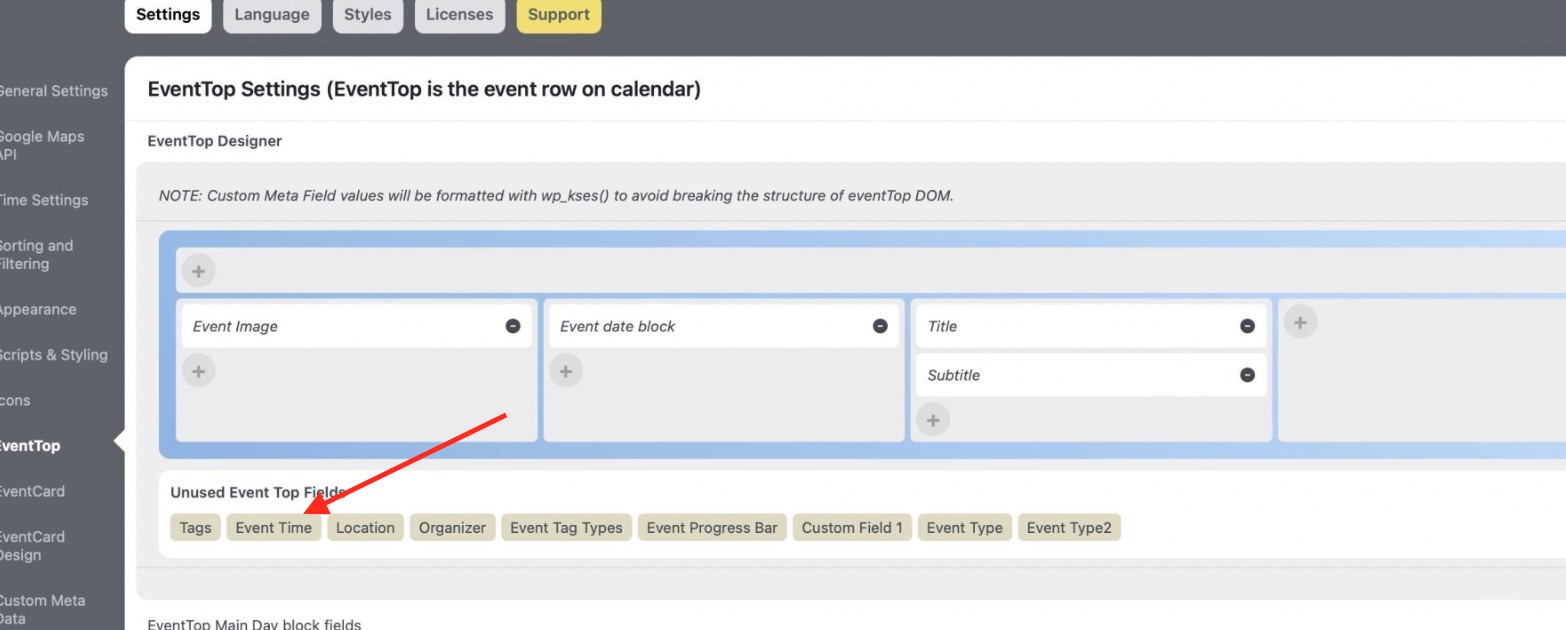
Event Time you need to add to EventTop:
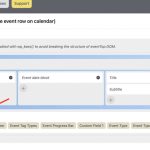
For Event Card, please send us the login info.
This whole ticket is private now.