Hello,
I think that “Event type color override” is what you need. Please add etc_override=”yes” to your shortcode.
Selecting this option overrides event colors with event type colors, if they exists.
Replies for tickets on suppota
Hello,
I think that “Event type color override” is what you need. Please add etc_override=”yes” to your shortcode.
Selecting this option overrides event colors with event type colors, if they exists.
Can we take a look at wp-admin?
Please send us wp-admin access to your site as a private message for us to further assist your situation.
The patch has been applied. Please try following the guide.
Ah yes, you are right. I can see the issue in Incognito mode.
Could you try following this
https://wpml.org/documentation/getting-started-guide/language-setup/enabling-language-cookie-to-support-ajax-filtering/
It should solve the issue.
Hello,
When you follow this guide, only one variation is available:
https://docs.myeventon.com/documentations/set-variable-prices-tickets/
Please take a look at our Variations add-on if you need multiple variation types:
https://www.myeventon.com/addons/ticket-variations-options/
How it looks like:
https://dev2.myeventon.com/Events-Directory/variations-test-copy/
Try it on https://dev.myeventon.com/wp-admin/
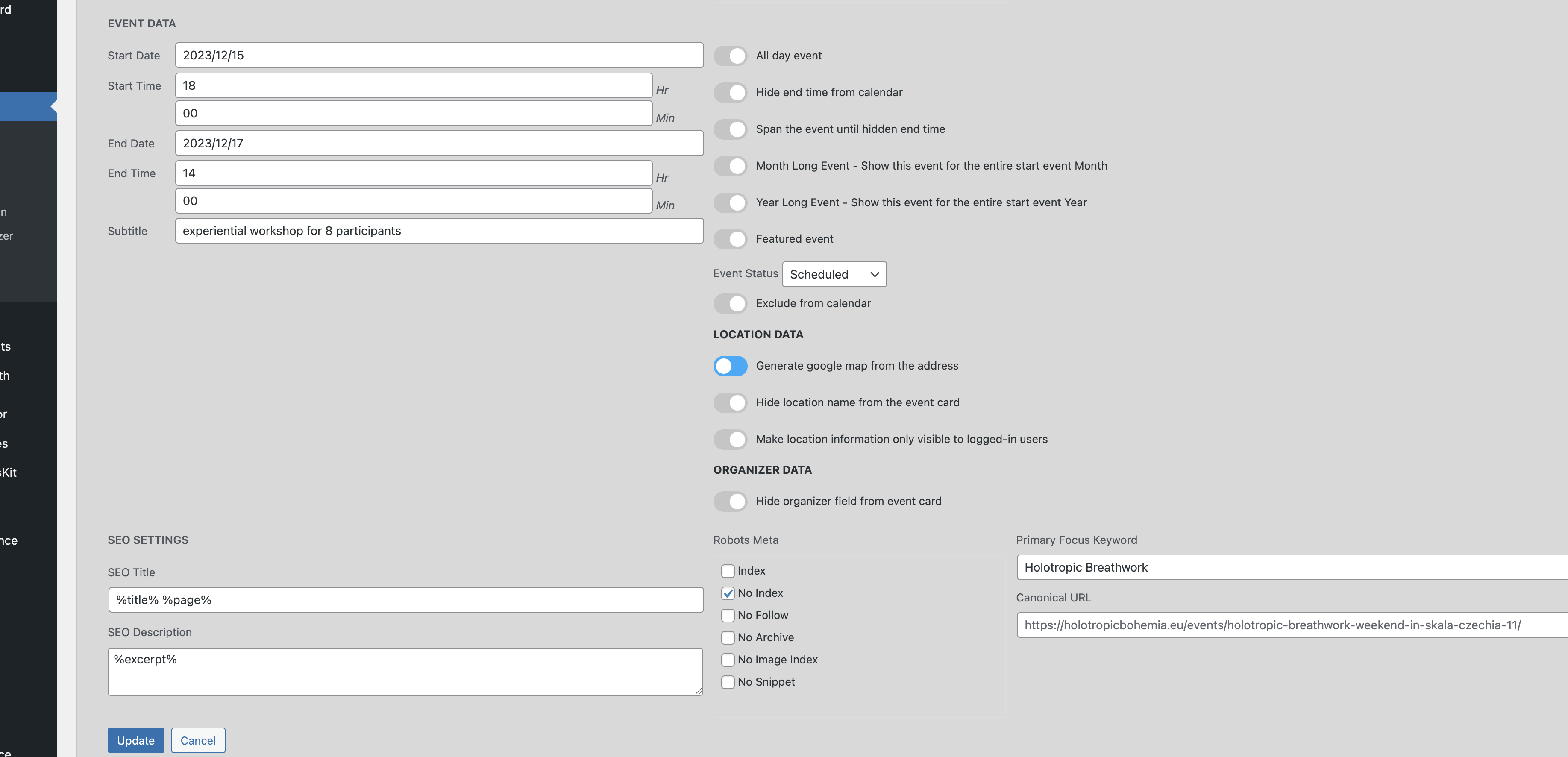
Hello,
Please take a look at my reply in your other ticket.
Hello,
This part stays visible all the time:
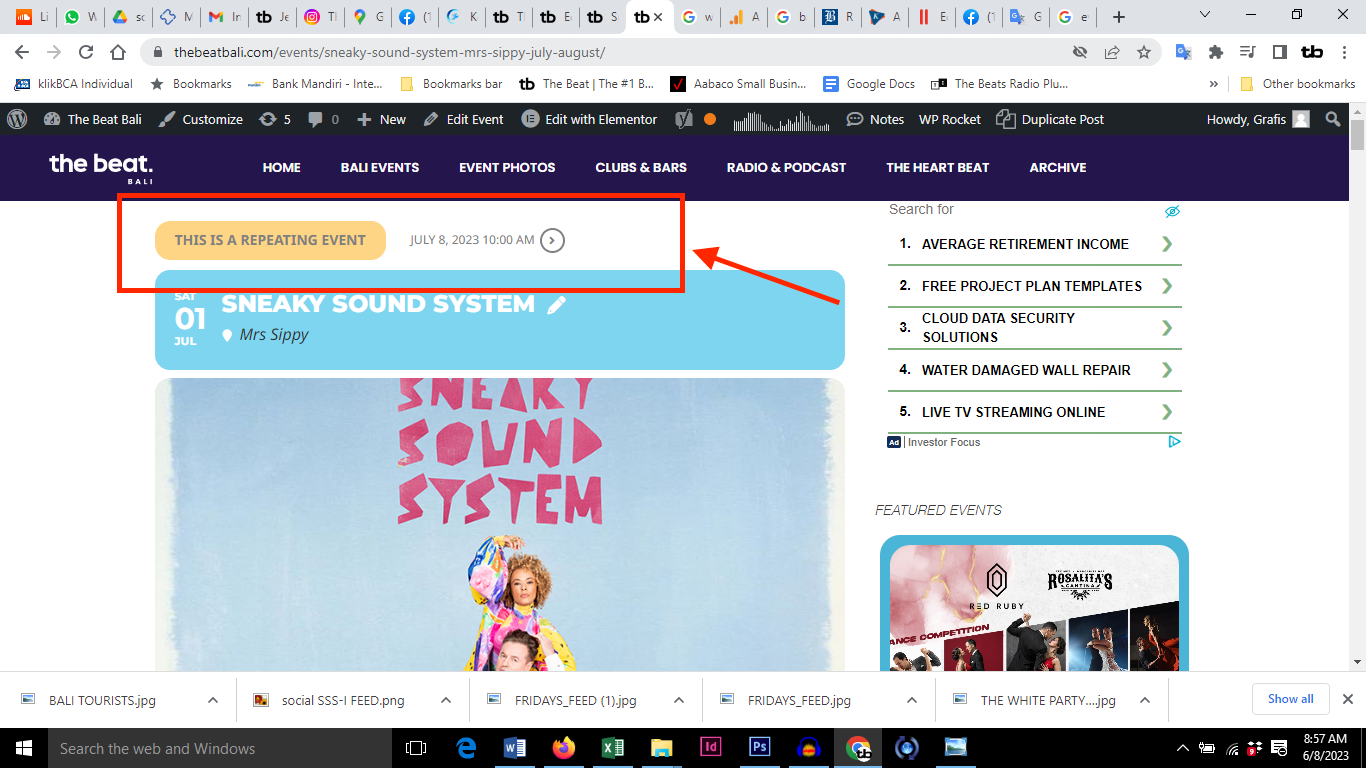
You cannot hide it with options from Edit Event.
Please use this code to hide it:
.evose_repeat_header { display: none !important; }
Alternative could be just the color of the event shown on the full calendar 🙂
Could you see Problem?