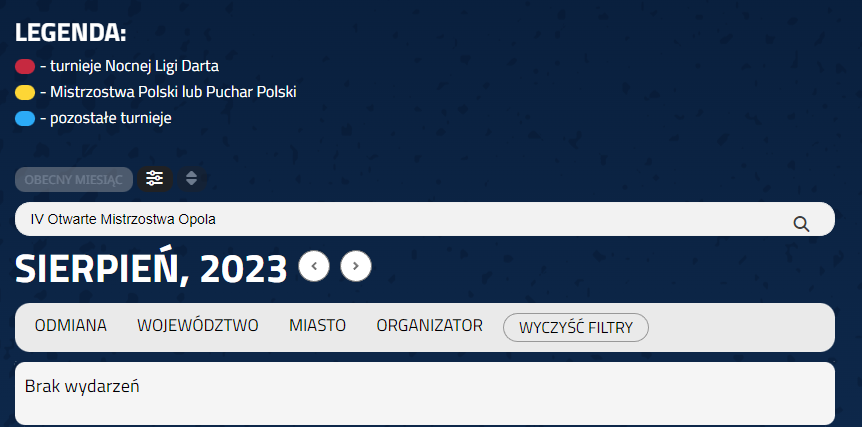
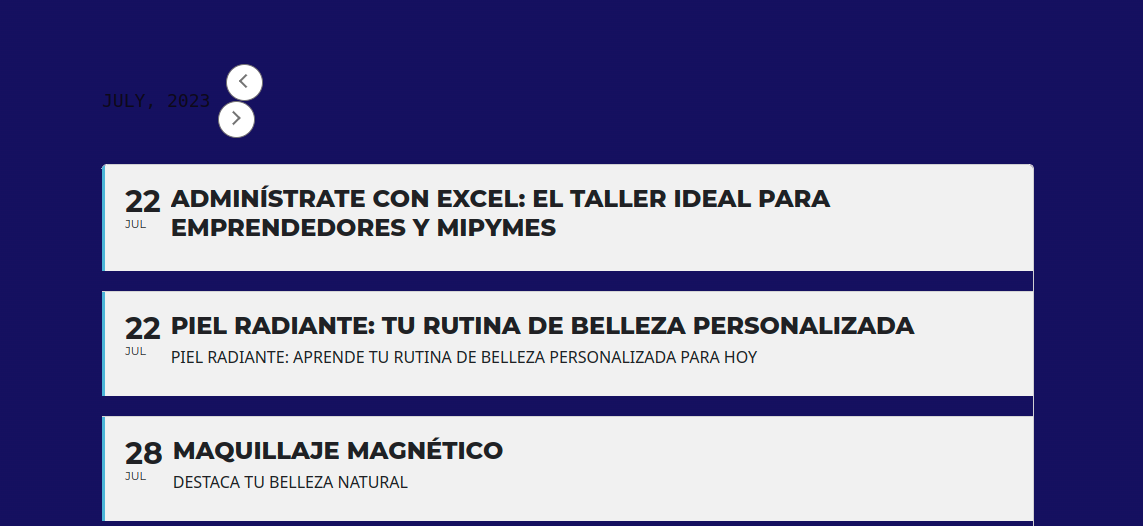
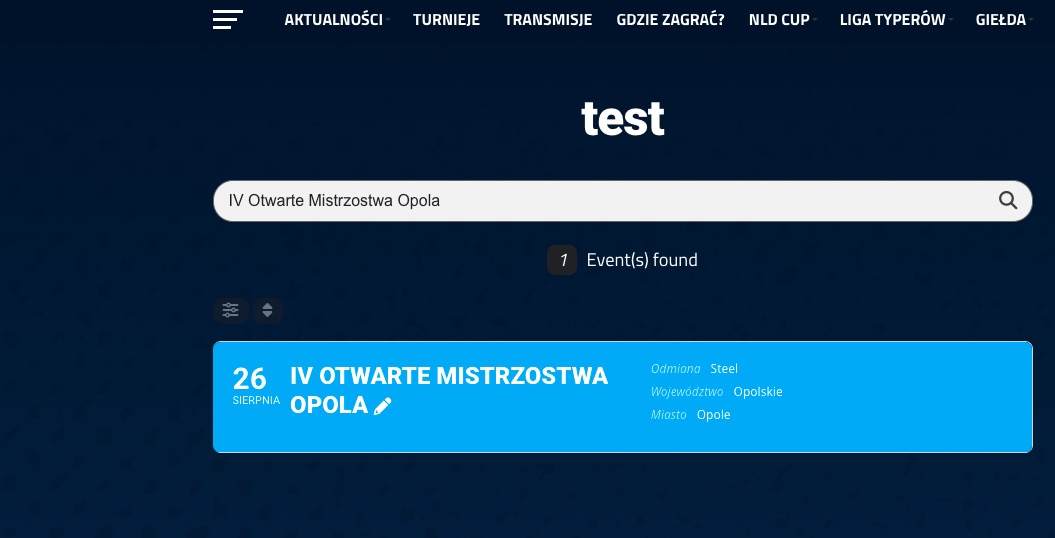
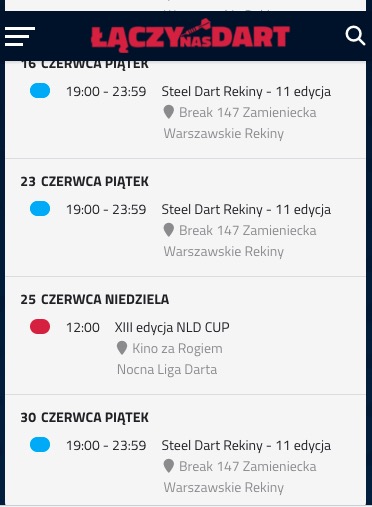
here you go;
iadmin
YIY9p0b9waf%WQR2
Looking to set this up for: event: ID: 14768
Also, what is the shortcode to exclude this event then from other calendars as I
- Don’t want it to show up in all our calendars
- Only to show once, instead repeat it for 12 times in this view (see image attached):
Perfect! If you have any further questions or concerns please create a new ticket.
Thank you for your great suggestion, at the moment it is not supported. However please create a new ticket and select Feature Request as category so others can vote on your idea and get it moved into development faster.
Hello,
Please downgrade to 4.3.5 as a temporary solution:
https://helpdeskx.s3.amazonaws.com/wp-content/uploads/2023/06/12031951/eventON4.3.5.zip
Please send us wp-admin access to your site as a private message for us to further assist your situation.
Does the video work here:
http://85.208.102.120/~inverfest/events/tes/
It seems that there is something wrong with the sharing settings on Youtube itself. Could you check?
can we see what you do to get the notification sent , because we have tried this with fakemail, gmail, yahoomail, work email, and the email notification is never created when an event is created and we can see that in the check & log email plugin > view logs it shows no notification created but when you create an event the notification shows here and i receive in my mail inbox
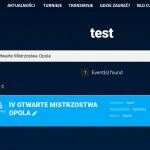
1. Seems to be working:
https://laczynasdart.pl/test/
2. Remove the previous code and add this one instead:
.evosv_grid .row .evosv_items .evosv_event { position: relative; } @media (min-width: 960px){ .evosv_grid .evosv_items .evosv_event .evosv_location { position: absolute; right: 0; top: 0; }}
I am not sure what the lower part of the screenshot describes. On mobile everything looks nice:
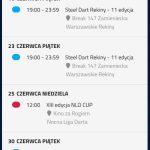
3. You need to customize the source code, I am afraid.
We have done that and email notifications do not go out, i have had the entire office practically try it and no one could get the notifications sent when an event was created