can we see what you do to get the notification sent , because we have tried this with fakemail, gmail, yahoomail, work email, and the email notification is never created when an event is created and we can see that in the check & log email plugin > view logs it shows no notification created but when you create an event the notification shows here and i receive in my mail inbox
Archives: Replies
Replies for tickets on suppota
Reply to: tickets(257847)
1. Seems to be working:
https://laczynasdart.pl/test/
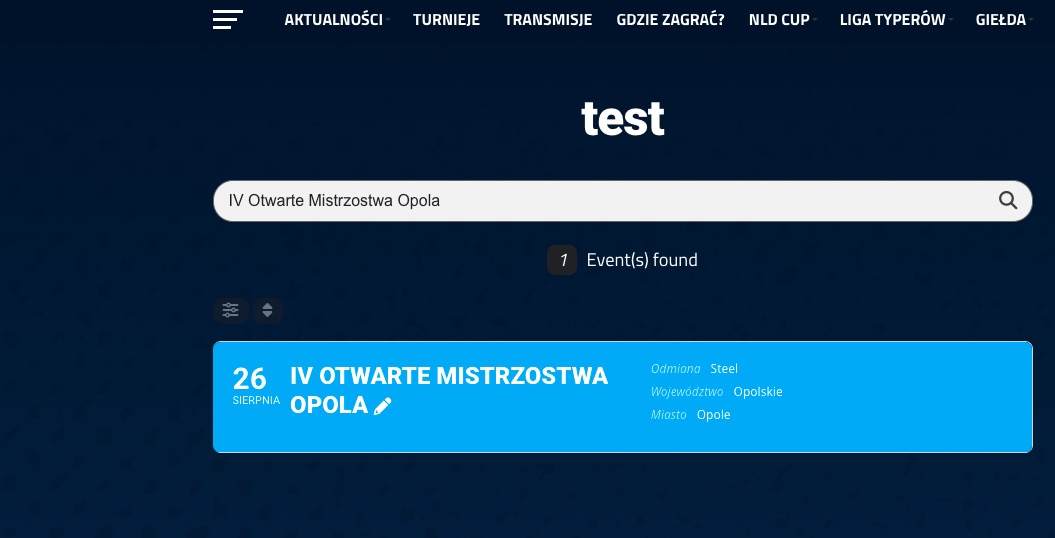
2. Remove the previous code and add this one instead:
.evosv_grid .row .evosv_items .evosv_event { position: relative; } @media (min-width: 960px){ .evosv_grid .evosv_items .evosv_event .evosv_location { position: absolute; right: 0; top: 0; }}
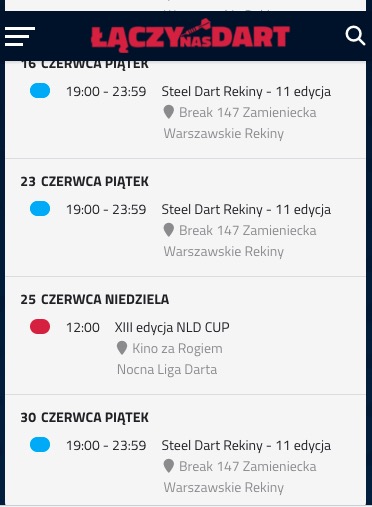
I am not sure what the lower part of the screenshot describes. On mobile everything looks nice:
3. You need to customize the source code, I am afraid.
Reply to: tickets(316530)
We have done that and email notifications do not go out, i have had the entire office practically try it and no one could get the notifications sent when an event was created
Reply to: tickets(315679)
This has been resolved. Thank you.
Reply to: tickets(316530)
can we do a screenshare of how your creating the event and getting the event notification sent…
1. Login with this info:
[Replyto/317038]
2. Now go to https://www.fakemail.net/ and copy the email.
3. Go to EventON > Action User > Emailing > add the email from 2 to Email address to send notification. (eg. you@domain.com).
4. Add a new event.
Done!
Reply to: tickets(314590)
Ok. Thanks. I played around with the single events page and I don’t like how this works for us in this particular situation. I’d rather keep visitors on the same page as my accordion event listings. Is there anyway to use the event’s url with an anchor hashtag or something, so that the user will land on my accordion page with that event expanded? Thx
Reply to: tickets(318081)
Hello,
Please try following this instruction:
EventON > Scripts & Styling > turn off Write dynamic styles to header > save settings > turn on Write dynamic styles to header
Also try saving EventON Settings twice.
Reply to: tickets(308427)
We are glad your issue is resolved, if you have any further questions or concerns please create a new ticket. If you have a moment, we would greatly appreciate if you could kindly leave us a review at codecanyon! from your account > downloads. Cheers!
Reply to: tickets(317334)
Please add this CSS code to EventON > Styles (If you don’t see any change, EventON > Scripts & Styling > turn off Write dynamic styles to header > save settings > turn on Write dynamic styles to header):
.ajde_evcal_calendar .eventon_events_list .eventon_list_event { display: none; }
Reply to: tickets(317974)
Ashan,
I think that EventON > Time Settings > Allow universal event time format on eventCard stopped working.
Take a look at
https://dev2.myeventon.com/Events-Directory/test-44/
Settings page:
https://dev2.myeventon.com/wp-admin/admin.php?page=eventon#evcal_001b