We are glad your issue is resolved, if you have any further questions or concerns please create a new ticket.
Archives: Replies
Replies for tickets on suppota
Reply to: tickets(316825)
Hello,
It seems that you do something like this to remove /events:
https://wordpress.stackexchange.com/a/224376
Please try and let us know.
Reply to: tickets(316824)
Hello,
The only available option is to go to EventON > Action User > enable Allow event image upload to non logged-in visitors (Not recommended).
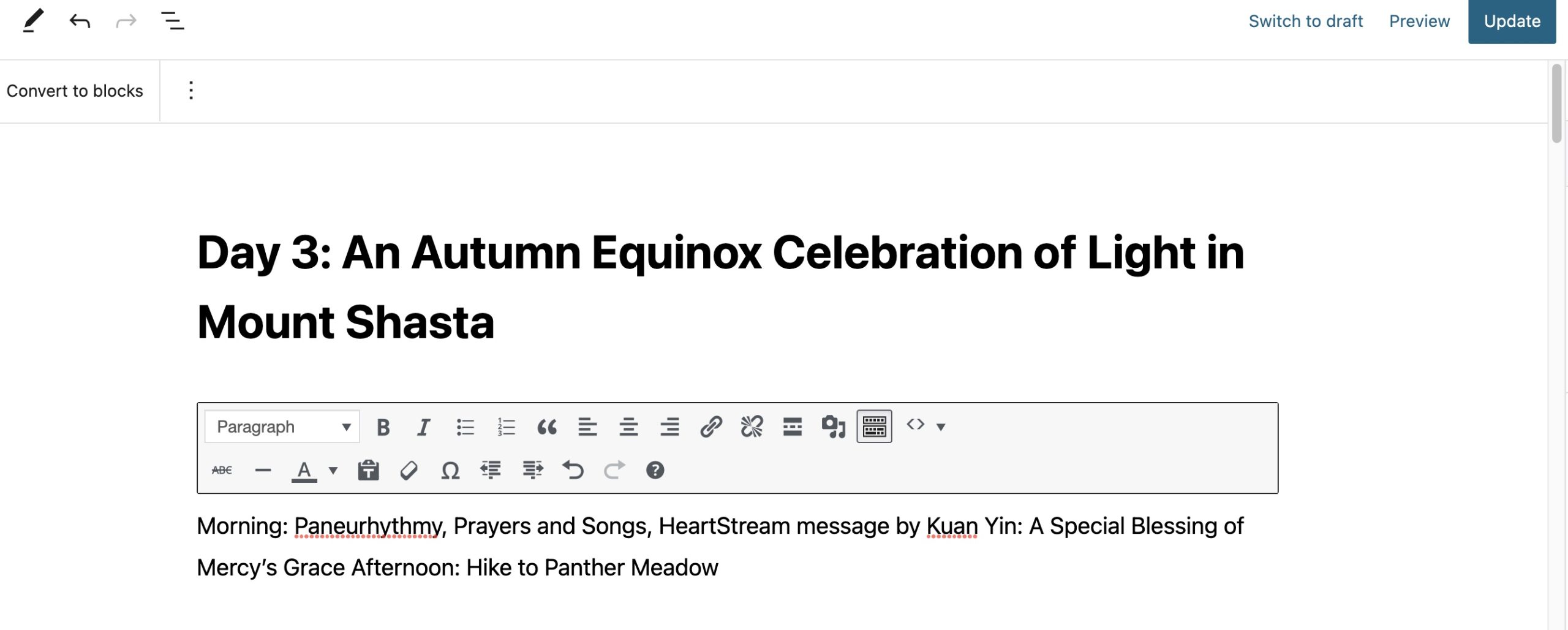
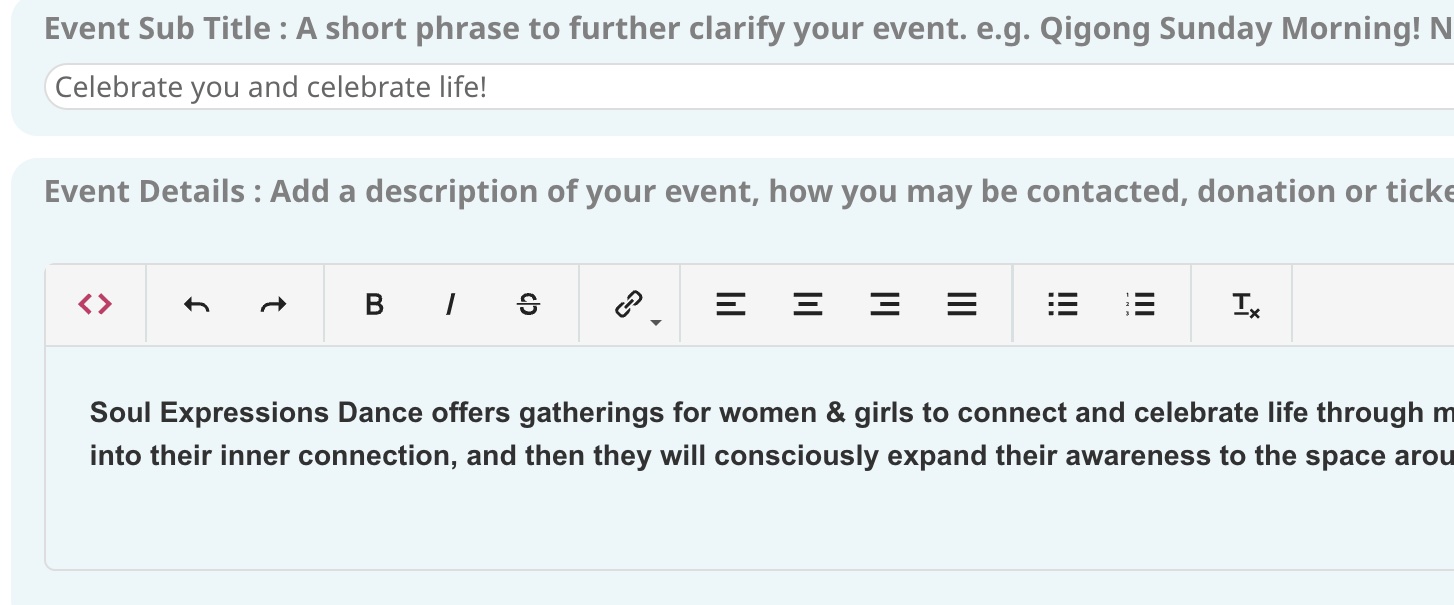
Additionally, when opening a Published Event (AU or Admin) all of the carriage returns or line breaks are removed from Event Details. The links are removed too. Any ideas about why this is and how to fix it?
Seems to be working on our test site:
https://dev2.myeventon.com/Events-Directory/test-36/
Just submitted a test event.
Please send us wp-admin access to your site as a private message for us to further assist your situation.
Reply to: tickets(315992)
Unfortunately, we don’t know yet. Still working on it.
Also, is there any way to remove the button that leads to the organiser’s activities?
Could you show us on a screenshot?
Reply to: tickets(316831)
Hello,
Please go to EventON > Time Settings > enable Allow universal event time format on eventCard > add
j (l) F H:i a
Reply to: tickets(315992)
Hi, I would be interested to know when the next update is due?
Also, is there any way to remove the button that leads to the organiser’s activities?
Reply to: tickets(316824)
Reply to: tickets(316824)
Reply to: tickets(316574)
You don’t understand. I said these lines are already there in my /wp-content/plugins/eventon-tickets/includes/class-integration-woocommerce.php
I do not remove or comment anything, because it’s already there. I haven’t touch anything because when I compared your lines and mine, they are exactly the same lines (nothing to fix or comment).
Please and thank you, it’s still not showing the item name in my email 🙁
Reply to: tickets(315889)
Thank you.