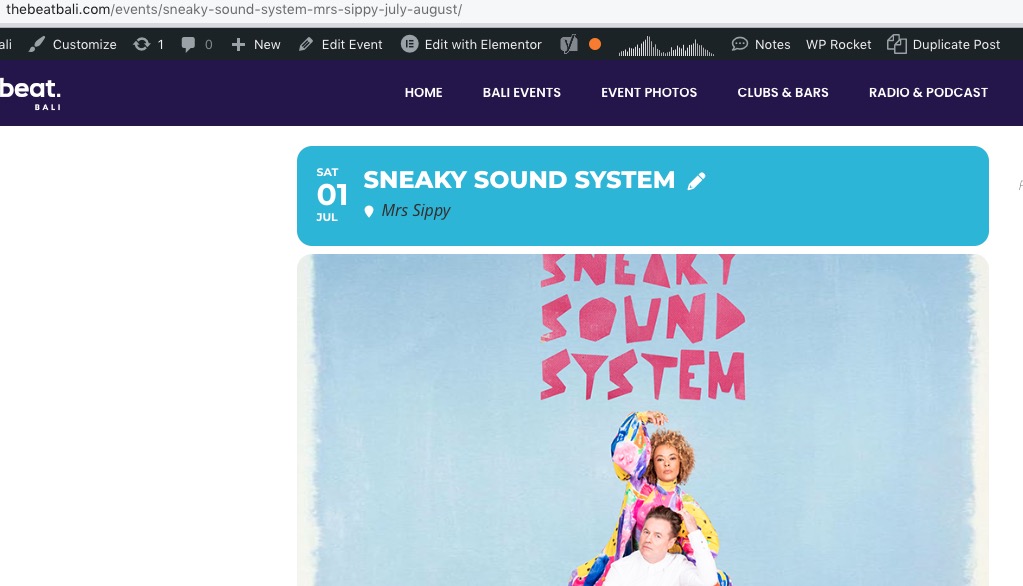
1. Should work now:
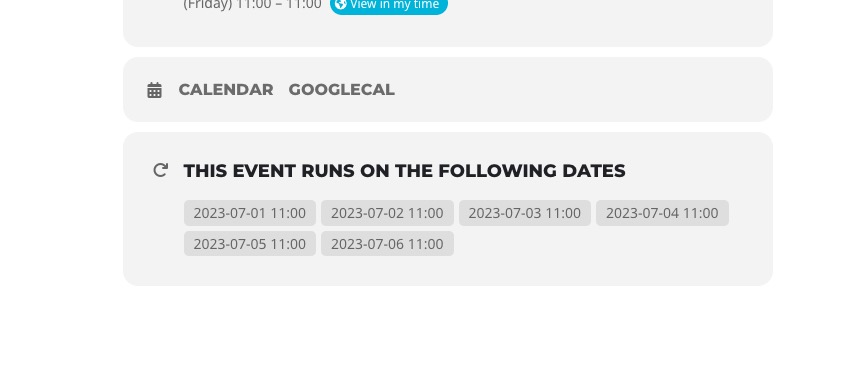
2. Repeating instances on Event Card:
Replies for tickets on suppota
1. Should work now:
2. Repeating instances on Event Card:
For 24 hour format please add this instead:
G:i
Hello,
Please go to EventON > Time Settings > Allow universal event time format on eventCard > add
H:i a
Hello,
I am sorry, the access information you have provided did not work for us. Please check them and post the correct login information as a private message, thank you!
It seems that your locations don’t have Lat/Long values generated: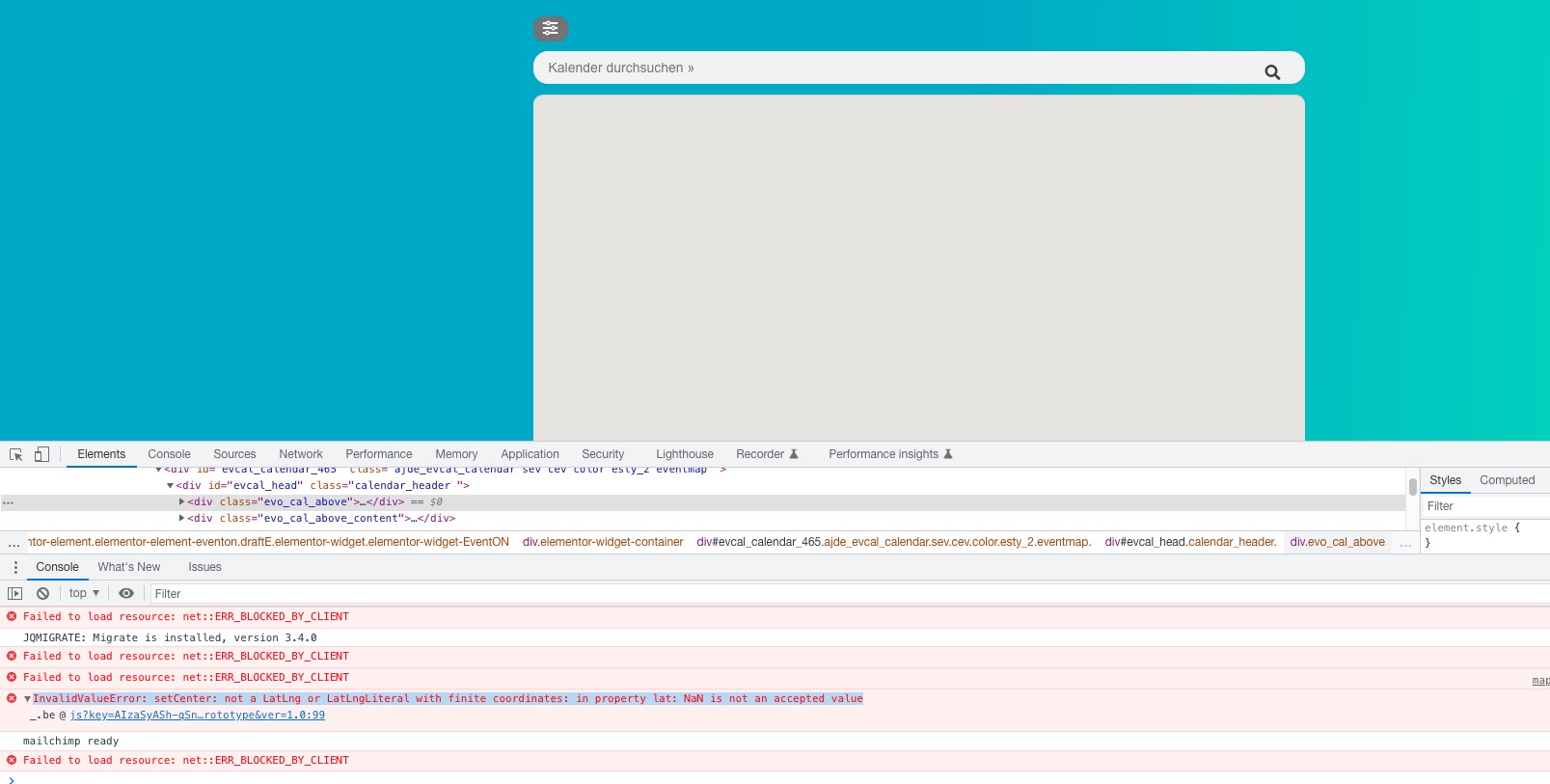
Hello,
There is an issue with this style coming from the theme:

Please add this CSS code to EventON > Styles (If you don’t see any change, EventON > Scripts & Styling > turn off Write dynamic styles to header > save settings > turn on Write dynamic styles to header):
.evoau_submission_form form strong { font-weight: bold !important }
Hello,
Do you need some kind of customization? Could you tell us more? The thing is that we don’t offer customizations at the moment, but maybe we can just use the current functionality.
The add-on to import events from the downloaded .csv file:
https://www.myeventon.com/addons/csv-event-importer/
Try it on https://dev.myeventon.com/wp-admin/
Hello,
Please send us wp-admin access to your site as a private message for us to further assist your situation.
I see “Uncaught ReferenceError: moment is not defined” js error. Could you try going to EventON > Scripts & Styling > disable “Disable Moment script” if enabled?
Hello,
Please send us wp-admin access to your site as a private message for us to further assist your situation.
Please also send us FTP access to your site as a private message, so we can perform several tests from our end and resolve your issue fast!
We will include this patch in the next version.
We are glad your issue is resolved, if you have any further questions or concerns please create a new ticket.
If you have a moment, we would greatly appreciate if you could kindly leave us a review at codecanyon! from your account > downloads. Cheers!