Perfect! If you have any further questions or concerns please create a new ticket.
Archives: Replies
Replies for tickets on suppota
Reply to: tickets(317385)
Hello,
Please send us wp-admin access to your site as a private message for us to further assist your situation.
Reply to: tickets(317439)
Hello,
There is no way of doing this with Event Lists shortcode. event_count limits the number of events per months.
For the whole list you need to use Event Lists: Ext add-on
https://www.myeventon.com/addons/event-lists-extended/
It has “Apply Event Count to Whole Events List” option:
event_count_list=”yes”
Try on https://dev.myeventon.com/wp-admin/
Reply to: tickets(317435)
Hello,
By default the options section on the screenshot isn’t available:
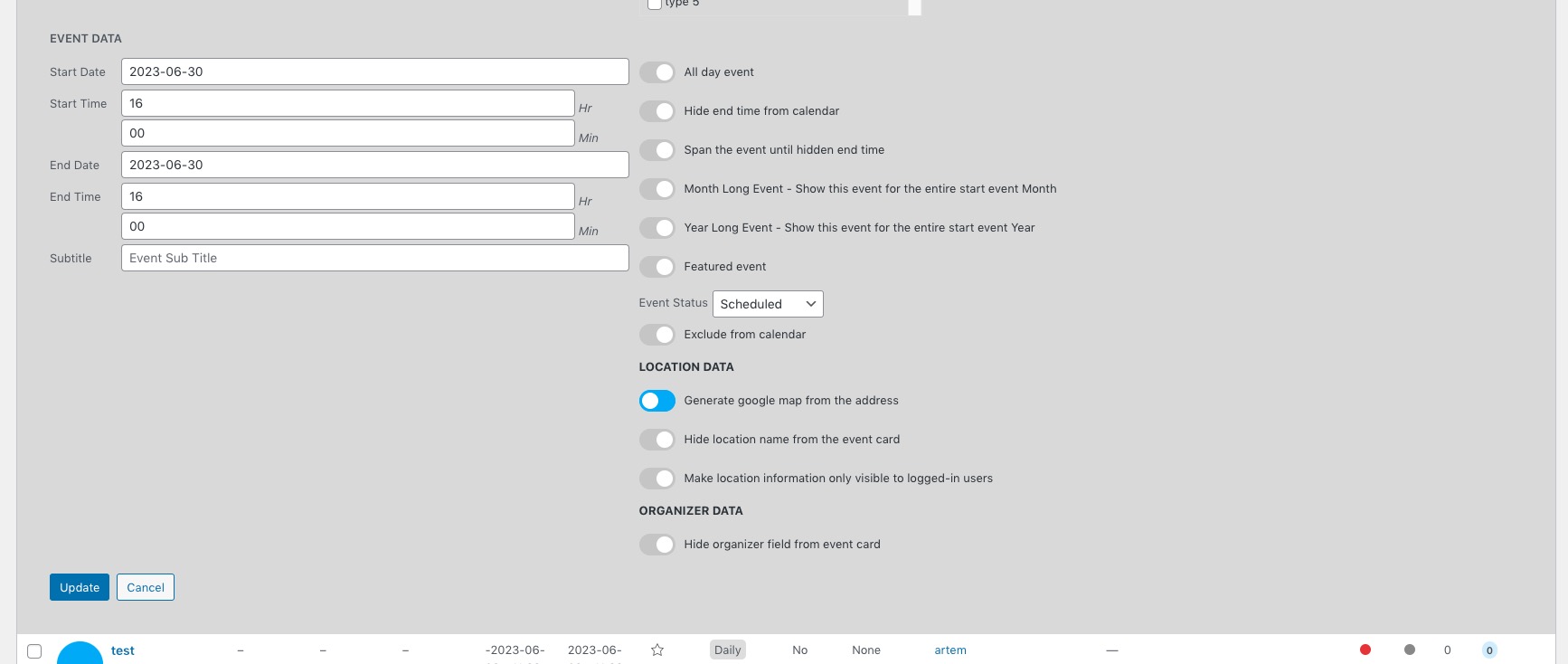
EventON doesn’t have any control over any of this, please look for a third-party plugin that can help you with this.
Reply to: tickets(317434)
Hello,
Please go to EventON > Tickets > select Default event ticket stop selling time base: When Event Ends.
Reply to: tickets(317455)

Reply to: tickets(317330)
I disabled the english Version. (That is Not important at the Moment)
Now everything works.
thanks
benjamin
Reply to: tickets(317330)
I tryed to enable and disable the checkbox. But no change. The problem still exists.
thanks
Reply to: tickets(317385)
We already tried steps 1,2,3 & 5. We also checked the pagespeed and the speed of out host which is fine. What else could we do to speed up the calendar?
Reply to: tickets(317369)
Hello,
I think that “Event type color override” is what you need. Please add etc_override=”yes” to your shortcode.
Selecting this option overrides event colors with event type colors, if they exists.