Unfortunately, I cannot login. Plus it doesn’t show any specific errors, just this:
Also WP_DEBUG outputs errors just to the front. Could you follow this guide to hide them and write to debug.log instead:
https://docs.myeventon.com/documentations/how-to-debug-for-php-code-errors/
Hello,
Please take a look at this
https://woocommerce.com/document/managing-orders/#order-details
The thing is that certain changes will not affect EventON’ tickets. So the best solution is to cancel the current order and let the user to order again.
Hello,
Can we take a look at wp-admin?
Please send us wp-admin access to your site as a private message for us to further assist your situation.
Make sure that your server’s timezone is correct.
Please go to CodeCanyon > Account > Downloads > check for the latest version of EventON and update the main plugin.
Hello,
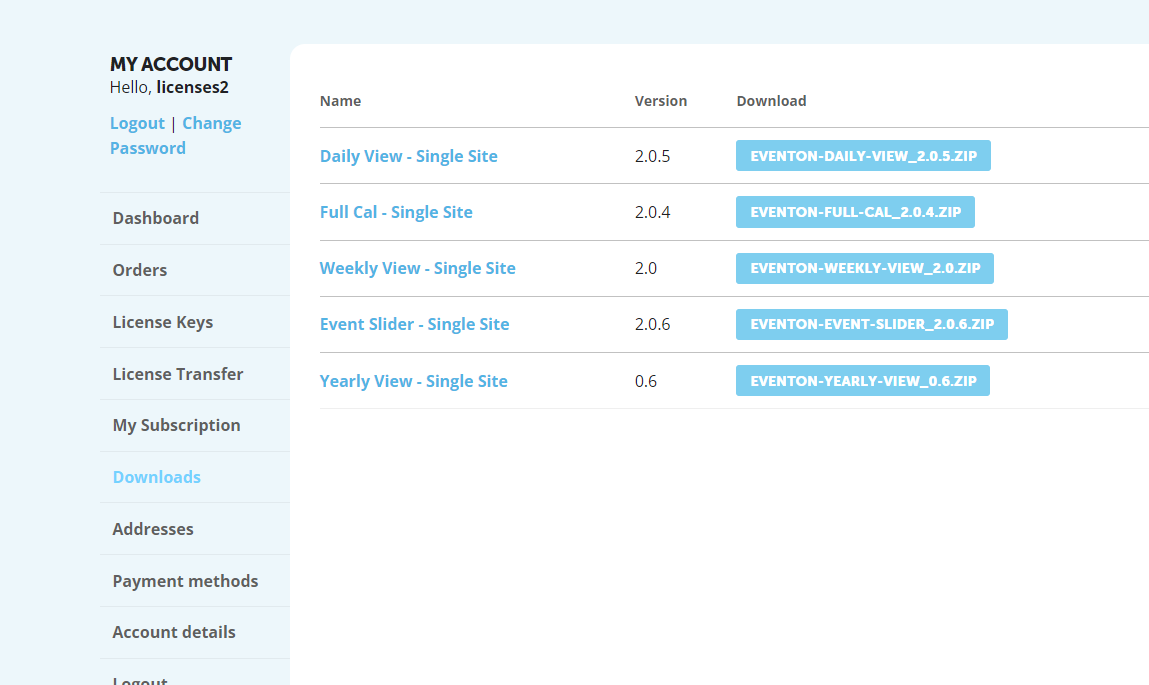
My Downloads only show the older version. No option for 4.x.
https://nocovernighstg.wpengine.com/wp-login.php
mkelly22zz
Phrose11!Phorse11
EventOn v4.3.5
EventOn Weekly View v2.0
URL with a normal event on displayed: https://nocovernighstg.wpengine.com/drais-nightclub-event-calendar/
URL with a Weekly View displayed: https://nocovernighstg.wpengine.com/las-vegas-nightclub-events/
Can we have an update on this ticket?
Hello,
Please go to EventON > EventTop > EventTop Main Day block fields > enable Event Start Year.