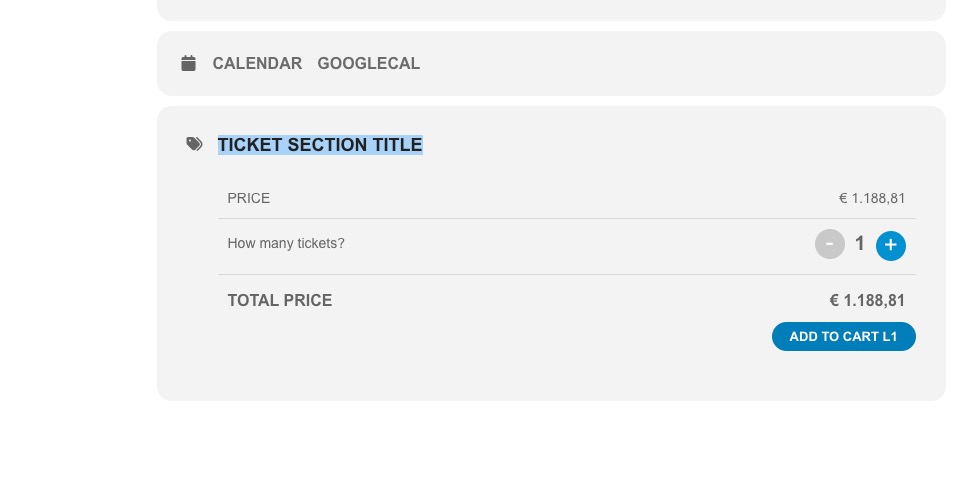
I tried it first with Simsalabim on June 17th. (Ermässigt)
But I tried it with the same events like yours.
In private mode on Safari and Edge.
If I go to buy vouchers before, the ticket buying works.
But if I refresh the page and go direct to Spielplan it didn’t work.
Thanks
Benjamin
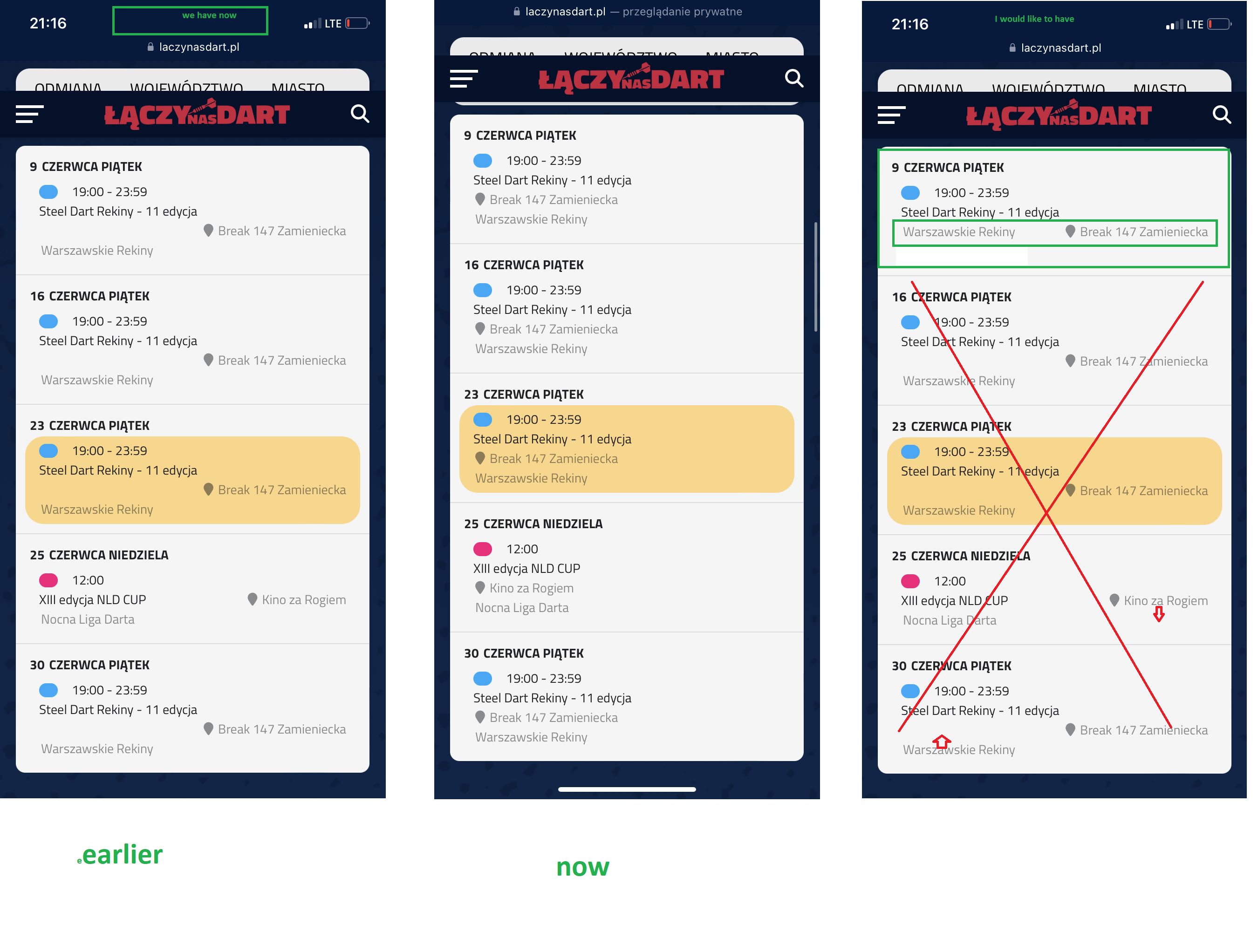
- ok, so here I have to wait for Ashan’s help.
- ok
- it works, thank you
- it works, thank you 🙂
- it works, thank you :))
6. is there really nothing that can be done in this case? and if I wanted to change it myself, then where do I have to look for this particular place?
7. I replaced this code but i got what i sent in the attachment. So all the data is aligned to the left. On the computer everything is fine.
Maybe it’s that one of the other codes you gave me is causing this situation? Can you verify this in my “custom styles”?
Yes, it’s what I want 🙂 Thank you so much!
I see now, that this problem is not related to EventOn, but a problem of WordPress itself. I am sorry to have bothered you.
I found a fix: installing a tiny plugin “disable-embeds“, which disables the link-interpretation in the editor fields.
Thanks a lot for your helpful pointers!
Ashan,
1
come in please to https://laczynasdart.pl/turnieje and choose the first tournament “Steel Dart Rekiny”. A google map appears there. Everything works great. BUT! When you click on “other events of the organizer” and select a tournament there, the google map does not appear anymore! There is an empty space. Can you explain it somehow?
The same on dev2:
https://dev2.myeventon.com/test-63/
Click on “ElvisF @ The Arena (Dublin)1” > organizer and so on:
1. Thank you for your messages, I am going to assign this ticket to Ashan and he will be able to take it from here and find you a solution. Please allow some time for him to get back to you, we greatly appreciate your patience and thank you for being a eventon customer! Also please disable any IP blocking on your site if there are any.
https://dev2.myeventon.com/test-63/
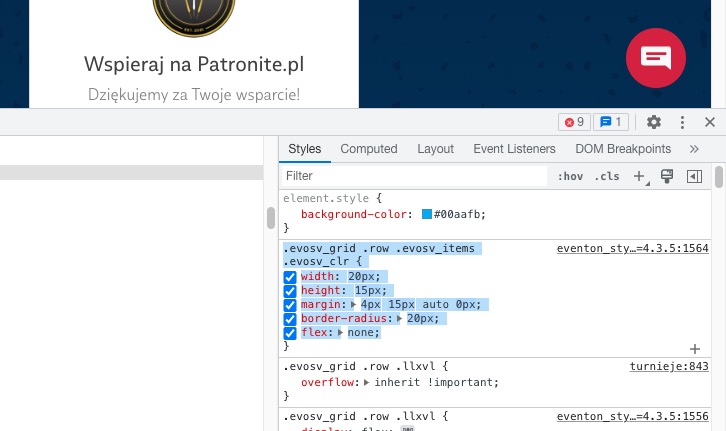
2. This is the code you need to use to create similar shape:
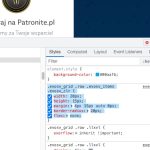
3. Please use this code:
.evcal_evdata_row.evo_metarow_socialmedia p { color: grey; }
4. Please use this patch:
https://helpdeskx.s3.amazonaws.com/wp-content/uploads/2023/05/18132716/Screen-Shot-2023-05-18-at-1.26.09-PM.png
5. Please follow this guide:
https://docs.myeventon.com/documentations/change-events-slug/
6. Schedule View only has two options:
Show event location name
Show event organizer name(s)
7. Replace the code with this one:
@media (min-width: 960px){ .evosv_grid .evosv_items .evosv_event .evosv_location { flex-basis: 50%; text-align: right; } }
The event link https://shop.kochdichturkisch.de/events/sofra-die-tuerkische-familien-tafel-kochkurs-2023-10-19/ redirects me to https://shop.kochdichturkisch.de/kochkurs-aile-typisch-turkisch/.
Is this normal?
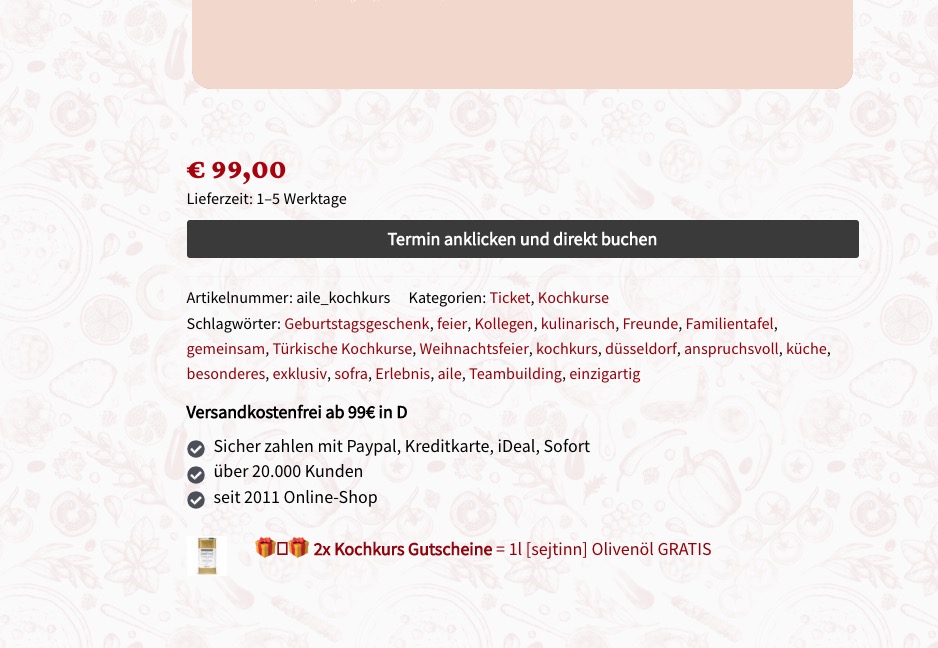
Do customers use “Termin anklicken und direkt buchen” to make orders?

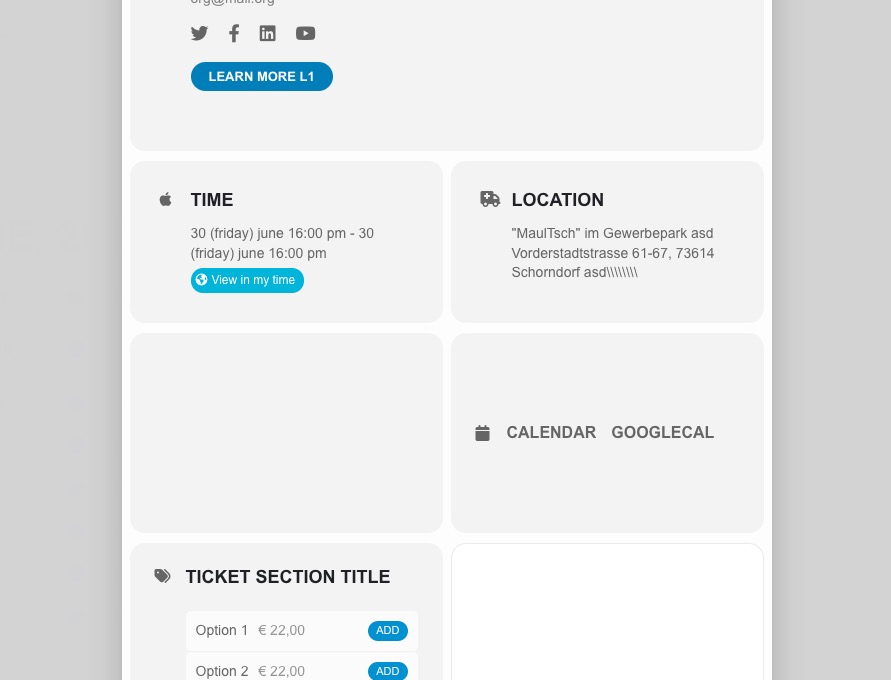
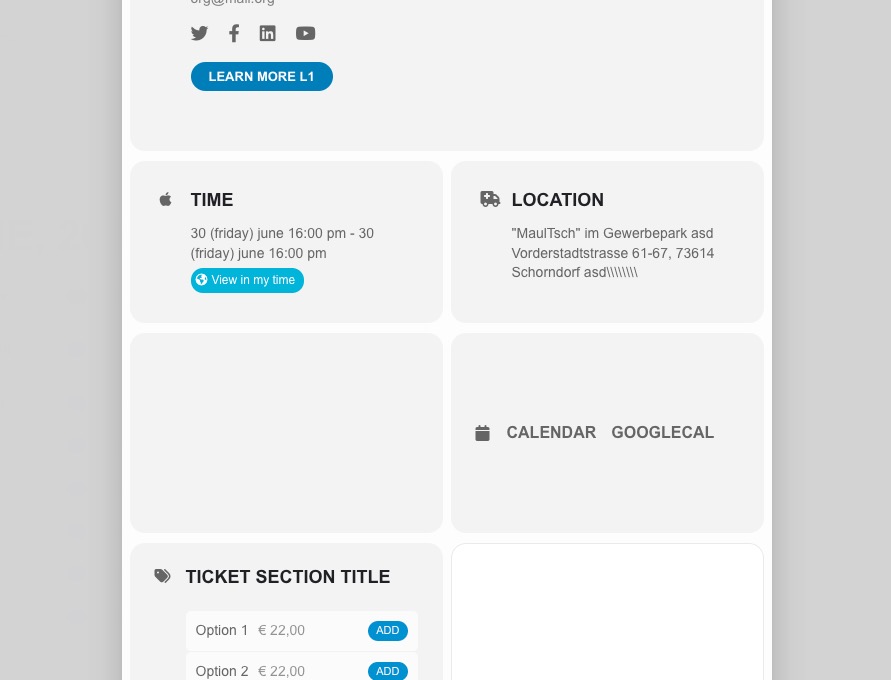
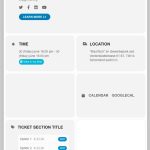
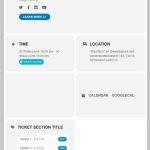
This is how the ticket section should look like:
https://dev2.myeventon.com/Events-Directory/test-38/
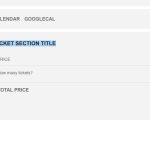
Could you check and let me know?
“that will also stop event details properly formatting by wordpress.”
It did that. I set EventON Settings > General Settings > WP Eventon core settings > Select calendar event content filter type — to No filter. This did not change the behaviour of the editor fields in the backend – it still interprets links like this as embeds. And also did no change to the rendering of the fields on the frontend. It still results in the error-loop.
Can perhaps your “sanitize”-function take care of the problem?
500 is just an example. Try the number and see if it works on your website.
Since EventON’s calendars are responsive, you need to manually adjust the size to have perfect squares.
Let’s just use CSS instead. Please show us on a screenshot which part do you want to remove.