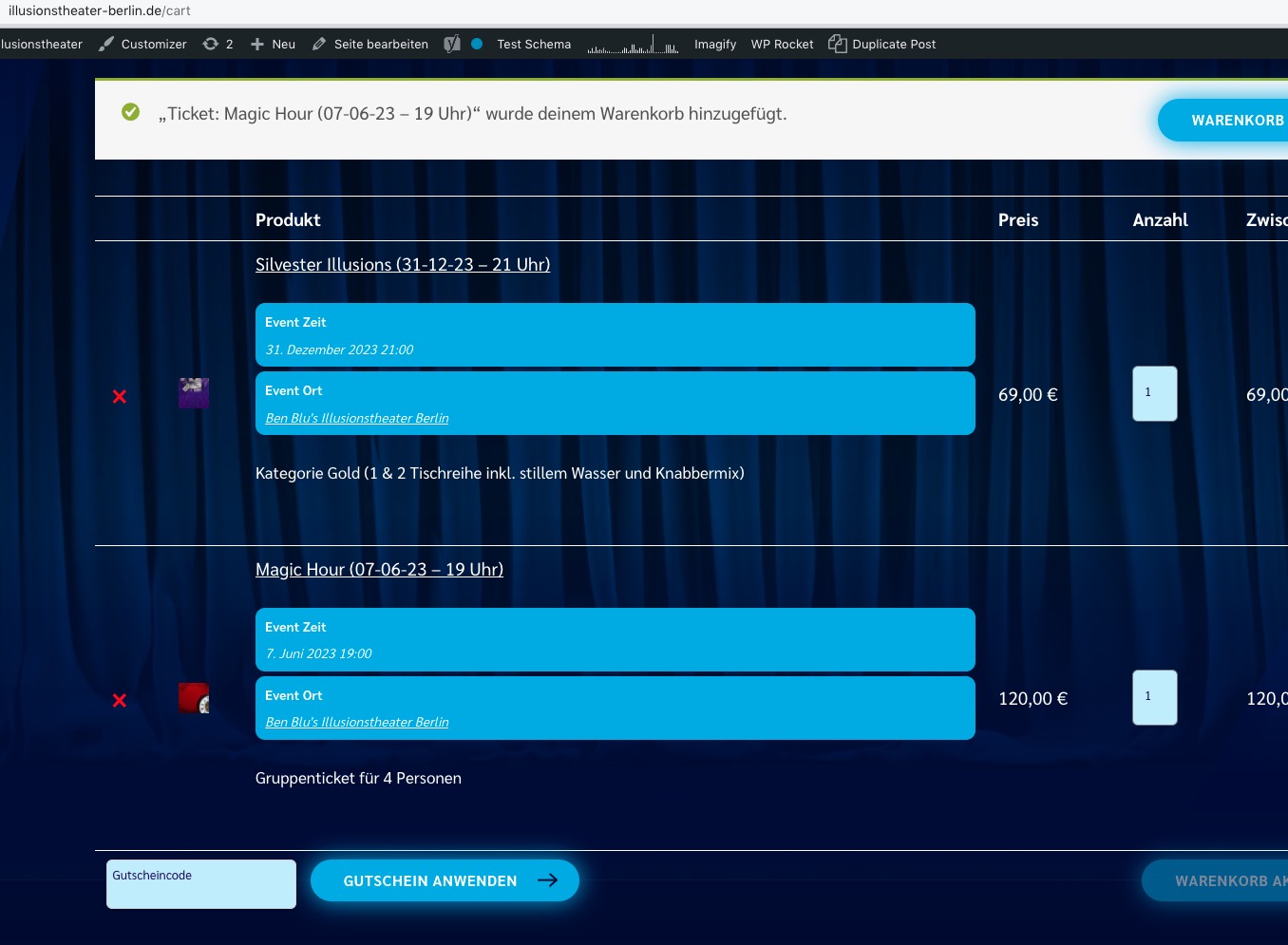
Since the site is publicly available, it seems there is something wrong with the permalinks structure.
Please try this ticket from our test server:
https://dev2.myeventon.com/wp-content/uploads/2023/05/Ticket_order_40061-1.pdf
It should redirect you to the checkin page.
Ashan,
The code:
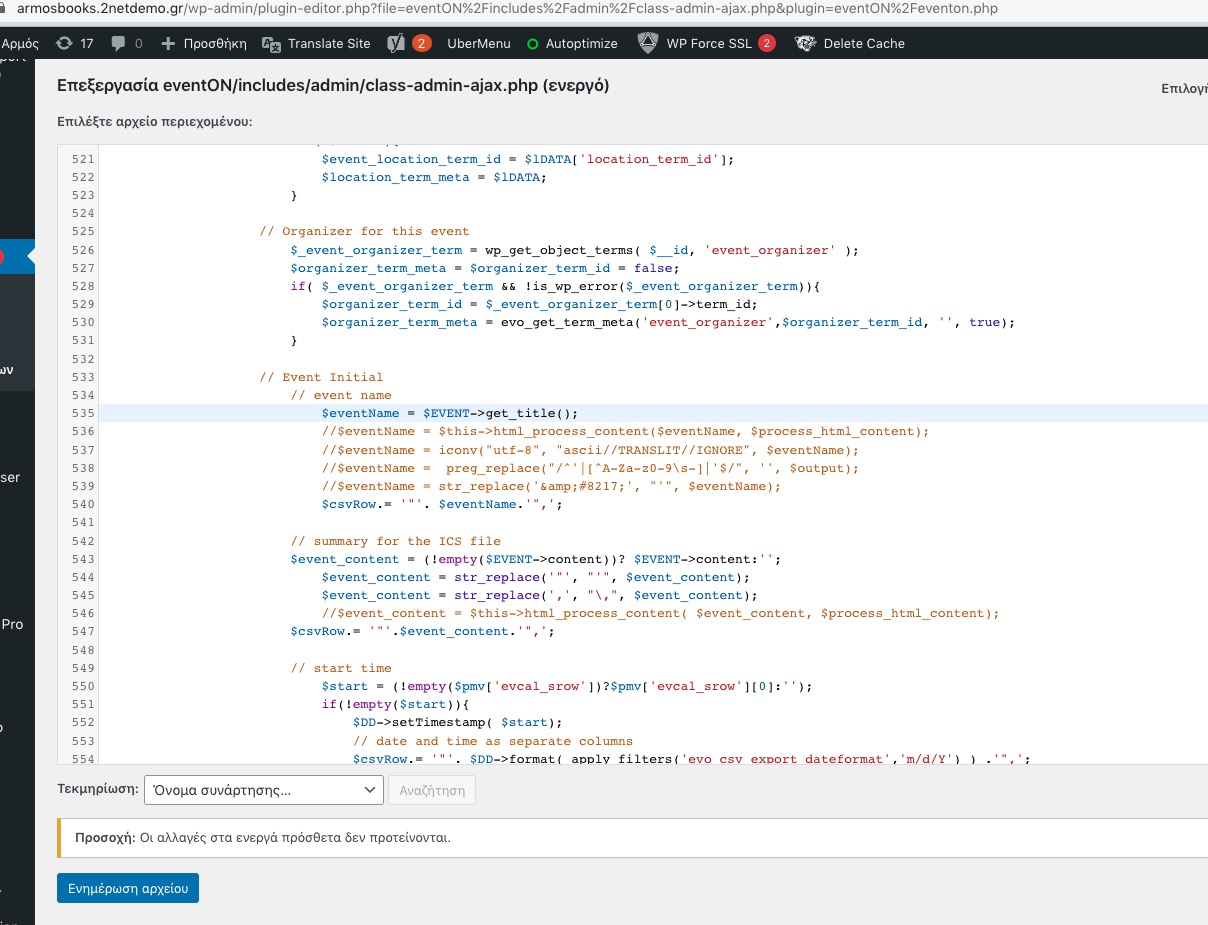
https://armosbooks.2netdemo.gr/wp-admin/plugin-editor.php?file=eventON%2Fincludes%2Fadmin%2Fclass-admin-ajax.php&plugin=eventON%2Feventon.php
But the file is still empty.
I’ll inform Ashan about this. Please wait for his reply.
Hello,
Seems to be working:
Which specific event should we try to recreate the issue?
Hello,
Would you mind sending us the order ID for this addon purchase from myeventon.com, because we do not see this addon as purchased using your email address in our system. Thank you!
Perfect! If you have any further questions or concerns please create a new ticket.
Hello Artem,
Unfortunately my client does not have the budget for extra addons regarding the calendar plugin. We were hoping a pro plugin would already have a feature to fetch the latest event by default :/
In that case, we will look for alternatives in the next billing cycle.
Many thanks for your support 🙏,
Baki
Hi Robert,
Thanks for the update!
Please feel free to create a new ticket if you have any other questions.
Hello, I tried it but still it did not work.
It did work for https://armos.2netdemo.gr but not for the https://armosbooks.2netdemo.gr
Could you perhaps give it a try as well?
Let me tell you that we have a valid license in armos.2netdemo.gr website, but not in armosbooks.2netdemo.gr website as armosbooks is actually a backup clone of our client, we will need to export the events from there and add them to the “new” website we’re building.
thank you, successfully installed