Archives: Replies
Replies for tickets on suppota
Reply to: tickets(399718)
i have used Chrome and Safari on Macbook
my colleague has tested Chrome and Edge on Windows 11
we both face the same issue
likewise on mobiles, Chrome/Safari on iPhone and Chrome on Android
Reply to: tickets(402269)
Still does not work, but if I change the WordPress Media Uploader to a File Input Field, it works. I still need it to be the media uploader.
Reply to: tickets(402224)
No, I mean on the backend. I can’t save any settings.
In EvenOn there is a button on the top right, but when you go to ActionUser, the Save is gone so any changes you make (like to email preferences) won’t save.
That is my problem – the front end submission form works great.
Reply to: tickets(402117)
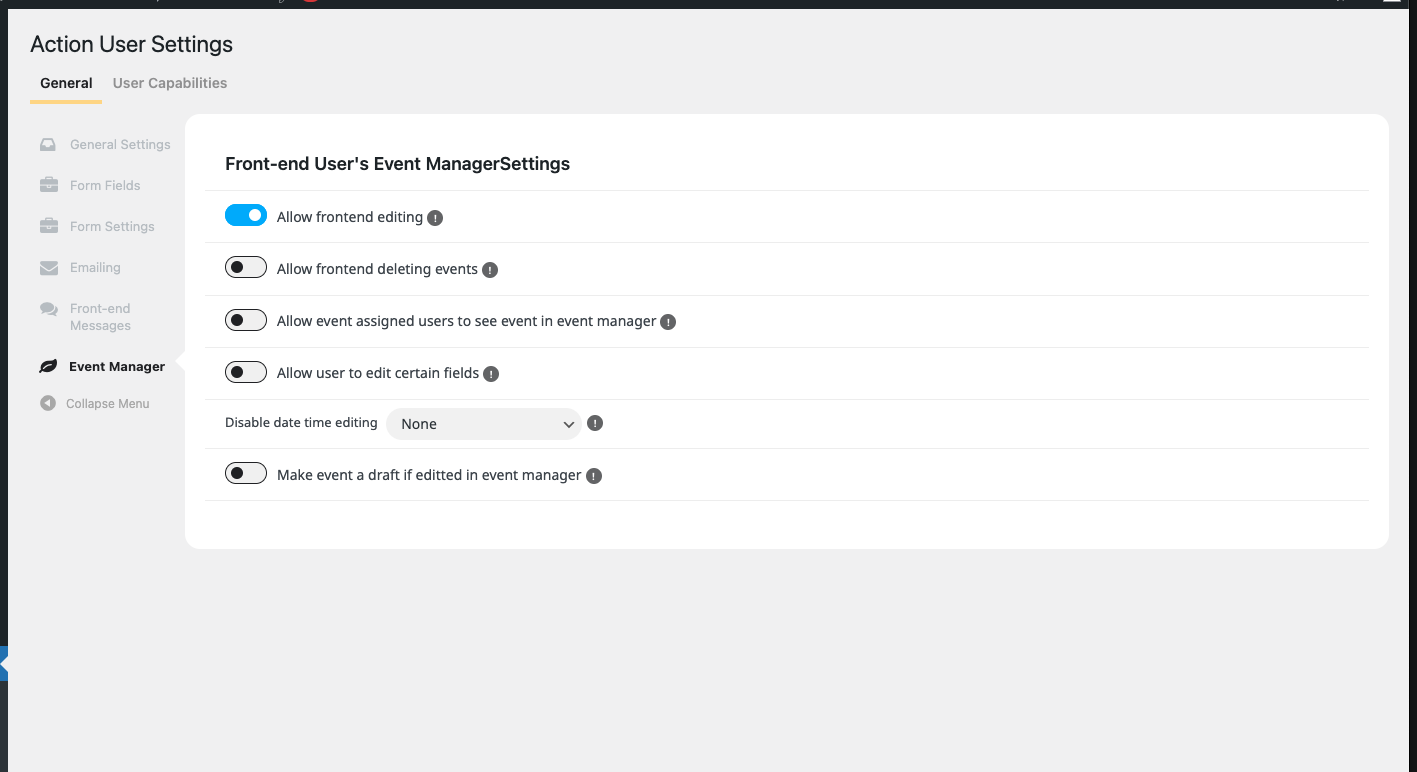
Thank you for the response. We ended up restoring from a backup to solve the issue. Turns out to be a JS error from another product.
Reply to: tickets(401132)
Hello,
I added hide_mult_occur=”yes” to the shortcode, so it’s showing the event only once. Could you check and let me know?
Reply to: tickets(399718)
Which browser are you using to access the website? Could you also send us your OS?
Reply to: tickets(401990)
Hello, i have my own external CSS https://www.kdcelakovice.cz/wp-content/themes/css/own-style.css
I am sending you how it looks when a delete ma own styles.
VSTUPENKY button is from 3rd part as external addon. If you changed something like big change, so maybe we need change system for our button as well? Or if is possible do it by CSS again, but i can not find solution :/ 🙂
Thank you a lot.
Lukas

Reply to: tickets(402189)
Hello,
Thank you for your great suggestion, at the moment both aren’t not supported. However please create a new ticket and select Feature Request as category so others can vote on your idea and get it moved into development faster.
The only option is to customize the source code.
Reply to: tickets(402224)
Hello,
Are you referring to Submit button?
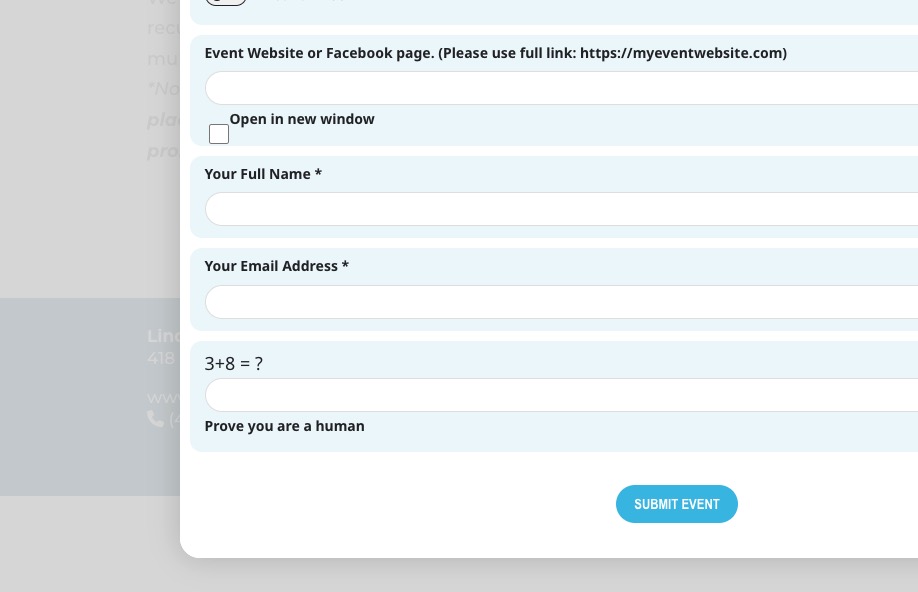
There is a Save button on the top right in EventOn
Could you send us a screenshot of this part?