Neither of these solutions worked.
The reason I buy these plugins and themes from Code Canyon is because the themes usually have priority of styling.
Additional plugins I purchase with support, always offer a CSS work around to these types of conflicts.
Is there anyway within an event to have a portion where it says the email notification was actually sent and it shows a confirmation of the email notification sent to email
I somehow get all the events you guys create via email, except for the ones i create i must be doing something wrong
Username: bob
Password: ULztuYq24x&D^Gyc&k4kcszB
Hi,
Yes that does seem to have resolved the issue on that page.
Could you tell me the precise change that you made? I will need to replicate it on several other sidebar widgets that use the same construct.
Thanks,
Geoff
Hi,
See all links of the posts on www.cjp.ch/anlaesse/
category = anlaesse
https://www.cjp.ch/wp-content/debug.log
I created a staging environment where you can go and see the current behavior
Link where the issue occurs:
https://multiprevention.org/staging/activites-de-formation/calendrier/
Have a nice day
Can we take a look at wp-admin? Please send us wp-admin access to your site as a private message for us to further assist your situation.
4. Could you go to EventON > Event Card > select Feature image display style: Direct Image?
I have one more urgent question – I bought the wishlist addon. But does it work with SCHEDULE VIEW?
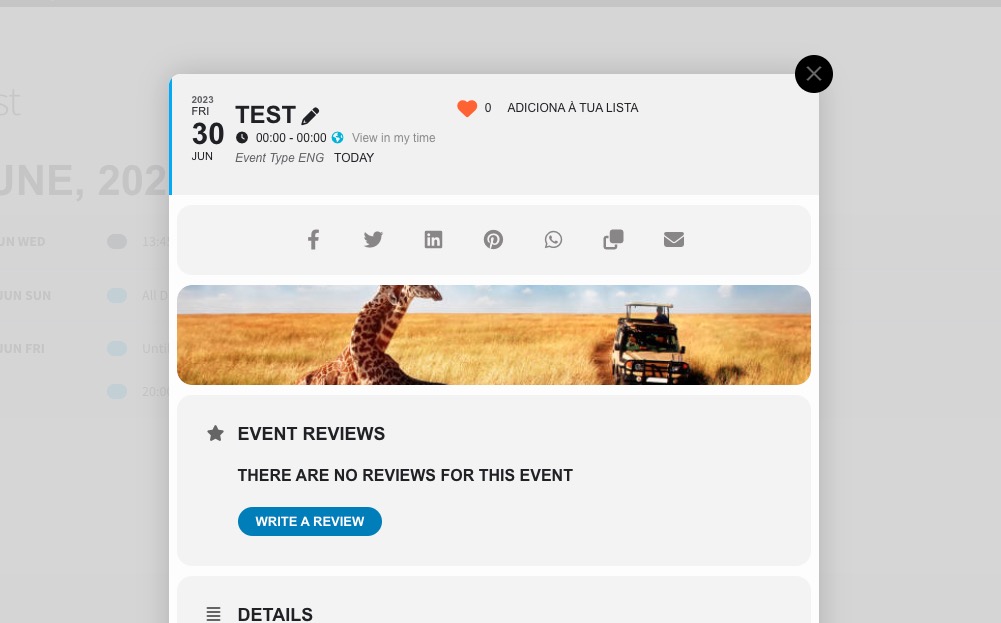
It works, but you need to click on an event to be able to click on the heart icon:

how to change date format in repeated events? (attachment) Let it be the day first, then the month. Because in other places it’s ok, and here it’s bad.
Thank you for your great suggestion, at the moment it is not supported. However please create a new ticket and select Feature Request as category so others can vote on your idea and get it moved into development faster.
because I noticed that i can force the organizer to appear in the schedule view option. but is there a chance that in the computer version the organizer will not be under the name of the tournament, but next to it? I have shown what I mean in the attachment.
Use this code:
.evosv_grid .evosv_items .evosv_event .evosv_subdata { flex-basis: 50%; text-align: right; }
and another question: how to change the color of the month marked in red? This is the “show more events of this organizer” place.
Please use this code:
.evo_event_moreinfo_org .evcal_month_line p {color: red}
Please send us wp-admin and FTP access to your website as a private message.