can we scrap the +Click option and just display location & organiser fields
Please go to EventON > Form Settings > Location/Organizer > disable Allow creating new.
this does not resolve the issue
Replies for tickets on suppota
can we scrap the +Click option and just display location & organiser fields
Please go to EventON > Form Settings > Location/Organizer > disable Allow creating new.
this does not resolve the issue
have tried these and have the same issue with having to reload to make it work
No it is a cloudpanel standard on nginx.
Also today this happened see attach one of the posts it is shown 3 times and if I duplicate it it shown six times so it is something regaring that particular event.
Now you find it in the drafts
I have created you a special admin access: user ashanjay psw I$a7tio3g$EaeU@VkBey^@yj
Please tell us whats wrong thanks
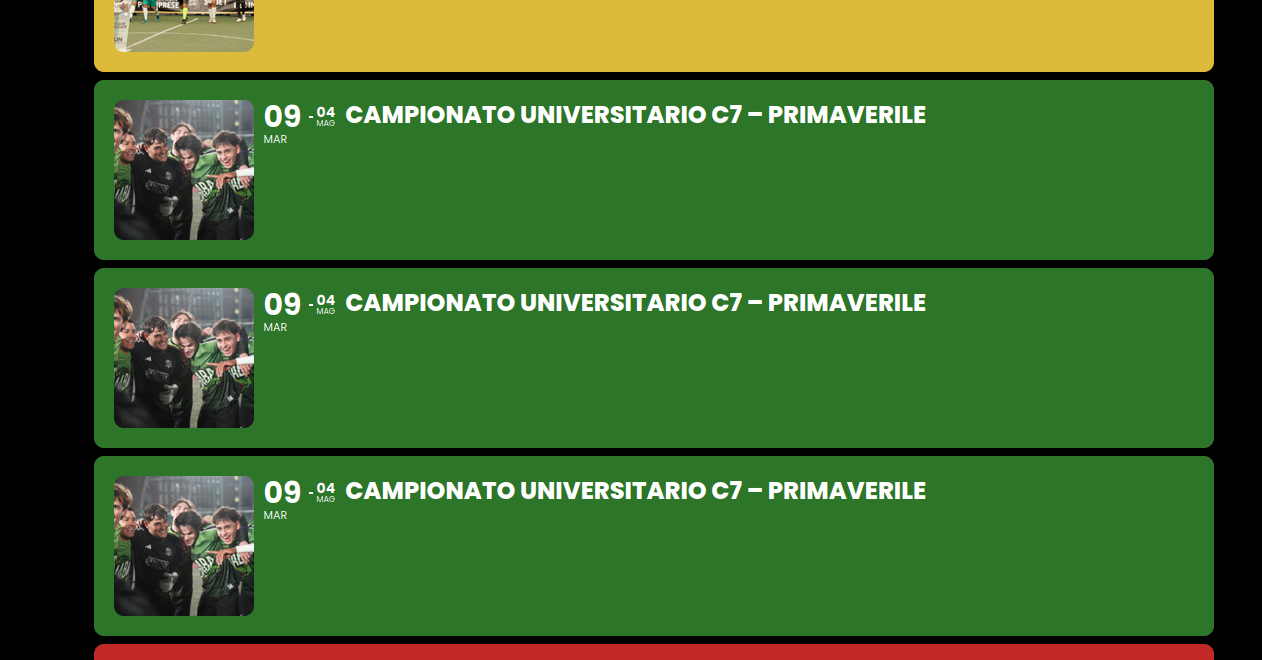
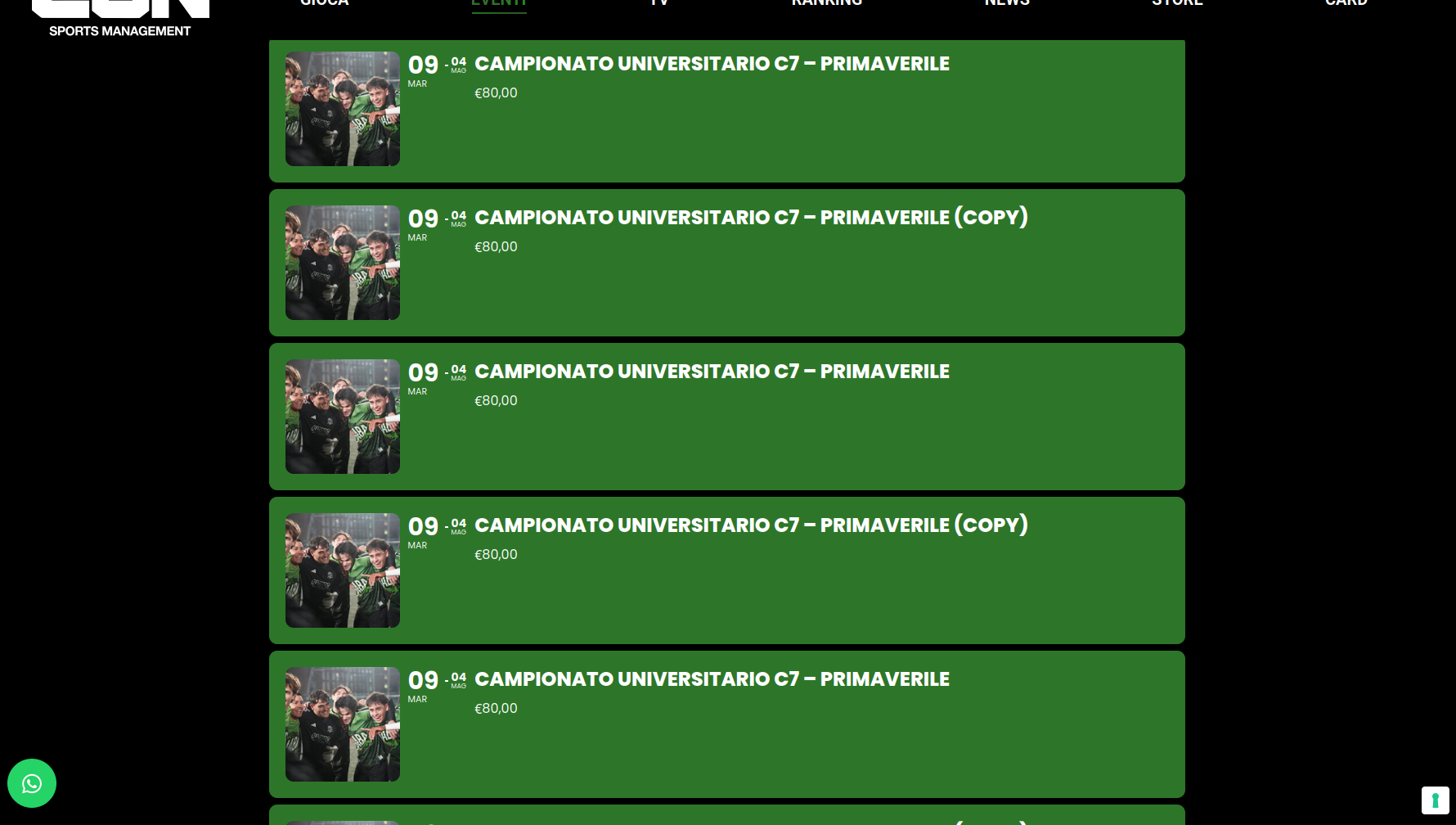
Thank you for this feedback Mahmood, you are wanting each fields with issues to be highlighted in a way that is easier to see which field is it instead of the entire form being changed color. We will make those adjustments and get a new version out soon!
This actually has been an idea we have been thinking about 🙂
Do you have any custom CSS code that affects EventTop?
I checked our test site and it seems that the latest version of EventON changes rows to columns on mobiles:
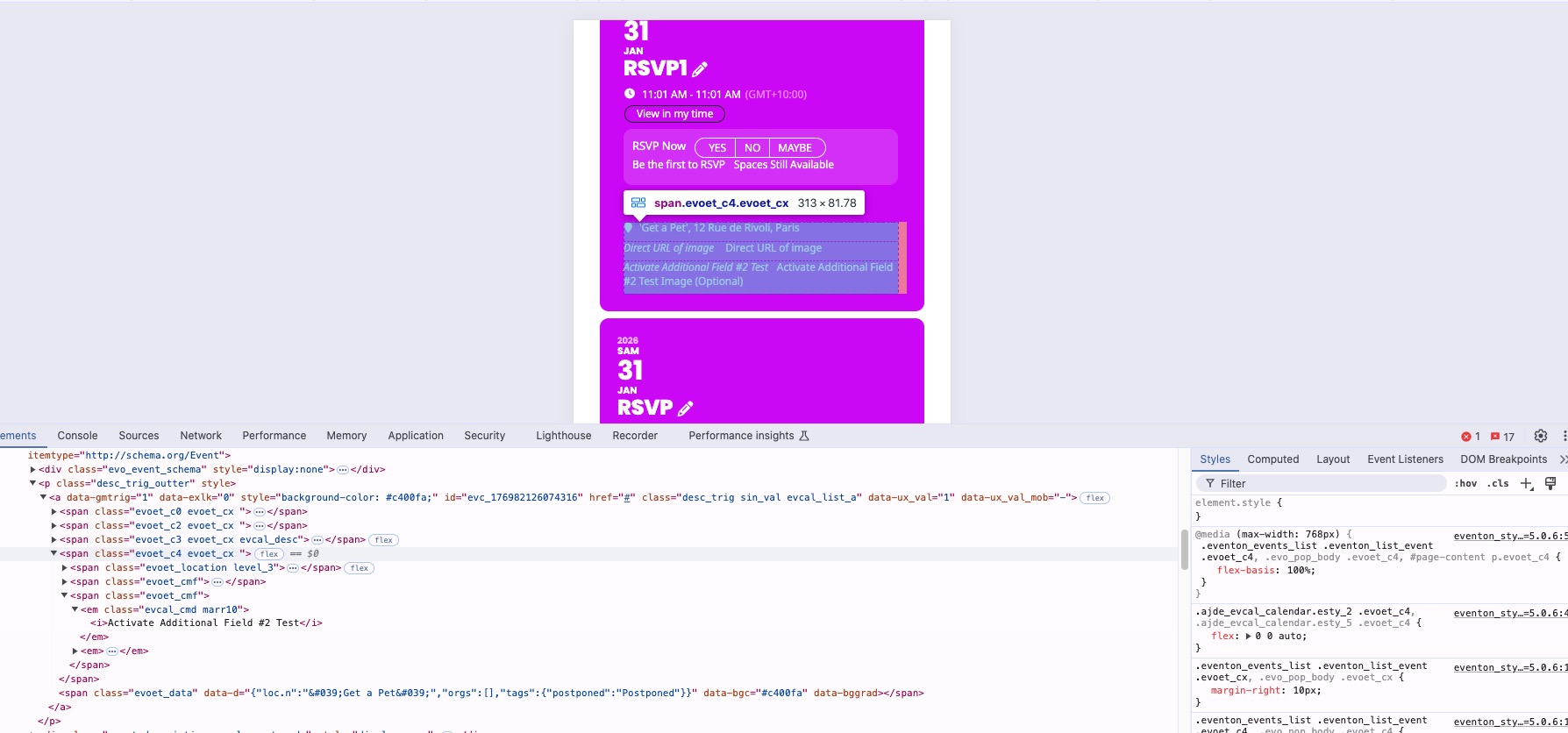
But on your website it keeps rows.
Thank you for bringing this to our attention. Kindly apply this CSS change into EventON Settings > styles
.eventon_events_list .eventon_list_event .evcal_list_a{flex-wrap:wrap!important;}
this should resolve the issue and we will be including this code in the next version of eventON.
Thank you very much for your understanding.
hello, any news ?
Thank you
Hey Artem,
It seems that it possibly was a cached issue, although its weird since I did clear both my local cache and server cache.
Thank you for the quick reply though!
I just installed Yoast on our test server and the issue cannot be re-created:
https://dev2.myeventon.com/?page_id=74335
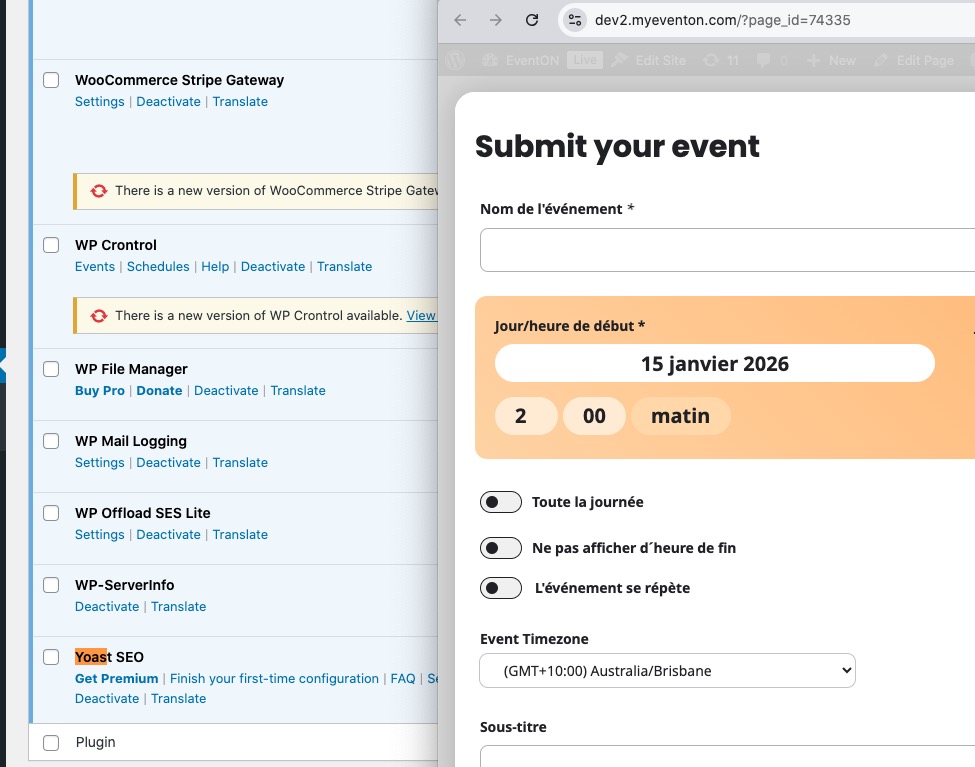
I am sorry for not understanding the first time.
Please add this CSS code to EventON > Styles (If you don’t see any change, EventON > Scripts & Styling > turn off Write dynamic styles to header > save settings > turn on Write dynamic styles to header).
You can also add this code to wp-admin > Appearance > Customize > Additional CSS.
.single-ajde_events .desc_trig_outter { display: none !important; }