Good afternoon, my apologies again for not receiving the notification, and we are currently very busy with work. Indeed, the problem has been resolved and it is working properly. Thank you very much for your attention.
Archives: Replies
Replies for tickets on suppota
Reply to: tickets(316093)
Login with username EventON
pwd Kinsman8/Union/Cyclist
login link is https://azsta.org/login/
Reply to: tickets(315004)
Hi, I check this ticket and scan the qr there https://dev.myeventon.com/wp-admin/post.php?post=185935&action=edit
It redirect me to this link https://dev.myeventon.com/events/?id=MTg1OTM1LTE4NTkzNC0xODU5MThUMA== instead of the green screen
Is there anything wrong ?
Reply to: tickets(314944)
Hi thank you I think it works
- This is one of the event page https://elearning.survivalskills.vn/events/dao-tao-so-cap-cuu/?preview_id=9573&preview_nonce=44c91be7a1&preview=true&_thumbnail_id=9465 it has 2 navigation menus, how may I delete 1
- Is there anyway to show like 5 or upcoming events instead of month by month ?. Sometimes by the end of the month when all our events are completed, users only see an empty list without knowing there are events ahead in the next month ?
Reply to: tickets(315007)
It works now, thank you
Reply to: tickets(316179)
OK. We will try this today.
Reply to: tickets(316047)
Try the code from this link
https://pastebin.com/dTuKVvB9
Reply to: tickets(316261)
Hello,
Please go to EventON > Time Settings > enable Allow universal event time format on eventCard > add to Date/Time Format:
l, F j h:i a
Reply to: tickets(316263)
Hello,
Please take a look at Action User add-on:
https://www.myeventon.com/addons/action-user/
How Event Manager looks like:
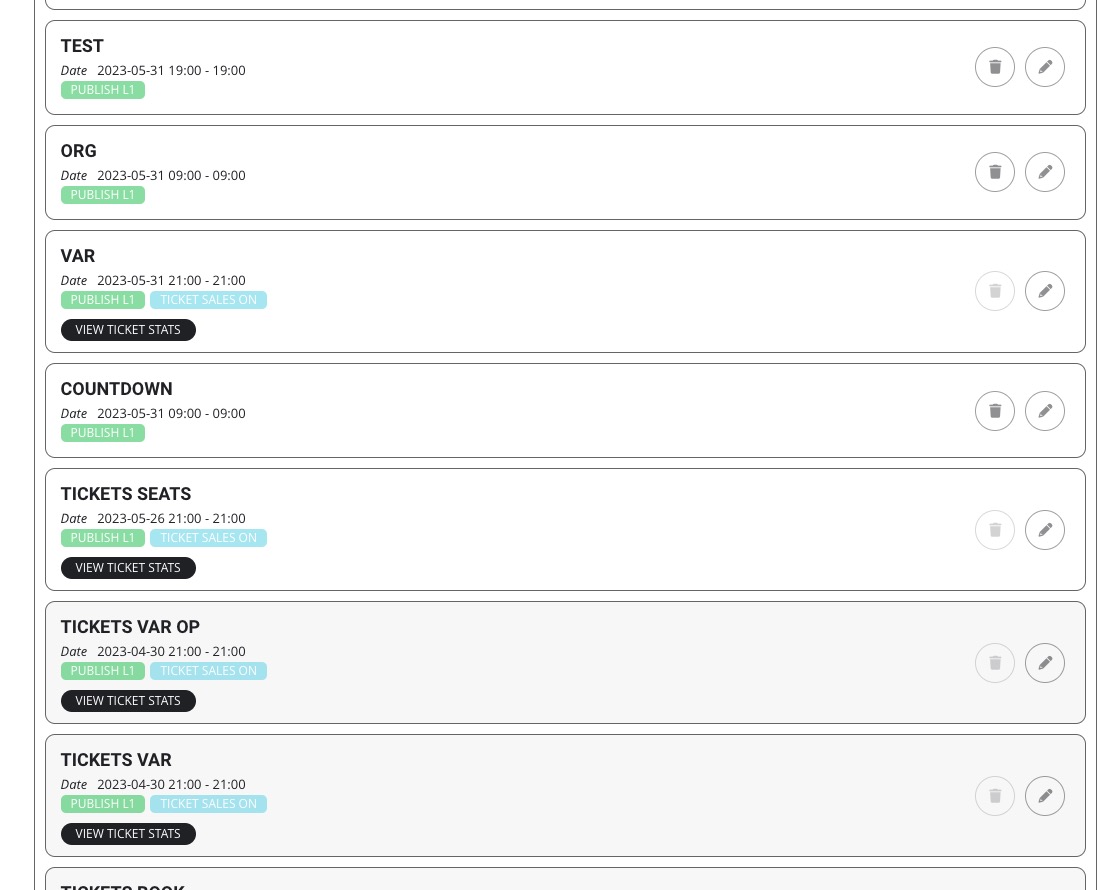
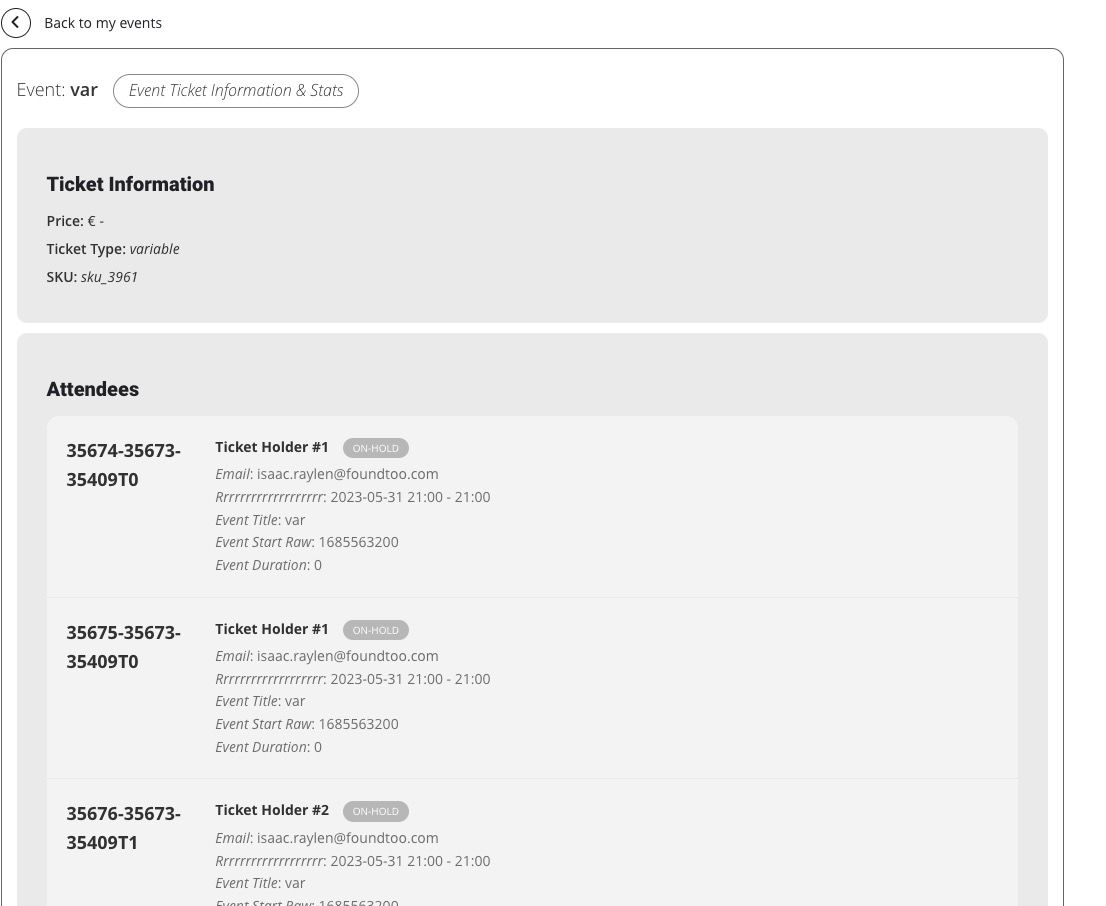
Try on https://dev.myeventon.com/wp-admin/ with
[evo_event_manager]
Reply to: tickets(316252)
Hello,
Unfortunately, Sync add-on is no longer available for purchase.
Please try downgrading the main plugin until the settings page is fixed:
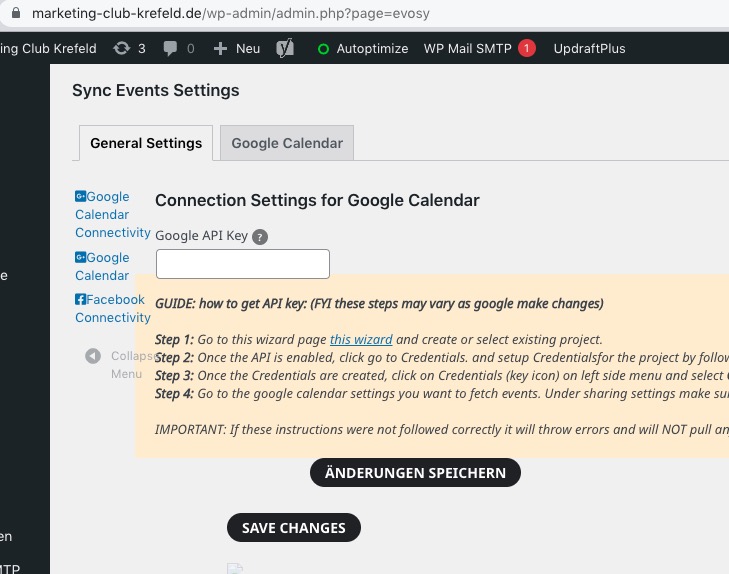
EventON 3+ should work.