Hello,
Please send us the .csv file, so we can take a look.
Replies for tickets on suppota
Hello,
Please send us the .csv file, so we can take a look.
Please add this CSS code to EventON > Styles (If you don’t see any change, EventON > Scripts & Styling > turn off Write dynamic styles to header > save settings > turn on Write dynamic styles to header):
.eventon_events_list .eventon_list_event .evoet_cx .level_4 em.evoet_dataval[data-tagid=”120″] { left: 0; top: 0; }
Try the code and let me know.
This is exactly the problem! We do not know why some tickets are randomly missing from events that we created with EventON, resulting in an incomplete attendees’ list. Might there be a bug?
Thanks, I’ll go ahead with your suggestion.
With your last code, the background disappears for all events pages. I don’t want that, I just want there is not double background when there is the label “COMPLET” selected ont he event.
Example :
Good, because there is the default background :
https://www.saint-claude.fr/evenements/commemoration-de-lappel-historique-du-general-de-gaulle/
Not good, because there is two background, and only the yellow label must be present :
https://www.saint-claude.fr/evenements/booder/
Thanks 🙂
Hello,
If you want to add them to Event Top, please follow
https://docs.myeventon.com/documentations/hook-eventtop/
If to Event Card, please follow
https://docs.myeventon.com/documentations/show-additional-custom-data-eventcard/
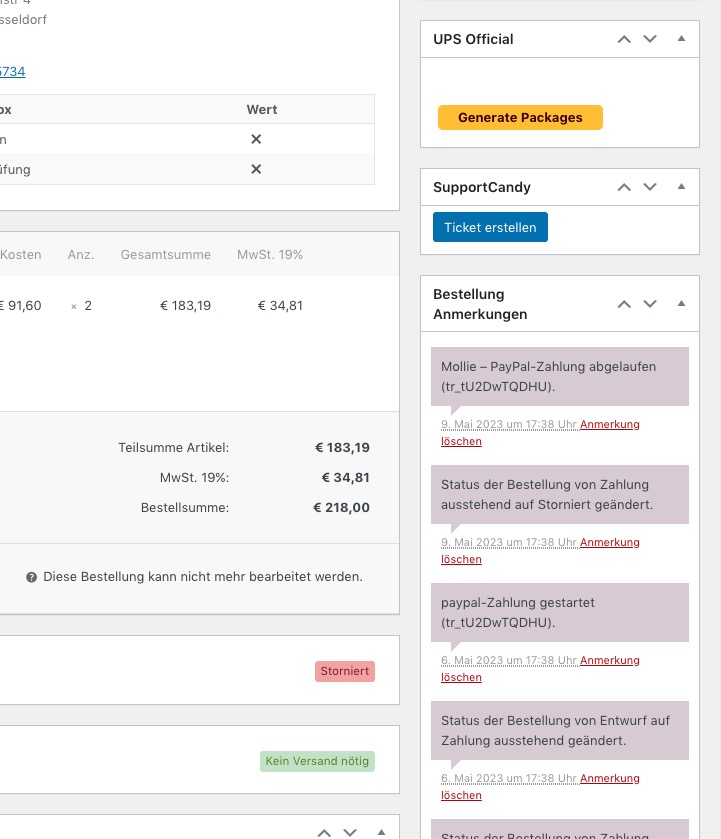
So I consider the order is cancelled and we do not need to pay. Can you please confirm ?
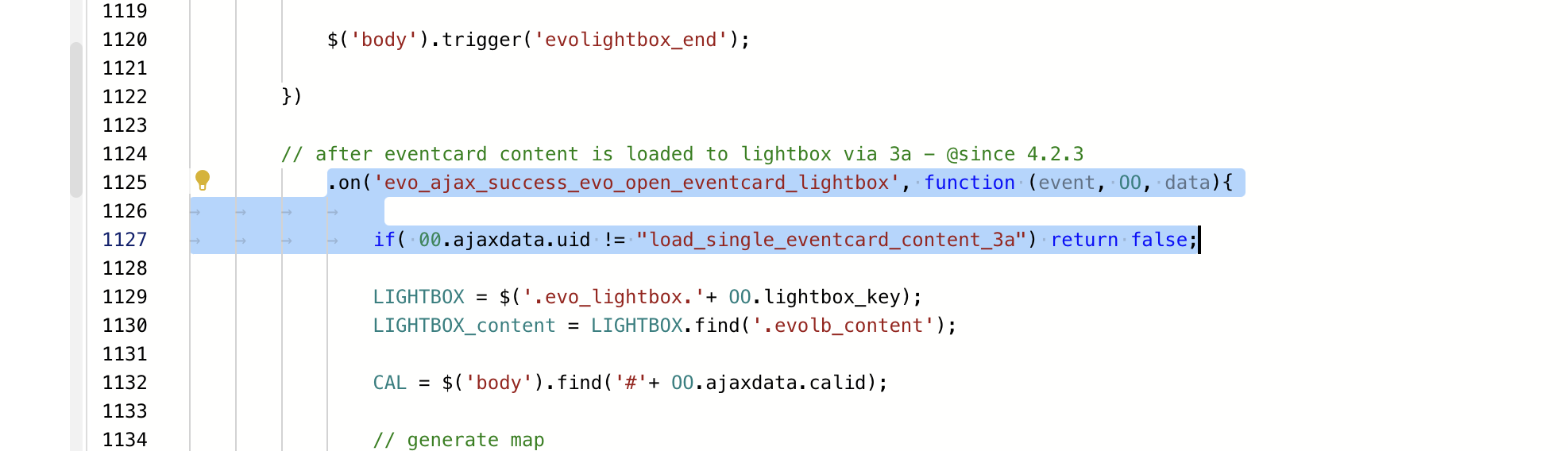
Hi Ashan, I’ve applied the patch fix from your screenshot but the problem still persists. See screenshot attached.
Unfortunately, I still not sure how orders such as https://shop.kochdichturkisch.de/wp-admin/post.php?post=1380320&action=edit (the last one from eventon_errors.pdf) are related to EventON.
I can see tickets in this one, yes:
https://shop.kochdichturkisch.de/wp-admin/post.php?post=1375665&action=edit
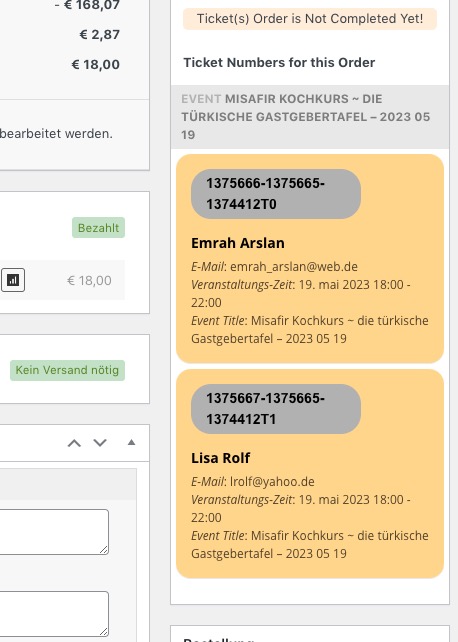
But if you take a look at 1380320, there are no tickets from EventON at all:
Unfortunately, we unable to help with customizations.