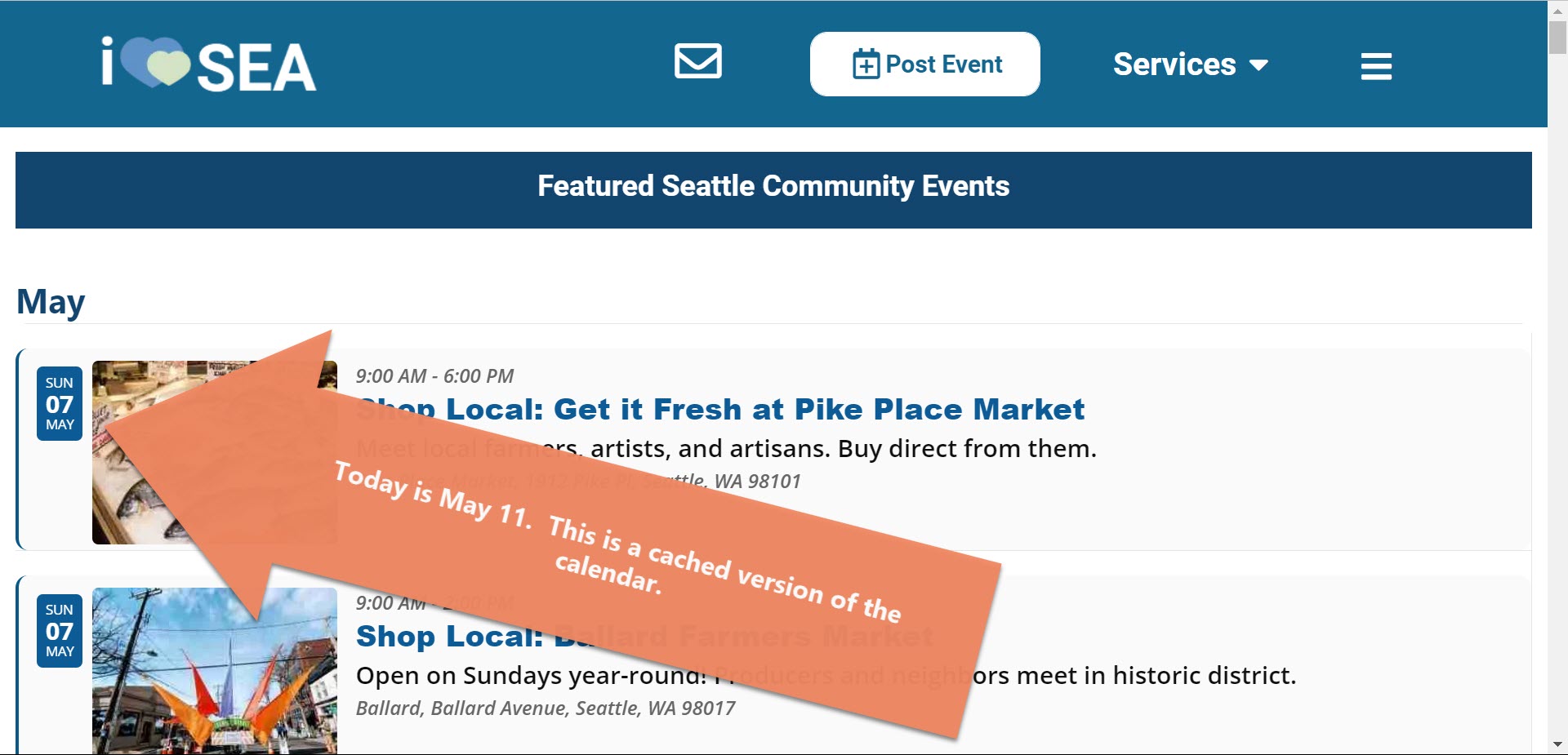
Clarification: the calendar on the subdomain where EventON is loaded shows current date events. It works. The problem presents itself on https://iloveseattle.org (API version). When I load this page in my browser without clearing my local cache, it shows events starting from the day that I first loaded the calendar with a clean cache. For example, when I go to https://iloveseattle.org right now, events from Sunday, May 7 appear at top of list, but today is Thursday, May 11. Thank you
Thank you.
I am referring to https://iloveseattle.org. The calendar on this domain is created through your API because EventON is only loaded on the subdomain.
I understand that the calendar on https://events.iloveseattle.org appears correctly when you first look at it. The problem presents itself when you return to look at the calendar 3 days, 5 days, or a week later. For example, if you go to https://iloveseattle.org today with the same computer and browser (assuming you did not clear your local cache), do you see today’s events appear at top of list or do you see the same events that you saw the first time you loaded the calendar on May 7?
For the calendar on https://events.iloveseattle.org, we want past events to appear. I did try the setting you recommended and it did work on the subdomain, but it did not make a difference on the API generated calendar at https://iloveseattle.org
Thank you!
http://item.projecten.mijnmarketing.com/wp-login.php
MM-Beheer88
Y12guSafr4ghV!0W)m
Also the translation doesnt seem to work, even though is set lang
Thank you for your messages, I am going to assign this ticket to Ashan and he will be able to take it from here and find you a solution. Please allow some time for him to get back to you, we greatly appreciate your patience and thank you for being a eventon customer!
I would also like to see what kind of CPU is in use.
Also, I still only see .ftpquota file when connecting to the server. Could you fix FTP, so we can enable WP_DEBUG?
Didn’t work for me:
Status: Connecting to ssh.emporiumcarlisle.co.uk…
Response: fzSftp started, protocol_version=8
Command: open “emporiumcarlisle.co.uk@ssh.emporiumcarlisle.co.uk” 22
Command: Trust new Hostkey: Once
Command: Pass: ************
Error: Authentication failed.
Error: Critical error: Could not connect to server
Could you try yourself?
In order to fix the issue, please go to wp-content/plugins/eventon-bookings/includes/admin/class-admin.php on line 7 and remove .
Thank you, I have disabled cloudflare. Hopefully you can assist me soon since my website is vulnerable in the meantime..
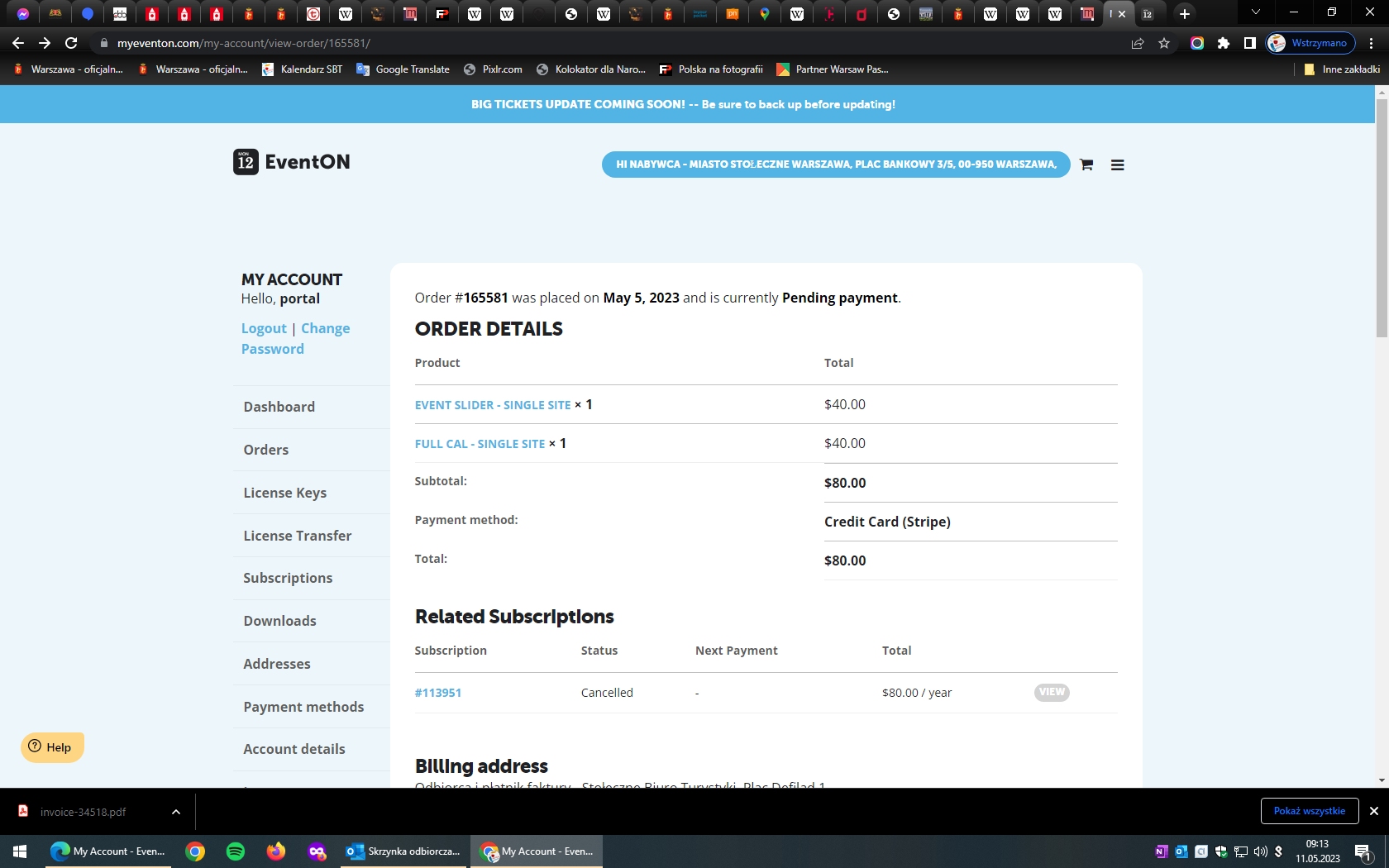
Ok, if it is not possible we can pay but I do not know how to do it now. Find the screenshot attached