Hi Artem,
Any news on this issue, please?
Alex
Replies for tickets on suppota
Hi Artem,
Any news on this issue, please?
Alex
When i activate it , directly deactivate it
Thanks i configure it , but when i go to event i did’nt see the possibily to booking.
I have generated blocks.
https://comicsanddrinks.be/
Event :
My apologies for the confusing title. I was having issues with the helpdesk and creating a ticket. Let me clarify my request/question.
Despite the option to complete ticket purchases online, we have people who insist on coming out to our physical box office location at our venue. These folks will either pay by cash, debit or credit card. They insist on receiving a physical ticket. In this case, we need to print the ticket at the box office to present to the patron. Can we achieve this with Eventon?
Please feel free to disable the plug in to test.
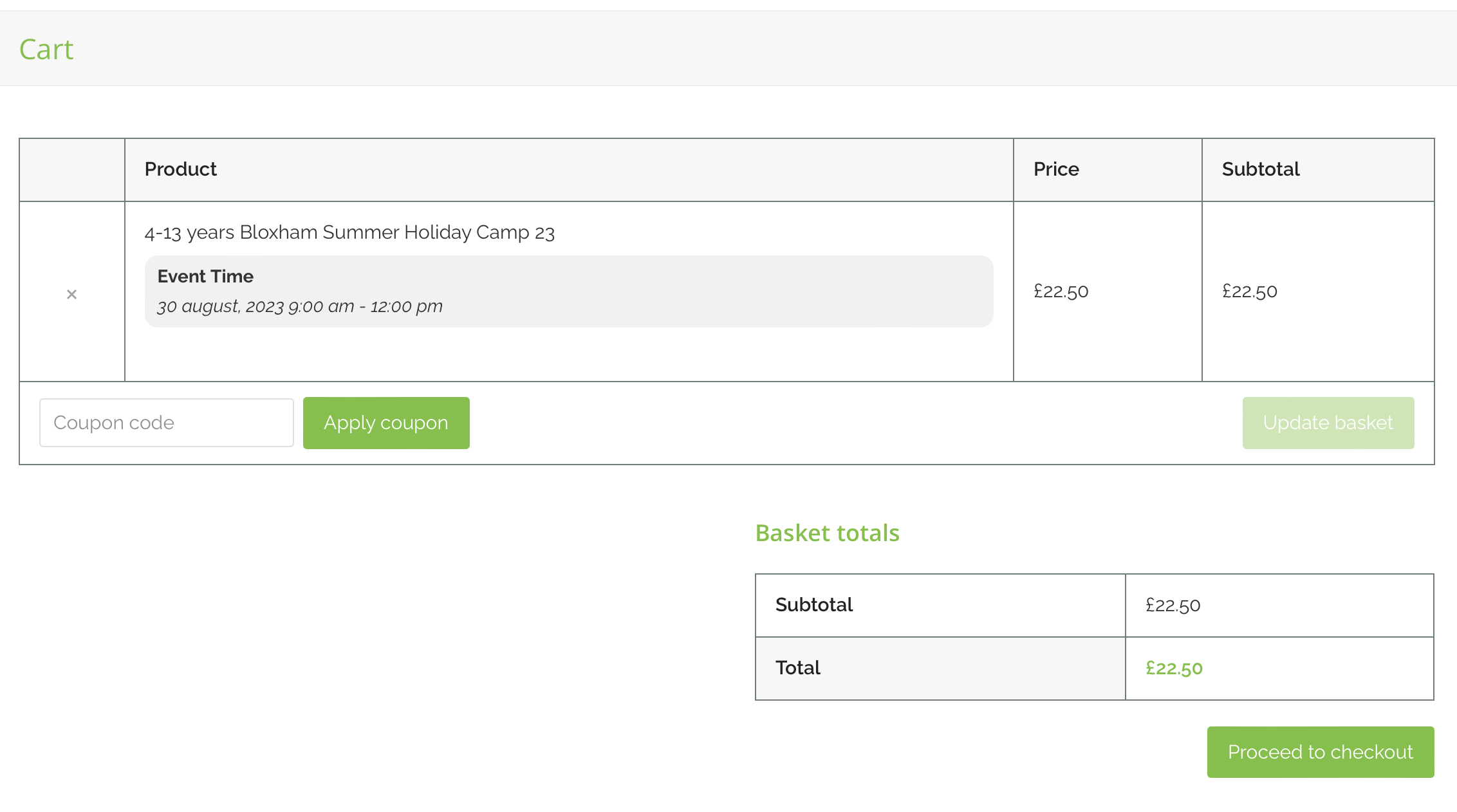
The ticket variation details I mentioned are on the event page, as shown in your screen shot. But, if you add this to the cart, the variation selected (Camp age group: 4 – 6 years) does not show in the cart or booking confirmation.
yes check my screenshot from prevoius message please, you can see both options are open. People must be able to buy a ticket so yes the ticket plugin. But when the tickets are sold out then the must be able to add themself to a waitlist so yes the RSVP addon with RSVP on, that is what a waitlist is for right?
Hello,
thx, this worked. Will this be added in next update? I do not want to code this every update. It´s the second code I have to add manualy, this is a lot of work every update because I do have several sites to care for.
Hello,
Could you elaborate? What kind of custom code?
Also it does work on our dev server correctly:
https://dev2.myeventon.com/test-36/
Hello,
When I check paths to files of Countdown add-on, they look unusual:
https://new.scottishdentalstudyclub.co.uk/idesigndental-sdsc-eventcount/assets/evocd_script.js?ver=6.2
Comparing to our dev server:
https://dev2.myeventon.com/wp-content/plugins/eventon-countdown/assets/evocd_script.js?ver=6.2
Could you please try the instructions mentioned in this documentation to make sure your issue is indeed coming from eventon.