Hello,
Please send us wp-admin access to your site as a private message for us to further assist your situation.
Replies for tickets on suppota
Hello,
Please send us wp-admin access to your site as a private message for us to further assist your situation.
Hello,
Please go to wp-admin > Events. Here if you hover over Event Title, you can right-click on View and copy event’s link.
Hi,
I want to know how many variations of each the costumer wants to book before. Now I only get how many attendees I will have, not how many of each variations. This will be the difference.
Okay, but then I have a question. Why does it calculate the ticket price by the number of the first variation, which is added to the cart?
Ticket: 100€
5x variation1 0€
cart: 500€
According your message it should be 0€.
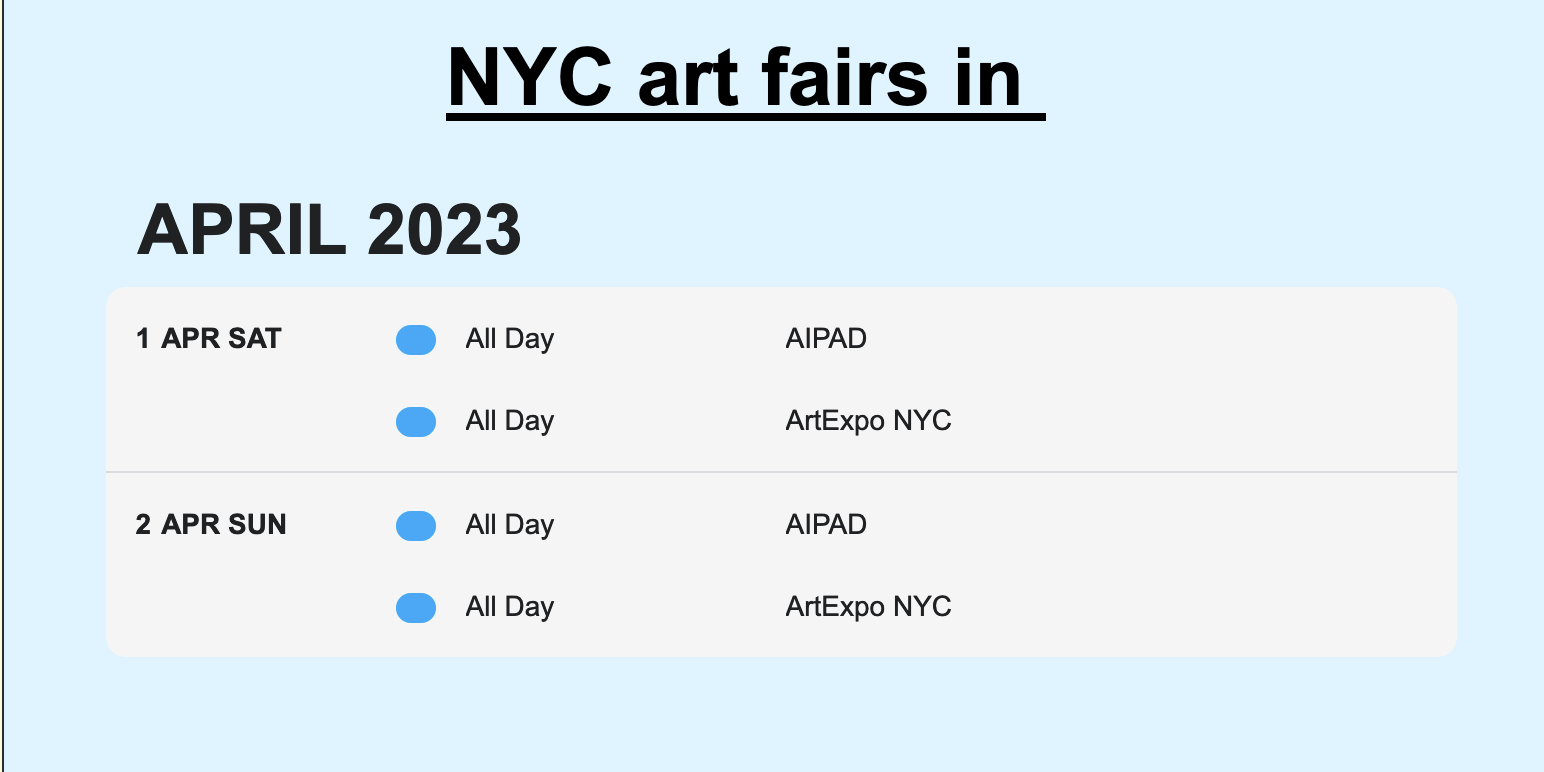
I have both the full calendar and the schedule view applied. Im trying to create a quick way for users to see what is happening today, and beyond.
How do I get schedule view to only display todays events and beyond (for 30- 60 days beyond todays date)?
Ive tried this code below and modifying it with no luck. And it is showing events that ended 26 days ago, which is not helpful.
[add_eventon_sv event_type=”7612″ el_type=”dr” end_range=”200 days” ux_val=”4″ el_type=”ue” pec=”cd”]
I am using the variations add-on.
A response is greatly needed so I can move forward. If you do or do not intend on fixing this please advise. I have clients whom I need to advise if this is not going to be resolved. (See image above for the issue)
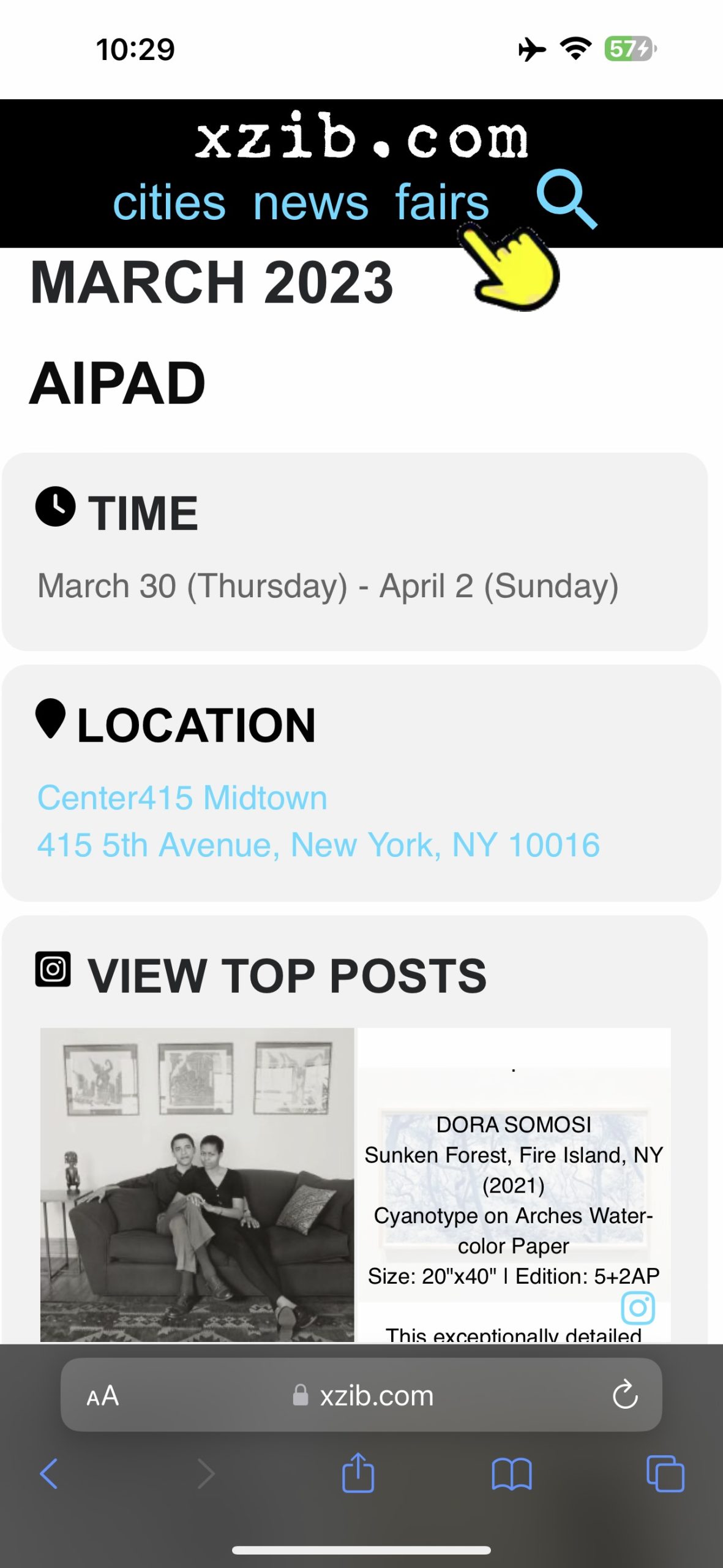
Hey Ashan and thanks for your response and I appreciate you, Artem and the eventon teams help because My eventon pages seem to be helpful to Google users around the world for international art fairs.
Re: “Location link”: As Google continues to work toward promoting sites that help users, Im thinking it may be prudent for me to make a readily clickable link to Googles map.
Re: The “Learn more” text not being changed on the event card. IS there a reason I can not customize this field, while all others are customized?
Or
Is there a way to dynamically insert the page title as link name. So the user knows where the link takes them? The “learn more” is vague and I suspect is concerning to users who dont know where they are about to be taken