We are sorry for the delay. Ashan is working on a big update for Tickets, Variations, Seats and Bookings add-ons. The update will include the fix to your issue as well.
Archives: Replies
Replies for tickets on suppota
Reply to: tickets(314392)
Hello,
Please take a look at this test event I created:
http://czav.braintestweb.nl/wp-admin/post.php?post=240&action=edit
In order to activate Waitlist, you need to make sure to enable Capacity first:
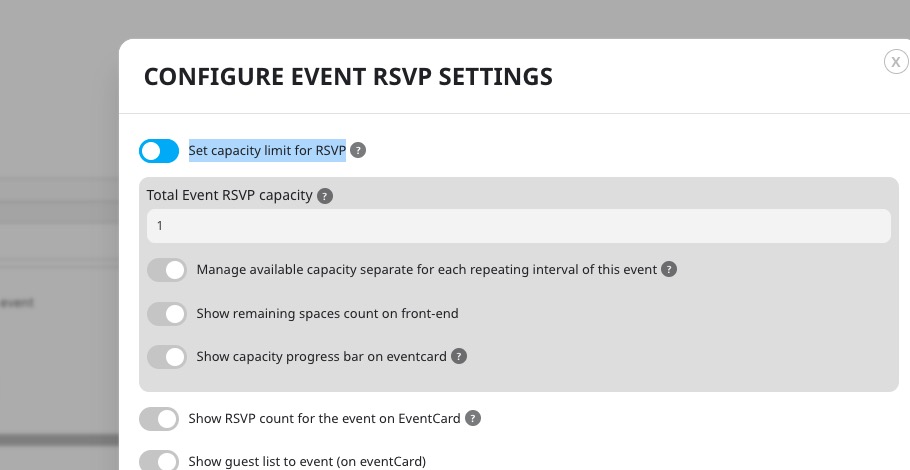
Please also note that EventON – RSVP Events Waitlist add-on only works with RSVP add-on.
When someone cancels their RSVP, the next customer in the waitlist will be sign-uped.
Reply to: tickets(313870)
Single Event pages will be /events/event-name and Archive page will be /event-directory, so you can change it with Elementor.
Reply to: tickets(314152)
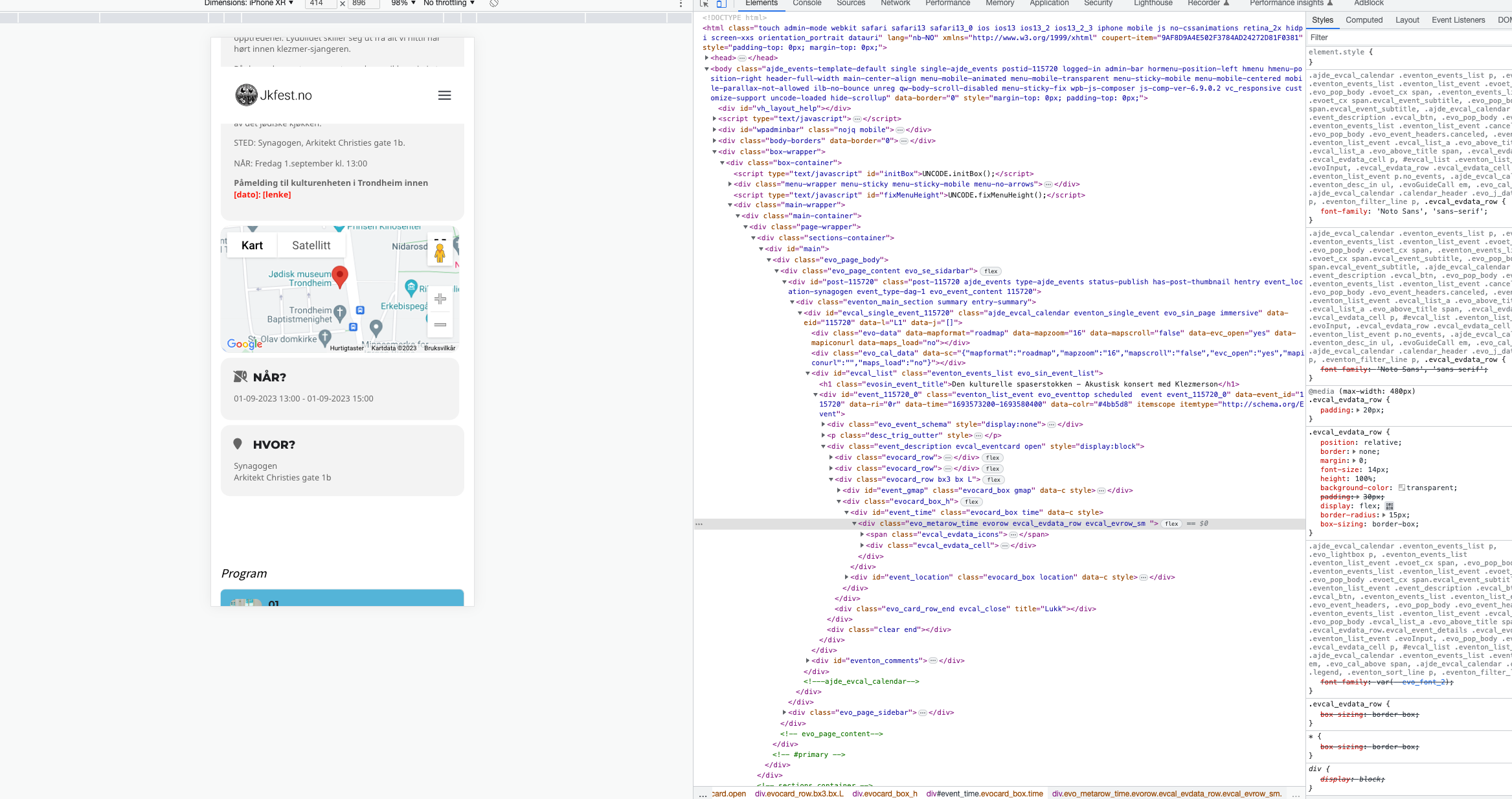
The code you sent:
@media (max-width: 980px){ .single-ajde_events .box-container { margin-left: 0 !important; }}
didnt quite work but it worked when adding padding. But then also my menu shifted so I needed to change class to .evo_page_body instad and now it works great.
Reply to: tickets(314152)
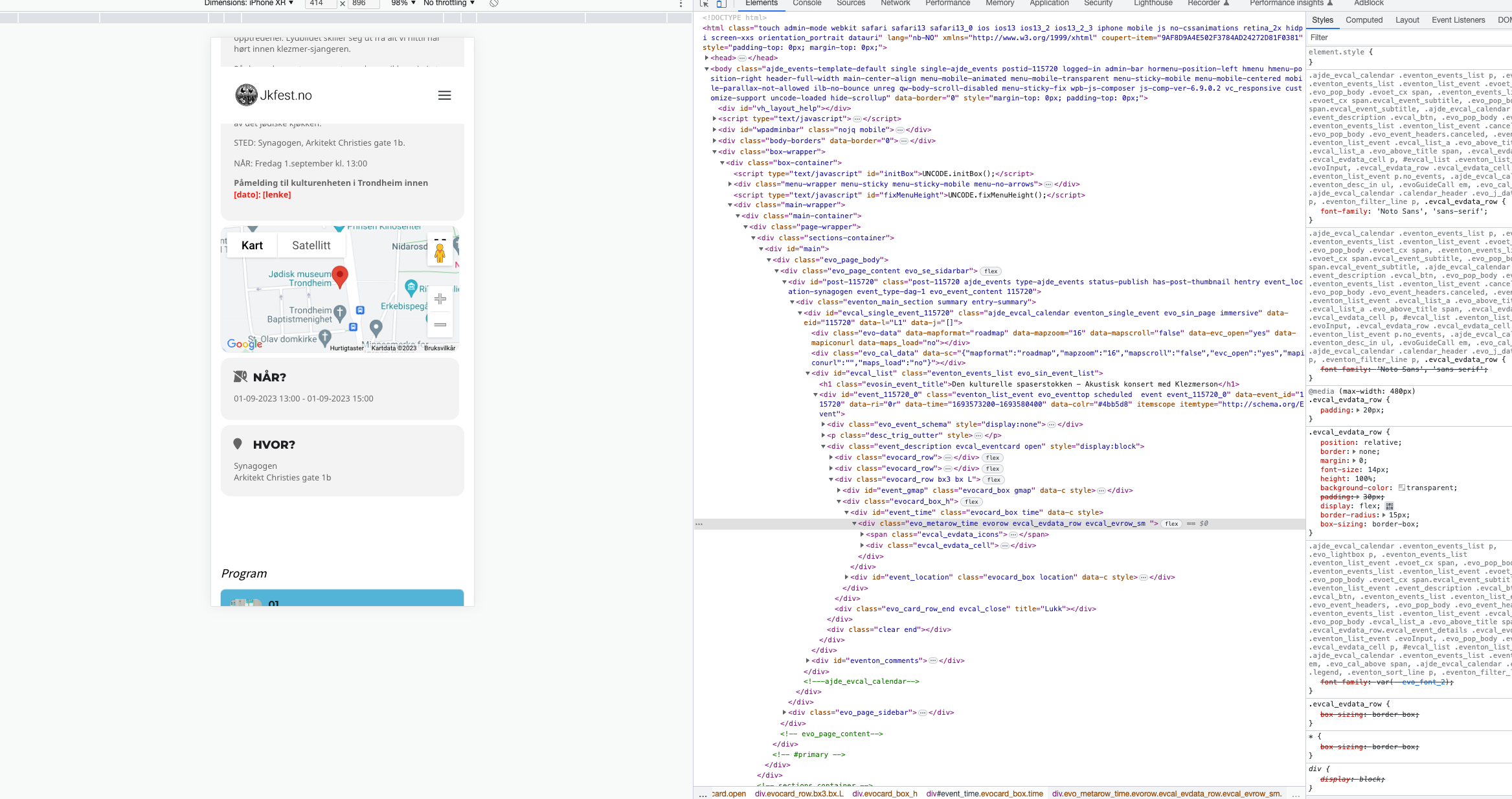
I added:
@media (max-width: 980px){ .evo_page_body {padding:15px !important; }}
@media (max-width: 980px){ .eventon_list_event .evoet_cx span.evcal_event_title, .eventon_events_list .evcal_event_subtitle {font-size:15px !important; }}
@media (max-width: 980px){ .evosin_event_title {font-size:15px !important; }}
This was to fix both the box and to make the titles responsive.
But why does my icon say its a clock (Fa-clock) But display as toiletpaper? Se attached.
Reply to: tickets(314449)
Hello,
We are not sure what you mean, would you mind sending a screenshot to illustrate the issue you are having? Including a direct link to where you are having the issue will also help.
Best regards,
Reply to: tickets(314402)
can you explain in more detail exactly what you are trying to do and why so that we can figure out a method if possible
Reply to: tickets(314401)
Please send us wp-admin access to your site as a private message for us to further assist your situation.
i’d like to see the backend of that event to see how you have set it up and hopefully provide a solution
Reply to: tickets(314238)
Please send us wp-admin access to your site as a private message for us to further assist your situation.
so we can set up a test page on your site
Reply to: tickets(314435)
you could either add one of these 2 css tweaks to appeatance>>>>>customize>>>>additional css
.ajde_evcal_calendar.boxy .eventon_list_event .evcal_list_a {
gap: 0px;
}
or
.eventon_events_list .eventon_list_event .evcal_list_a {
padding: 5px;
}
both change things just slightly differently