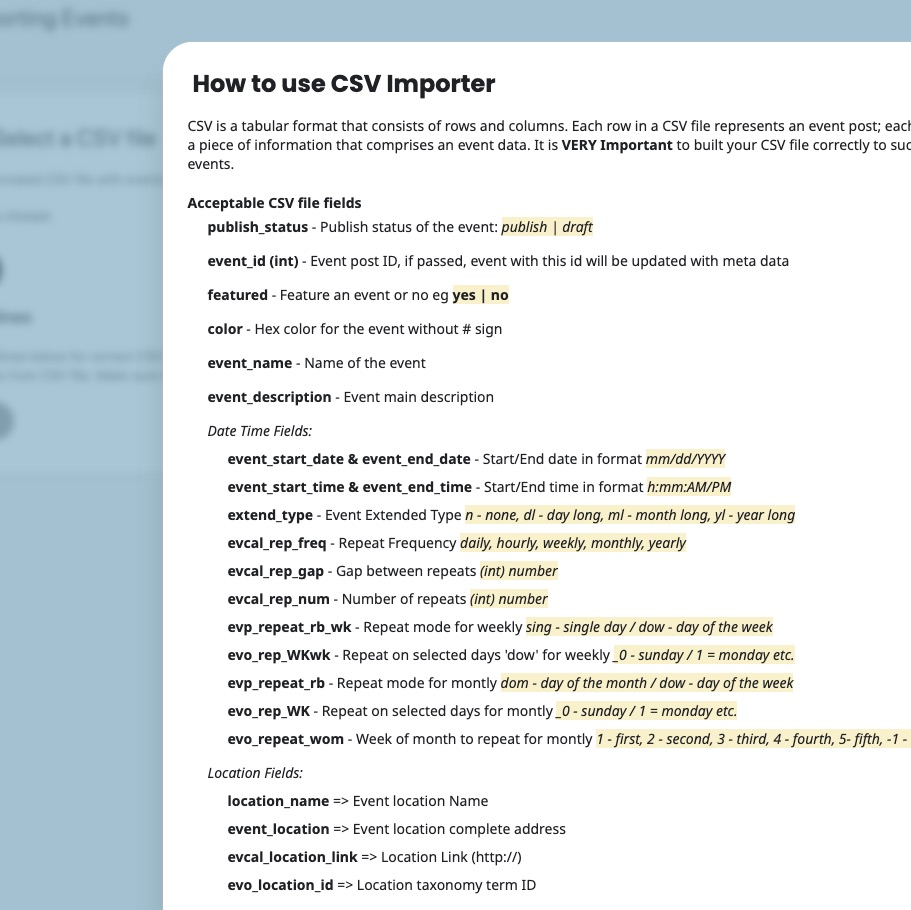
You can find Acceptable CSV file fields by going to EventON > CSV Import > Guide for CSV file:
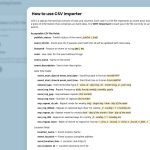
event_type categories – Event type category term IDs seperated by commas eg. 4,19. You can add upto 5 event type categories in seperate columns with column headers in format event_type, event_type_2 etc.
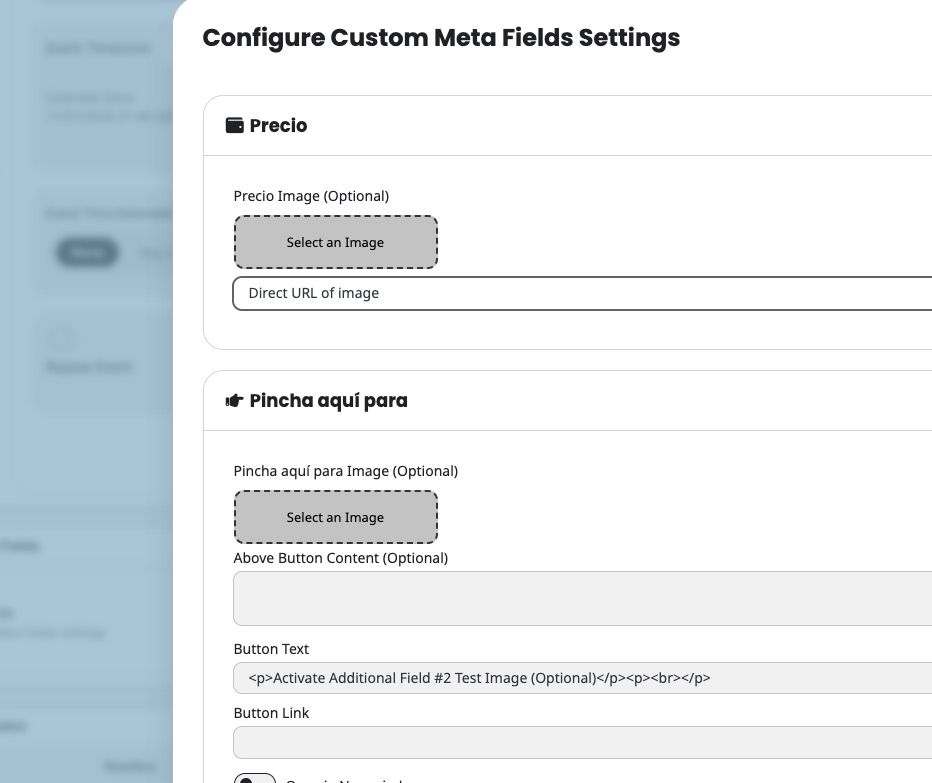
Custom Meta Fields:
cmd_{x} => Custom meta data values. You can add upto 10 custom meta field values with sepeate columns with column headers in format cmd_{x}
cmd_{x}L => can be used for custom field button url data
Organizer Fields:
event_organizer => Organizer Name
evcal_org_contact => Organizer contact information eg. email
evcal_org_address => Organizer location address
evcal_org_exlink => Organizer external link (http://)
evo_organizer_id => Organizer taxonomy term ID
Please check and let me know.
Perfect! Please keep us updated.
Hello,
Thank you for your great suggestion, at the moment it is not supported. However please create a new ticket and select Feature Request as category so others can vote on your idea and get it moved into development faster.
Hello,
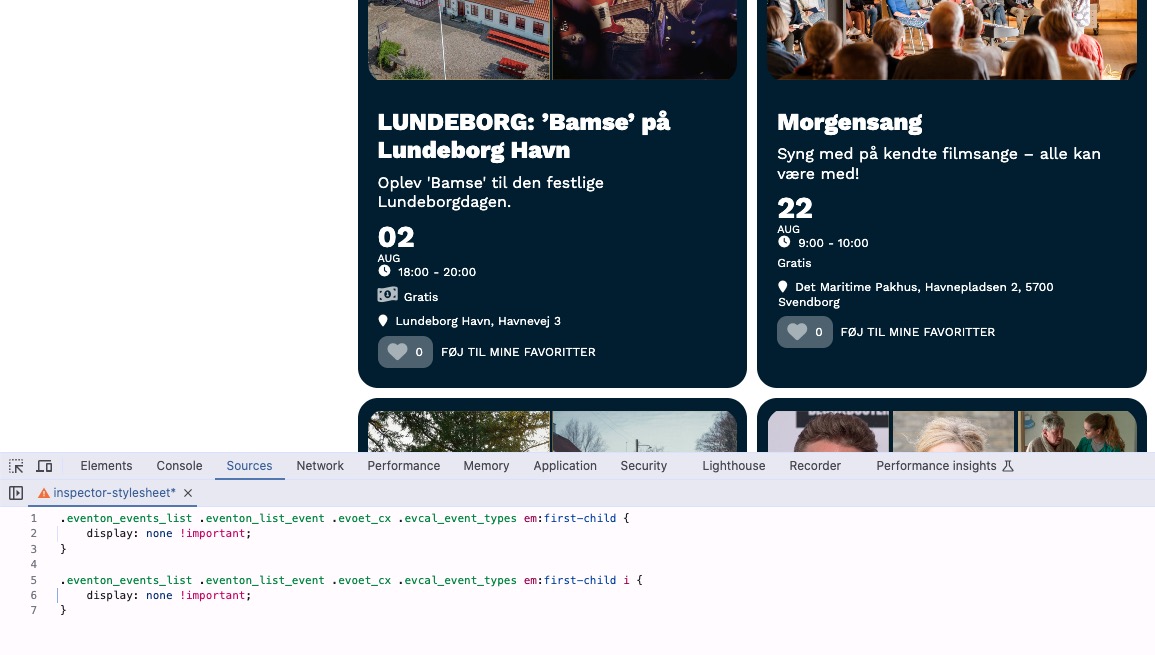
Please add this CSS code to EventON > Styles (If you don’t see any change, EventON > Scripts & Styling > turn off Write dynamic styles to header > save settings > turn on Write dynamic styles to header).
You can also add this code to wp-admin > Appearance > Customize > Additional CSS.
.eventon_events_list .eventon_list_event .evoet_cx .evcal_event_types em:first-child { display: none !important; } .eventon_events_list .eventon_list_event .evoet_cx .evcal_event_types em:first-child i { display: none !important; }

It seems that is working now , i will test it now with the clients. thaks for your help
Hello,
I need to be 100% sure before I spend more time formatting my data.
Regarding the CSV importer: Does it support importing data into Custom Meta Fields and Event Categories (Event Types) just by using specific headers?
If the answer is YES, please provide the complete list of all supported CSV headers (including those for custom fields, organizers, and categories). A sample CSV file containing every possible column would be ideal.
If the answer is NO (meaning it only supports the basic fields shown in your screenshot), please let me know so I can stop trying to import that data via CSV.
I look forward to your confirmation.
thanks again
Hello,
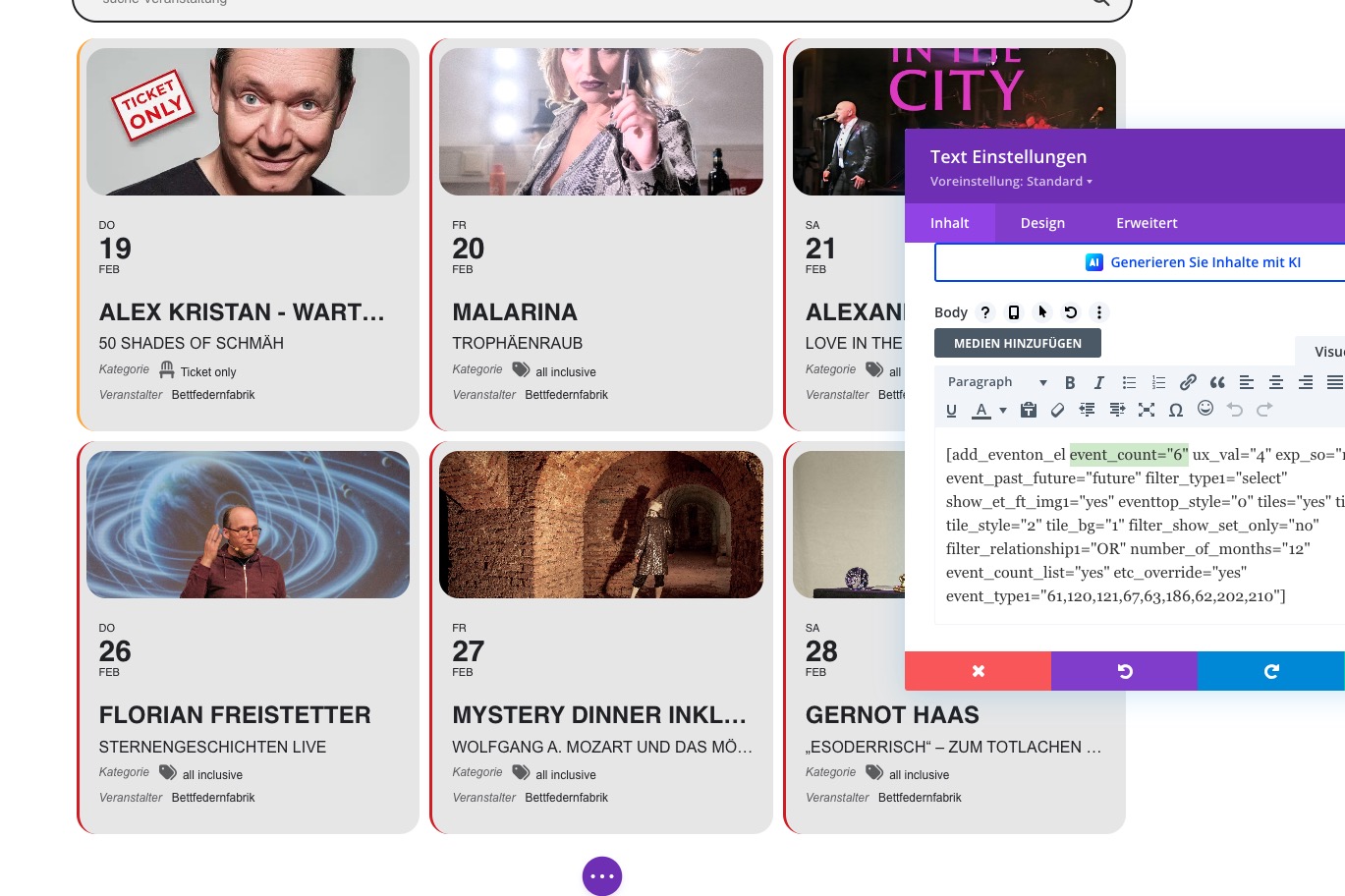
on the staging site this is the short code:
[add_eventon_el event_count=“6“ ux_val=”4” exp_so=”no” event_past_future=”future” filter_type=”select” show_et_ft_img1=”yes” eventtop_style=”0” tiles=”yes” tile_count=”3” tile_style=”2” tile_bg=”1” filter_show_set_only=”no” filter_relationship=”OR” number_of_months=”12” event_count_list=”yes” etc_override=”yes” event_type=”61,120,121,67,63,186,62,202,210”]
And ALL Events are actually showing, but it should only display 6.
Please see my screenshot.

I checked in chrome, edge, and firefox.
Thanks!
Hello,
Please try adding to the shortcode to order events differently:
event_order=”DESC”
Unfortunately, () cannot be removed as it’s part of the date.
Hello,
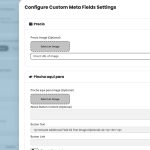
Could you upload your .csv file (the one you are trying to import) somewhere and send us a link?
I’ve tried to upload this file from our test site (the first event named ”RSVP1”) and it was imported correctly:
https://dev2.myeventon.com/surl/4vjSB6VvZ3SN
Imported event:
https://www.planconpeques.com/wp-admin/post.php?post=36083&action=edit&classic-editor
(the event is excluded from your calendars)
Hello,
We are sorry for the delay.
I just checked your website and it shows 6 events with 6 added to the shortcode:

It was like this before:
https://helpdeskx.s3.amazonaws.com/wp-content/uploads/2025/12/23042658/Screenshot-2025-12-23-at-12.26.02.jpg
Could you check and let me know?