See attached.
Replies for tickets on suppota
See attached.
Hello,
The only way of fully customize the page is to follow:
https://docs.myeventon.com/documentations/customize-location-organizer-archive-page/
However, we make sure that it works correctly with simple adjustments using CSS.
Please add this CSS code to EventON > Styles (If you don’t see any change, EventON > Scripts & Styling > turn off Write dynamic styles to header > save settings > turn on Write dynamic styles to header):
.evotax_term_card .evotax_term_details, .evotax_term_card { margin: 0 auto; display: block; }
Hello,
WooCommerce handles the payment process, so please take a look at this guide:
https://woocommerce.com/document/cash-on-delivery/
Could you apply this patch from Ashan:
https://helpdeskx.s3.amazonaws.com/wp-content/uploads/2023/04/21121551/Screen-Shot-2023-04-21-at-12.15.26-PM.png
It should fix the issue.
It seems that your WP_DEBUG was already enabled:
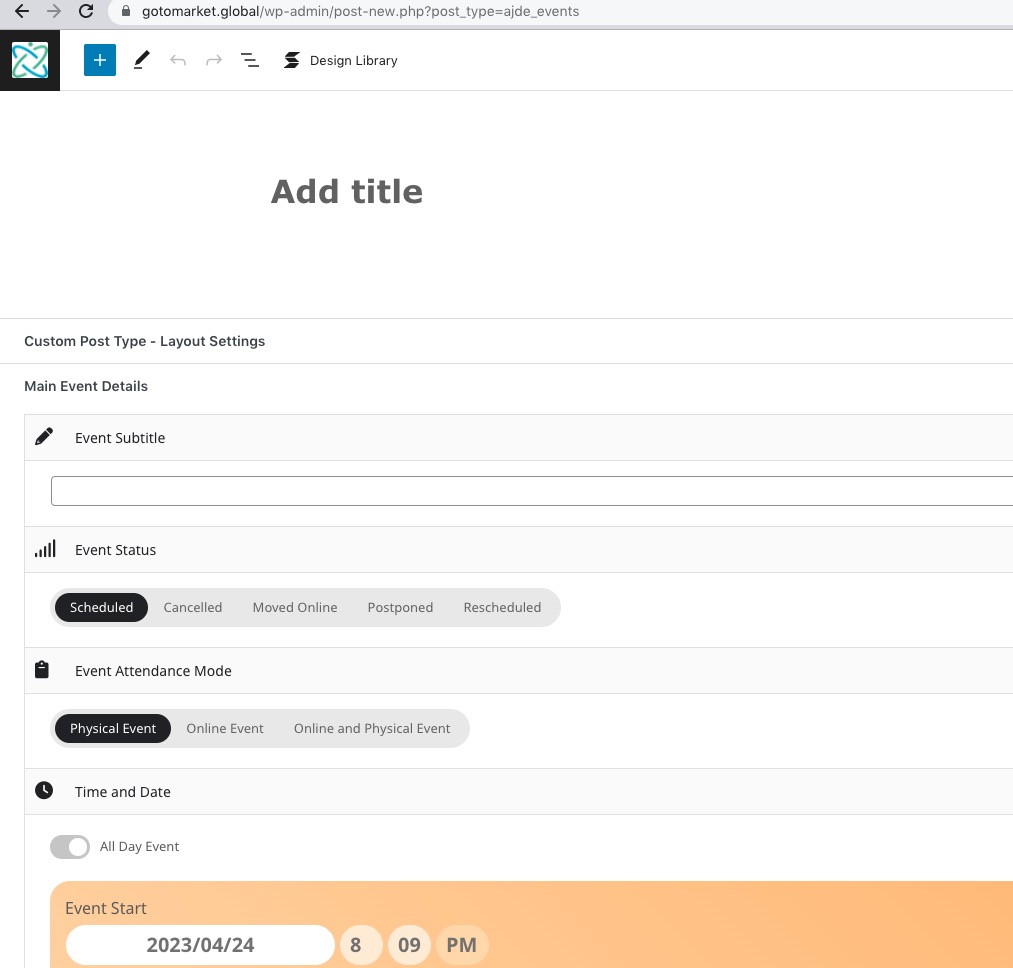
So I used the code from the instruction above to hide any errors on the site, but record them into debug.log file.
I think the issue is fixed now. Please check and let me know.
Hello,
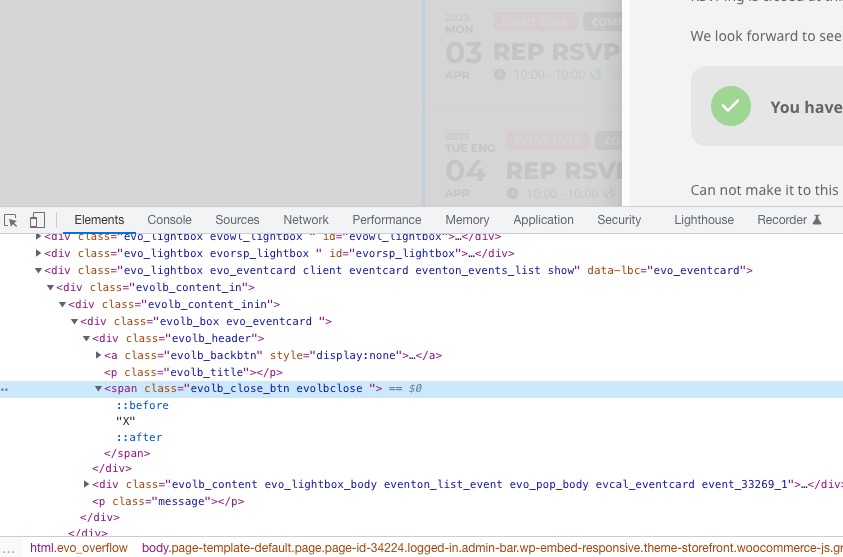
Could you make sure that your cache is cleared? We use span tag element instead of a, so it seems that Google still receives the old content:
We are glad your issue is resolved, if you have any further questions or concerns please create a new ticket.
Hello,
Please use this code:
.evomb_section.additional_functionality { display: none !important; }
As a temporary solution, you can go through every image link and make sure that the image exists.
Ashan,
When CSV cannot find an image from it’s link, it breaks. Try importing the first event:
minhemstad.se/wp-includes/output.csv