Ashan,
Please check 1.
From their ticket on wordpress.org:
The “link for location” field under location.
I have been putting a link to the website, if there is a website for the subject location.
Im suspecting this field instead should be populated by the Google maps link. Can you please advise for SEO purposes, what should be put into this field?
Hello,
1. Thank you for your messages, I am going to assign this ticket to Ashan and he will be able to take it from here and find you a solution. Please allow some time for him to get back to you, we greatly appreciate your patience and thank you for being a eventon customer! Also please disable any IP blocking on your site if there are any.
2. Login info from one of your previous tickets has stopped working. Could you send us the correct one?
Please take a look at this example:
http://dynamicdrive.com/dynamicindex17/ajaxtabscontent/ajaxtabs_suppliment.htm
Clicking on a tab loading the content inside just after you clicked instead of on the page load. However, please note that I showed you just an example, and not sure if the same can be done on your website. Please check the page builder documentation.
Performance. Please try following
https://docs.myeventon.com/documentations/why-my-site-and-eventon-page-loading-slow/
You can also go to EventON > Select event calendar WP Query method.
I cannot access /wp-admin because the site keeps loading for me.
Unfortunately, you cannot edit /events page with any page builder. They only way is to follow
https://docs.myeventon.com/documentations/how-to-customize-events-archive-page/
However, if there are CSS adjustments we can make, please let us know.
You can also follow
PROTIP: If the /events page does not work due to theme/plugin conflicts, create a new page, call it “Events Directory” Insert eventon shortcode and use that as your main events page which will have a URL ending like /events-directory. This would be a perfect solution if you have conflicts with /events slug.
Subscriber works for all events at once. Subscribers can opt-out from categories they don’t want to receive events from.
https://orebro.minhemstad.se/wp-admin
eventon@gmail.com / DH#&Xb9Ab(h9orq2aIEMTp1L
File is: minhemstad.se/wp-includes/output.csv
Create a new page and put a shortcode you like. After go to EventON > Events Paging > Select Events Page: the page you created earlier. Now you can edit the shortcode and it will affect the main EventON page.
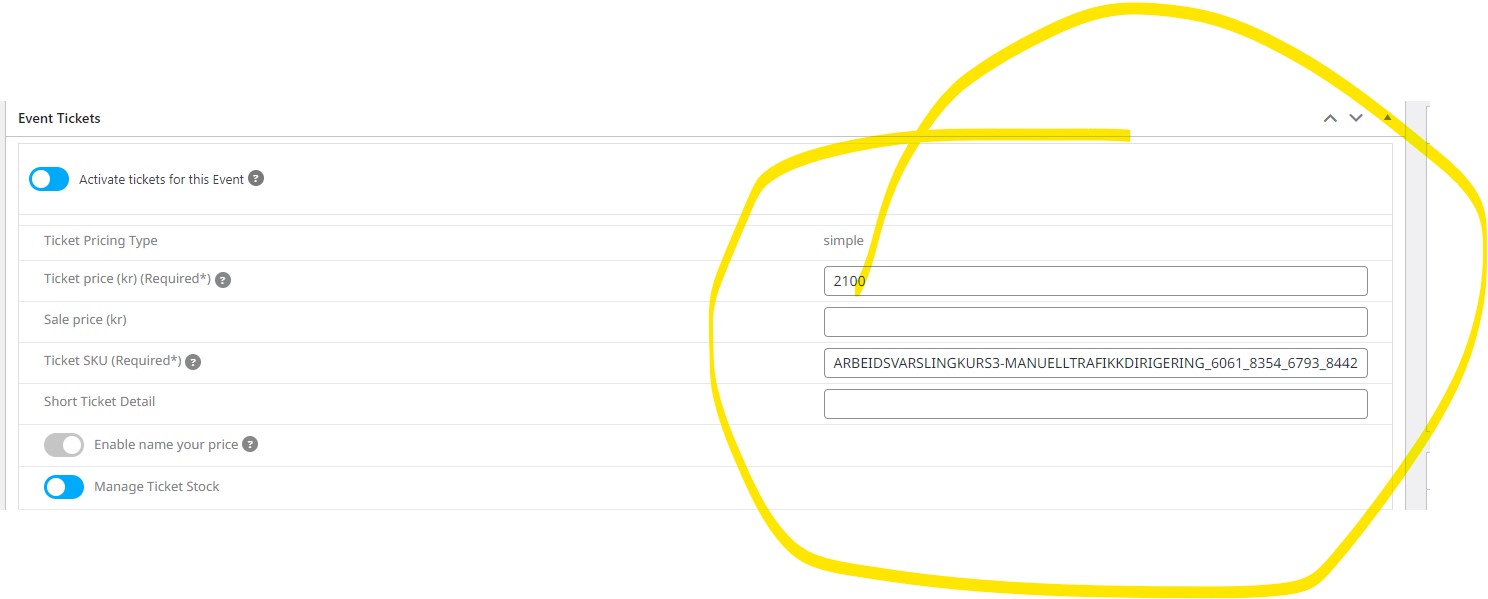
jeg svarer dette: Hi, the field already exists, but is not in list. the hooks only create new metafields, not ticket price and other ticket information. We need to import a lot of tickets. Is there a way to add this funtionality?
Thank you for sharing the event page URL. I was looking at the Posts in the WordPress dashboard and there were none, but now I understand that the events are a different post type.
I was able to find the default event page – https://pagosascene.com/events. Is that page editable somewhere? I can’t find where to change the setting to only show upcoming events for the month (versus showing the entire month event though we are on the 24th).
Thank you,
-natalie
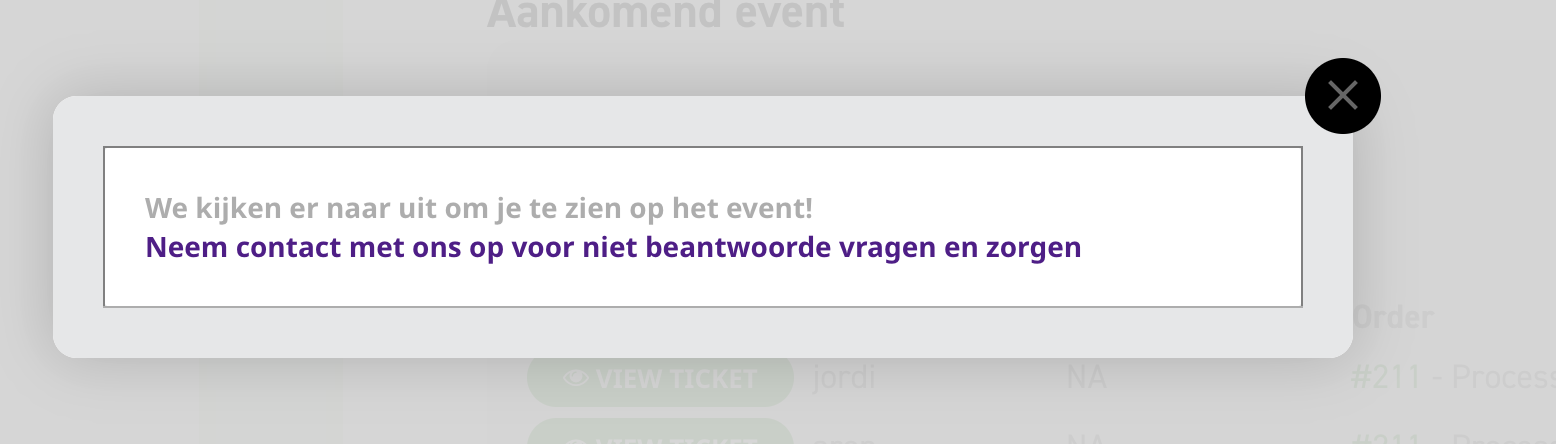
- okay and is this a standart email for each event or can we send difference emails everytime we use it?
Thanks Ashan i looked at our website but i didnt see any changes i guess, can you tell me where you changed it and what it should do because i still see this when i click on view ticket. so somehow there is no information in that click.