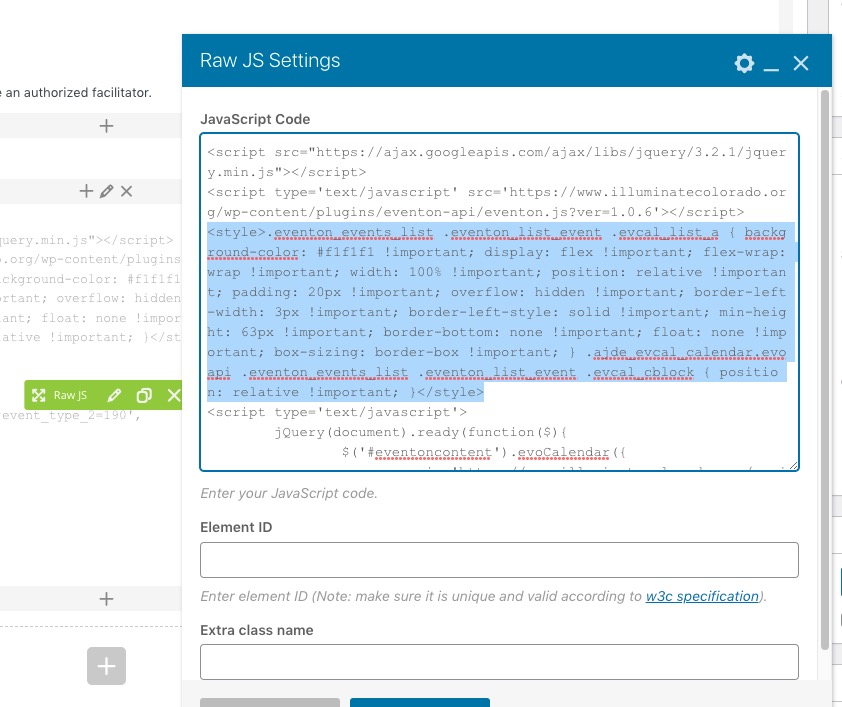
Added the code right where the code is:
It also needed !important:
.eventon_events_list .eventon_list_event .evcal_list_a { background-color: #f1f1f1 !important; display: flex !important; flex-wrap: wrap !important; width: 100% !important; position: relative !important; padding: 20px !important; overflow: hidden !important; border-left-width: 3px !important; border-left-style: solid !important; min-height: 63px !important; border-bottom: none !important; float: none !important; box-sizing: border-box !important; } .ajde_evcal_calendar.evoapi .eventon_events_list .eventon_list_event .evcal_cblock { position: relative !important; }
Seems to be working now. Please check and let me know.
Hello,
Thank you for your great suggestion, at the moment it is not supported. However please create a new ticket and select Feature Request as category so others can vote on your idea and get it moved into development faster.
Hello,
Please create a separate page for each button, where you need to put a shortcode with filtered results according to this guide:
https://docs.myeventon.com/documentations/confused-event-type-categories/
Hello,
Our test site doesn’t have Google Map API, since it can be easily changed/removed when wp-admin access is available to anybody.
Please take a look at how Event Map works on our test server:
https://dev2.myeventon.com/test-29/
And also on our demo server:
https://addons.myeventon.com/events-map/
Please note that you can just refund your purchase during first 30 days.
More info:
https://docs.myeventon.com/documentations/terms-and-conditions-and-refund-policy/
So usually customers buy an add-on, test it out on their WP environment and if it works, keep using it.
YOU ALSO NEED TO ADD A LOT MORE EVENTS, WITH PHOTOS, AND VIDEOS, ETC.
Could you elaborate? Are you referring to dev site or demo site?
Perfect! If you have any further questions or concerns please create a new ticket.
Perfect! If you have any further questions or concerns please create a new ticket.
If you have more questions, kindly send us a new ticket and we would be more than happy to help you resolve your issues!
We will also improve on this to allow more possibilities in the future updates 🙂
Yes please use coupon code EVO20T at the checkout !!
Sure. Since this is a live site, I just created a staging copy for you to work in. URL is http://staging4.tipcolorado.org/wp-login.php
Username: EventON
PW: VF$7a@)0oqk%356%i2jTdiUX
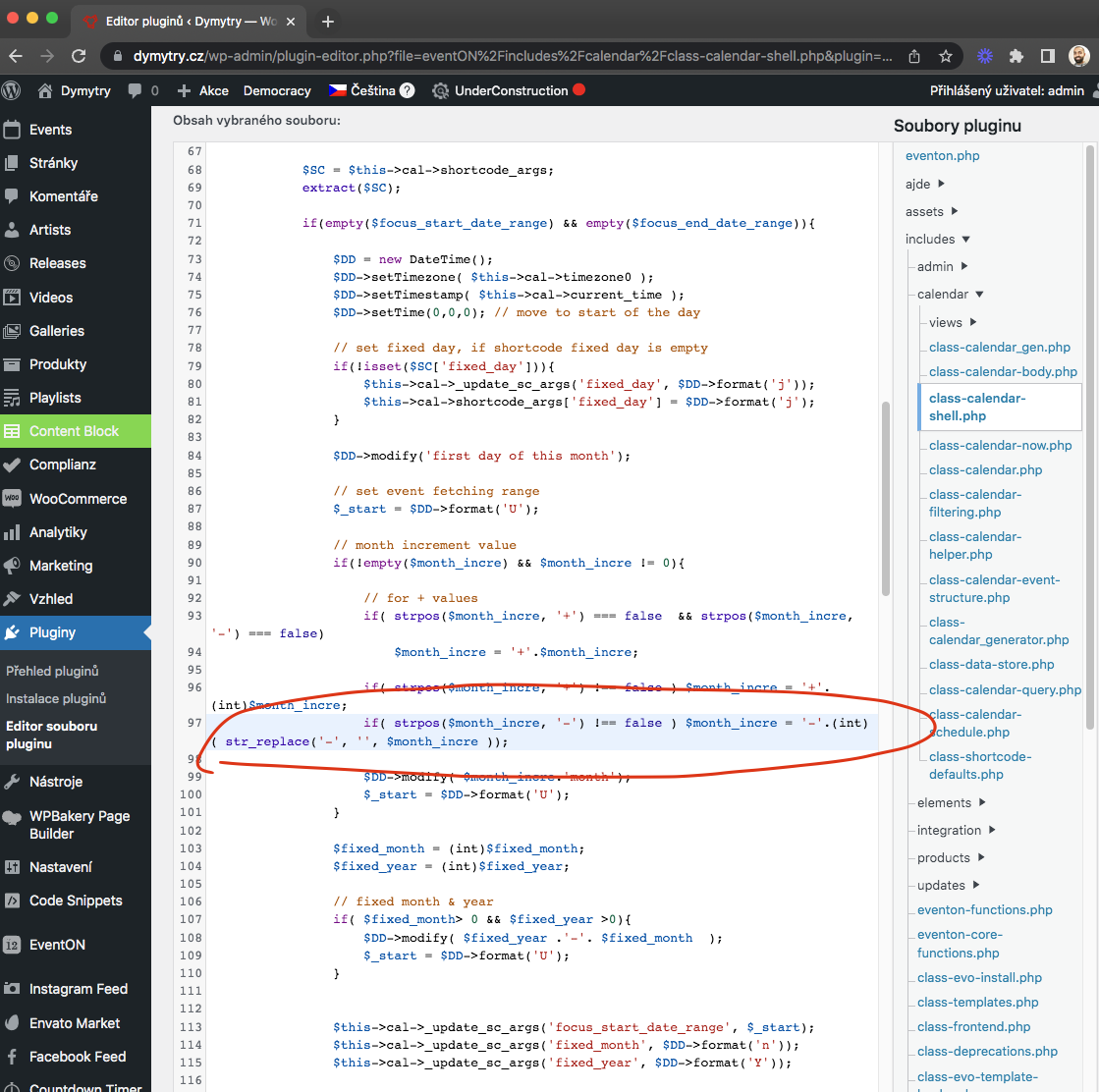
this is where I editted the code.