made a change in your eventON code please check now.
Archives: Replies
Replies for tickets on suppota
Reply to: tickets(313869)
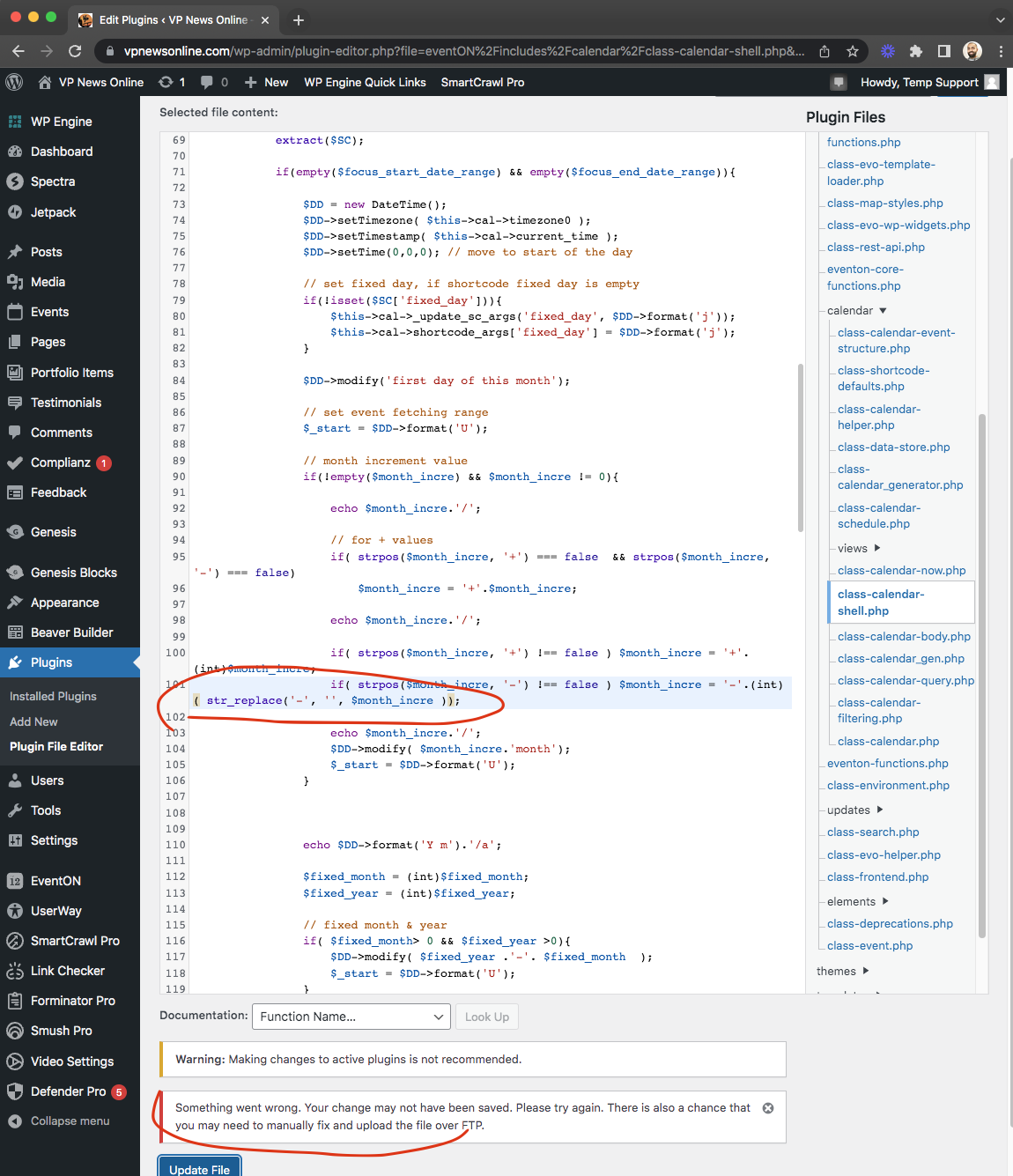
Erin I am terribly sorry my testing this broke your site due to a code error shown below.
Can you share FTP access to your site? or remove eventON and reinstall.
Reply to: tickets(313994)
I have buttons on https://neueserleben.at/erlebnisse/ with the categories – and i want to filter only the category if i click on a button. For example Kinder & Familien should only show Vienna Comix.
Reply to: tickets(306129)
Hello Seth, we’ve had some issues with the helpdesk and should be all sorted out now. We try to keep all the communications in here makes things easier as emails can get lost very easily. Hope you understand!
I will reach out to the yoast team!
Reply to: tickets(313578)
I updated the code in your site for the #5 please check now should be good to go 🙂 these changes will be in the ticket next version 🙂
Reply to: tickets(298422)
Would you mind sending the update access to your site? the supplied login with the ticket does not work anymore.
Reply to: tickets(313859)
Are you able to give this another try and see if it works? we had some issues with helpdesk and was able to resolve that.
Reply to: tickets(306129)
From Yoast:
It’s great that the EventOn team is willing to contact us directly about the issue. If they could reach out to us at support@yoast.com, that would be good.
More information about the conflict between the RSS feed generated by the EventOn plugin and the RSS add-on is already noted in this GitHub bug report.
We also found some closed bug reports (here, here, and here) that have been resolved without any changes to the Yoast code. This is similar to what EventOn alluded to when they said, “Other than we change our code, but that would be a lot of work.“
Reply to: tickets(313858)
So I solved this. Do not know why, after I splittet the categories it worked suddenly.
Reply to: tickets(313864)
So the solution is to delete all my eventcategories and make them new. the import of the languagefile from the other side overwrote the ids. That should be solved.