I too am seeing this problem. If I downgrade to v4.9 its working as expected. The workaround does appear to resolve it though
Archives: Replies
Replies for tickets on suppota
Reply to: tickets(397572)
What’s your current shortcode on https://yellowhouse.net/schedule/?
Edit Page shows nothing and Edit in Elementor shows an error.
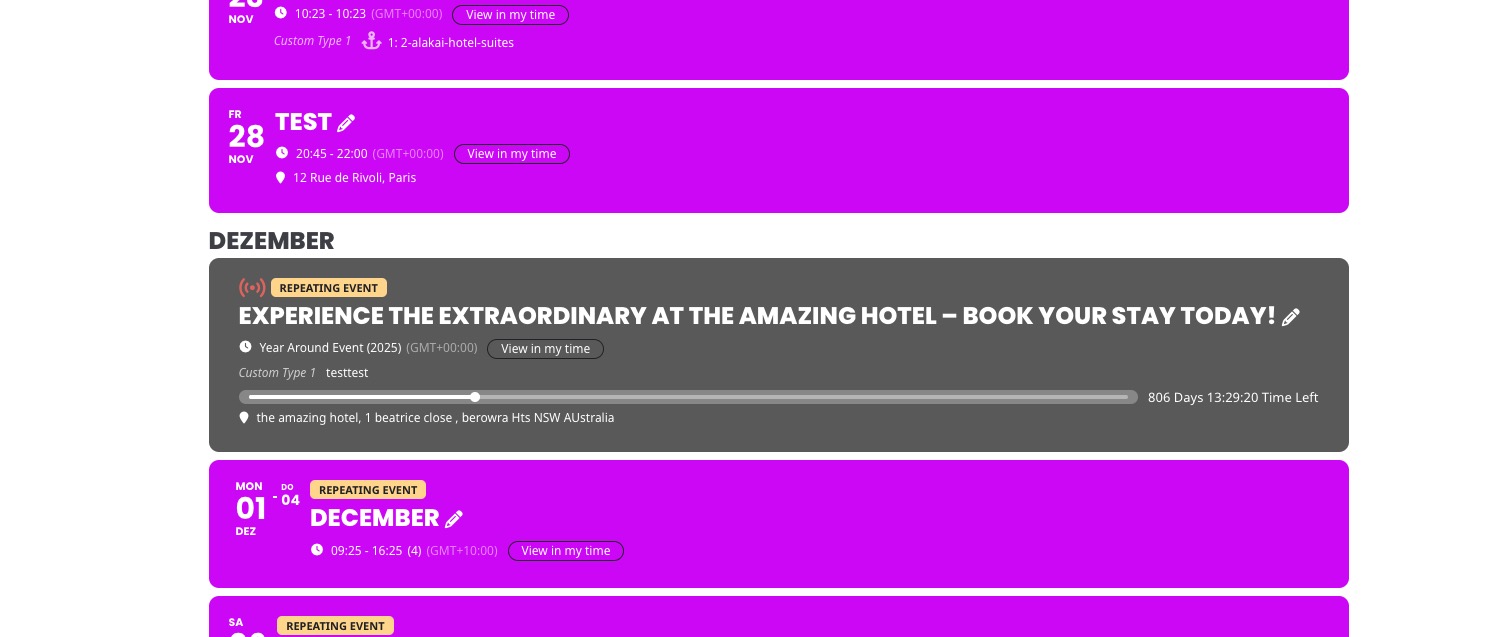
I created this event (similar to yours):
https://dev2.myeventon.com/events/december/
Changed Timezones.
And it shows correctly on
https://dev2.myeventon.com/test-72/
Reply to: tickets(397584)
We are aware of the issue and working on fixing it. Please remove lightbox=”yes” from the shortcode as a temporary solution.
Reply to: tickets(397758)
We are glad your issue is resolved, if you have any further questions or concerns please create a new ticket.
Reply to: tickets(397364)
Hello,
Usually this happens because of cache. You can WP Rocket cache plugin and also enabled EventON > Advanced > Cache calendar events list data.
Try disabling both and see if the issue will be fixed.
Reply to: tickets(396534)
Do you need our help with anything else or can I close the ticket?
Reply to: tickets(397686)
I just checked your website and events open for me:
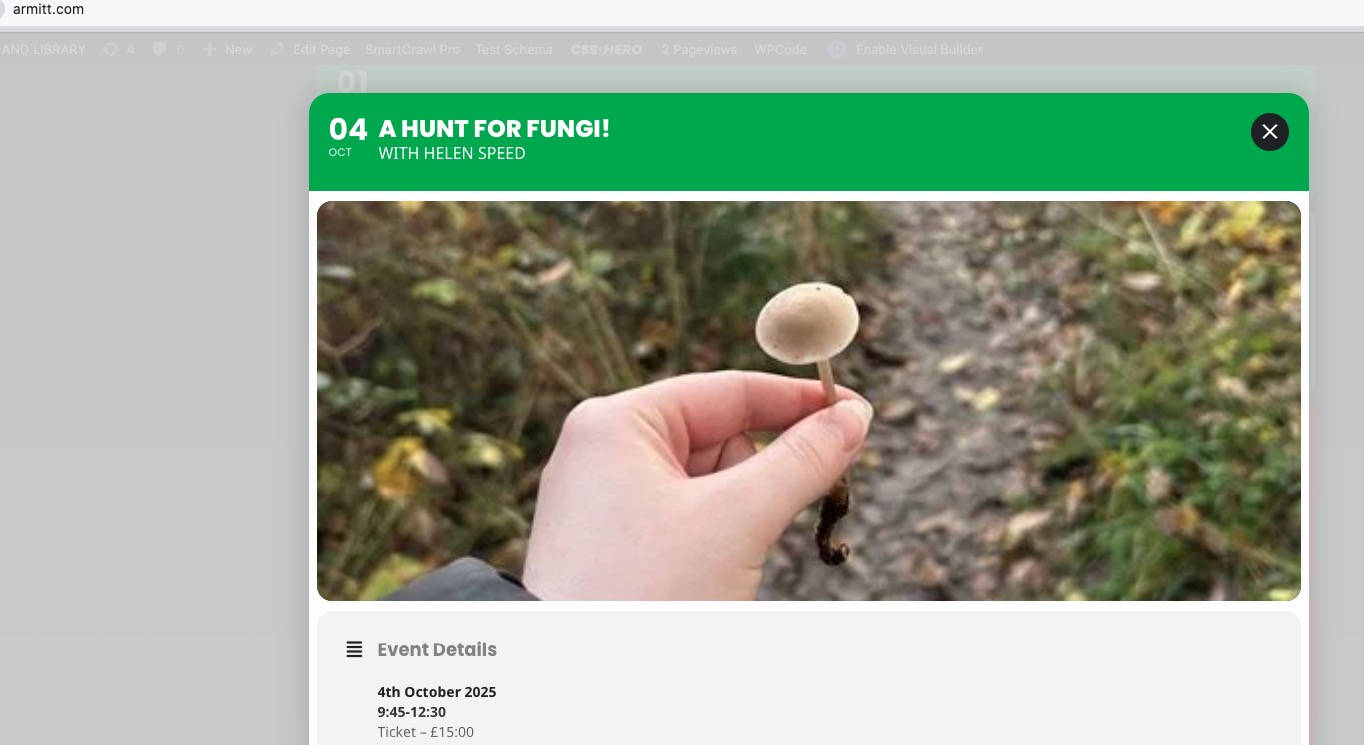
Could you make sure to clear your browser cache?
I also check the code and the patch has been applied as I can see.
Reply to: tickets(397514)
I can apply the patch if you send us wp-admin login info from “Access Info” box on right side menu, to further assist your situation.
Reply to: tickets(397749)
Ashan,
Please check
You can test the shortcode on dev2:
https://dev2.myeventon.com/test-70/
I don’t notice any issues.
Reply to: tickets(397749)
Hello,
Thank you for your messages, I am going to assign this ticket to Ashan and he will be able to take it from here and find you a solution. Please allow some time for him to get back to you, we greatly appreciate your patience and thank you for being a eventon customer!