Great!! Only thing is that it doesn’t apply to featured events, can this be added as well?
Many thanks,
Peter
Replies for tickets on suppota
Great!! Only thing is that it doesn’t apply to featured events, can this be added as well?
Many thanks,
Peter
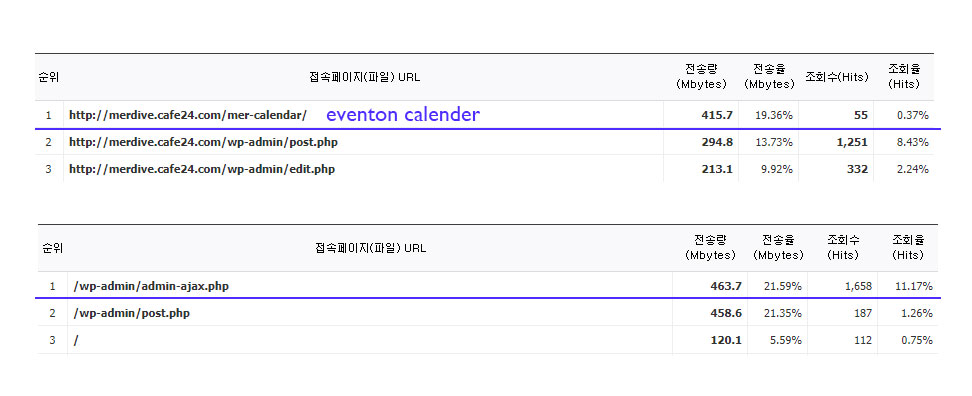
Hello,
Could you please try the instructions mentioned in this documentation to make sure your issue is indeed coming from eventon.
Hi Peter,
Just to make sure we are on the same page, do you want the feature image to cover the full width of the tile now?
To remove the border radius, use the custom CSS code below
.ajde_evcal_calendar.boxy.boxstyle1 .evo_boxtop, .ajde_evcal_calendar.boxy .eventon_list_event.hasbgimg, .ajde_evcal_calendar.boxy.boxstyle1 #evcal_list .eventon_list_event .desc_trig{border-radius:0;}
Please add the custom CSS code to “EventON Settings > Styles” and save changes. If you do not see the new style changes, Go to “EventON Settings > Styles & Scripting > Turn off write styles to header” Click save changes – to write the styles css code direct into page header. You can turn this off once the cache is cleared.
Hello,
Thank you for your messages, I am going to assign this ticket to Ashan and he will be able to take it from here. Please allow some time for him to get back to you, we greatly appreciate your patience and thank you for being a eventon customer!
Thank you for this! The calendar shows up now.
BUT–
If you can kindly assist. Thank you.
Wp admin access
KELLY
ChaniaCrete2019
Yes it is for repeating events

Epic! I agree that the first solution looks better as it scales to the full width.
Is it possible to also hide the header showing “April 9 – April 15, 2023” and navigation arrows?
Hmm, I tried to deactivate all plugins except EventON, but now I cannot load the website at all:
https://alternastg.wpengine.com/
Could you send us FTP access?