Thank you for your messages!
I am going to escalate this ticket to development to help in here. Please allow us some time to address this, and we truly appreciate your patience. Thank you for being a valued EventON customer!
Additionally, if your site has any IP blocking or security restrictions in place, kindly disable them temporarily to facilitate our support process.
Thank you for letting us know!
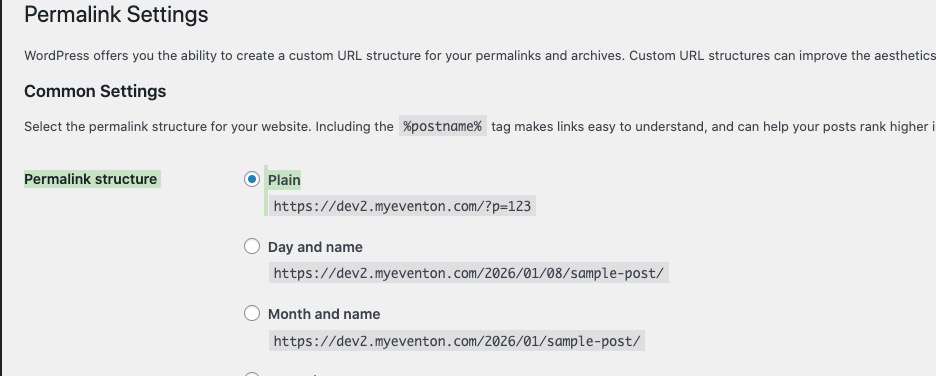
It seems there is an issue with ”Permalink structure: Plain”:
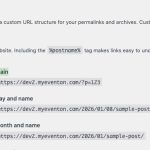
We are going to fix this ASAP. Meanwhile, please try switching it ”Post name” as a temporary solution.
Hello,
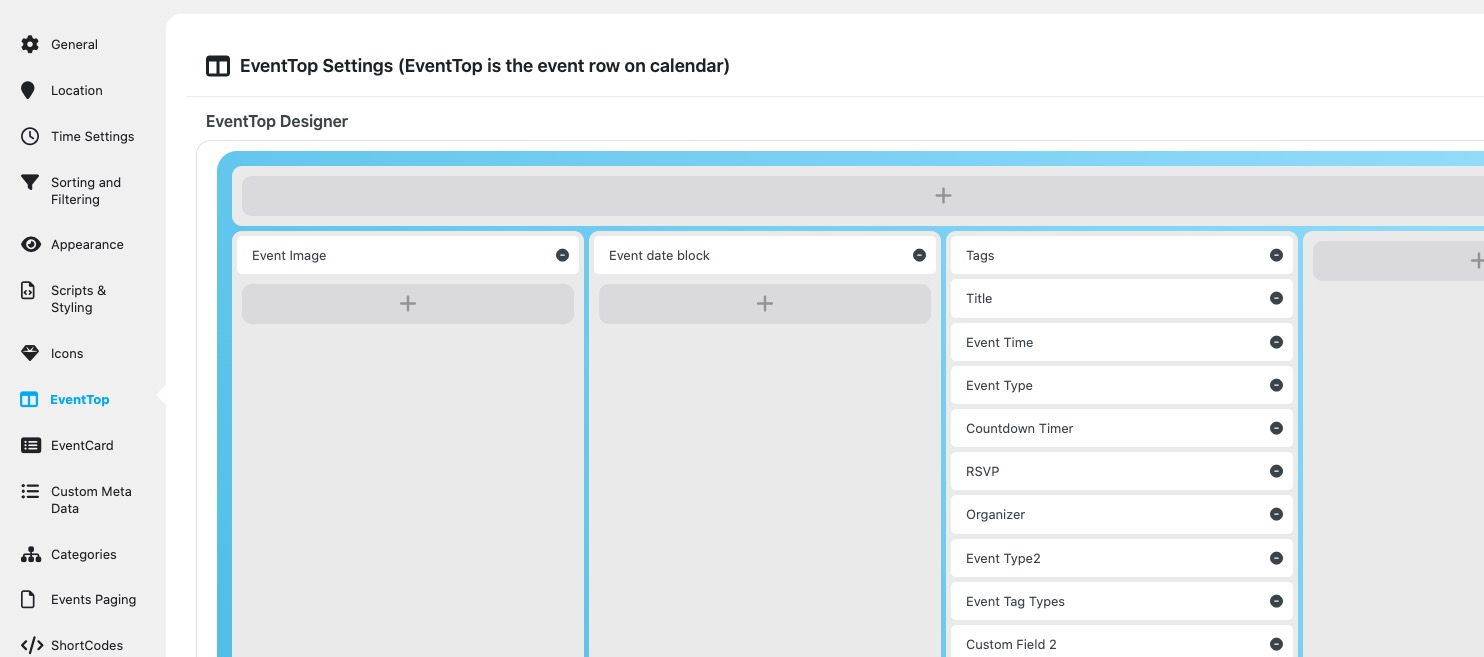
Could you try rearranging fields of EventTop like this?
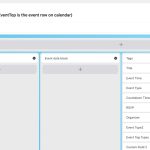
I followed your guide but this does not solve it. I can not send Admin rights to your page sorry….. but it was working long time and now not anymore. what can I do? Do you think https://www.pgwinti.ch/export-events/6652_0/?key=5f047ff769 is really an correct structure?
Hi Dev. Hope you’re well. We have a variation in prices, but not the available spaces. So we just want the number of spaces listed or the sold-out sign on it when all the spaces have been taken. It’s basically a single ticket but with 2 different price options listed. Does that make it possible now? Thank you
Ciao,
OK ho fatto dei test e ora risulta funzionare per le varie occorrenze.
Però nel caso della prima data 3 gennaio 2026 se edito i dati di questa occorrenza specifica, non vengono salvati. Perchè?
The instruction is not clear, I can’t find the event type #1 and where is the single event with right side bar?
I’m sorry, but if i remove the: Open all eventCards by default (Except tile layout) is not possible registering to the event can you see the video attached: https://vimeo.com/manage/videos/1152443086
the event card doesn’t
Could you try enabling Load More on all your shortcodes? Add these:
show_limit=”yes” show_limit_ajax=”yes” event_count=”5”
Also could you try disabling unused plugins. Please also try installing a cache plugin, ie WP Fastest Cache or similar.
Hello,
Could you elaborate more? By default you can see past and future orders.