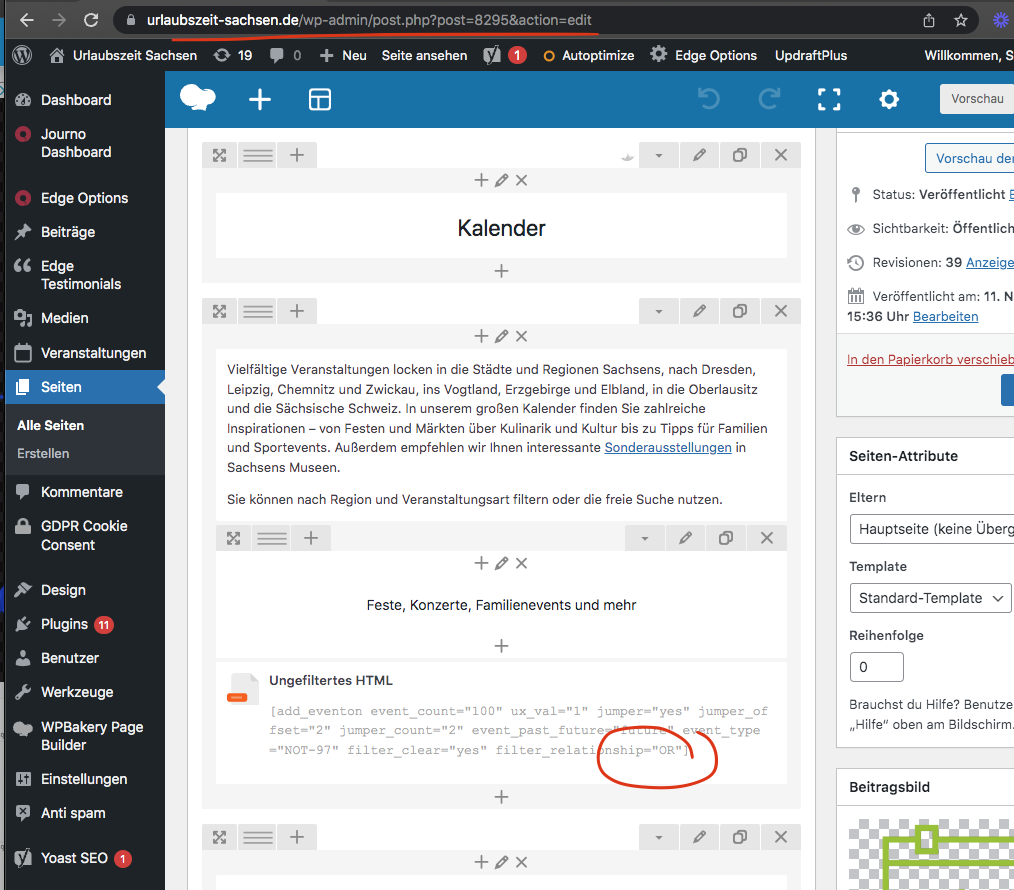
I see whats going on. So what happen is its using filter relationship bw two event types as OR so if one meets it loads those meeting events and NOT values would be ignored. You will need to use AND relationship type so all the filter values need to be met before the events could be shown.
The tags are not specific to events, its for all posts. That is why we do not create tag archive pages. I would suggest Tara to use event types if you wish to have those tag archive type pages.. I think we talked about this before as well 🙂
great we are also adding a secondary description field as well in the next update to eventon.
sounds good jon please let us know what you find out.
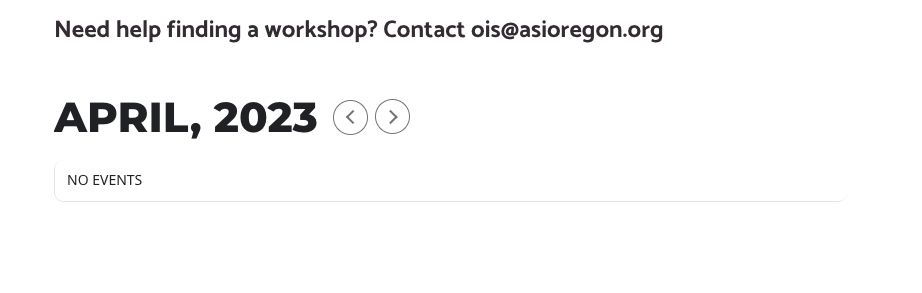
They still go in and change the information after duplicating the events. All events have the correct start/end times, event type, and titles. They are just duplicated to keep other settings consistent/for ease of use. Furthermore, the events showing without these attributes on the back end and showing or not on the front end are continuously changing. Currently when I load the page there are NO events showing, even though there should be the 37 in the month (see attached image).
Ultimately we need to know why the loading of the events is so inconsistent, and the backend view showing rows with empty information that has already been set and saved multiple times is concerning.
Because the site is live, we went ahead and cloned the site to a staging environment that you may test on if you need. The URL is https://alternastg.wpengine.com/ and login credentials initially provided will work there as well.
With that hint, I found the line of code and took it out! Thank you for the help.
Hello,
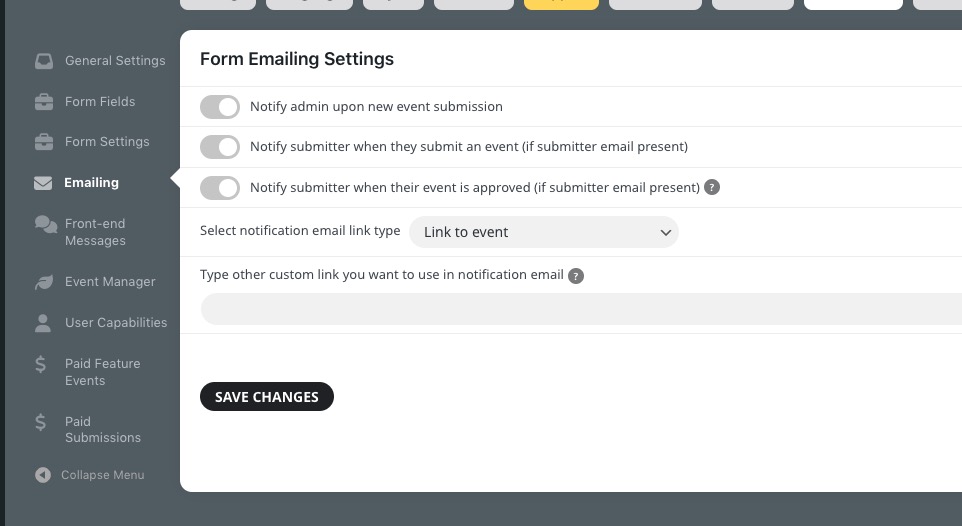
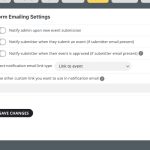
Emailing settings can be found here:
Thank you for your great suggestion, at the moment it is not supported. However please create a new ticket and select Feature Request as category so others can vote on your idea and get it moved into development faster.
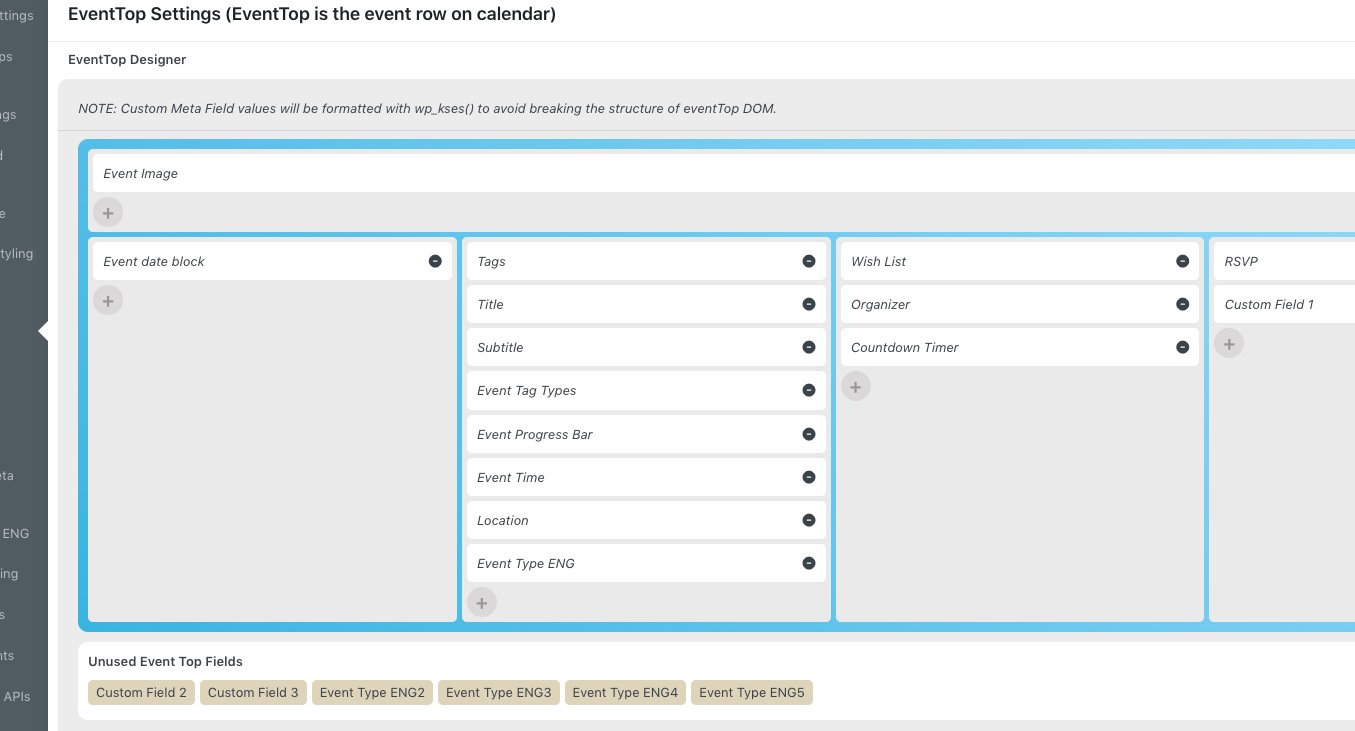
Could you try arranging fields like this: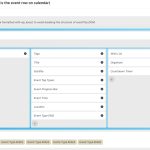
It seems to be working on our test server:
https://dev2.myeventon.com/test-22/
Also, we are going to release a new version of EventON – 4.3.5 in a few of days. Please wait a little bit, since my example is 4.3.5, so maybe the issue is related to 4.3.4.
Hello,
Could you send us a screenshot of the issue? Seems to be working on my end:

After you duplicated them, you still need to go to Edit Event and press Update, otherwise the date may not to appear. We will fix the issue in EventON 4.3.5.